
Networking
Shop all 590 products
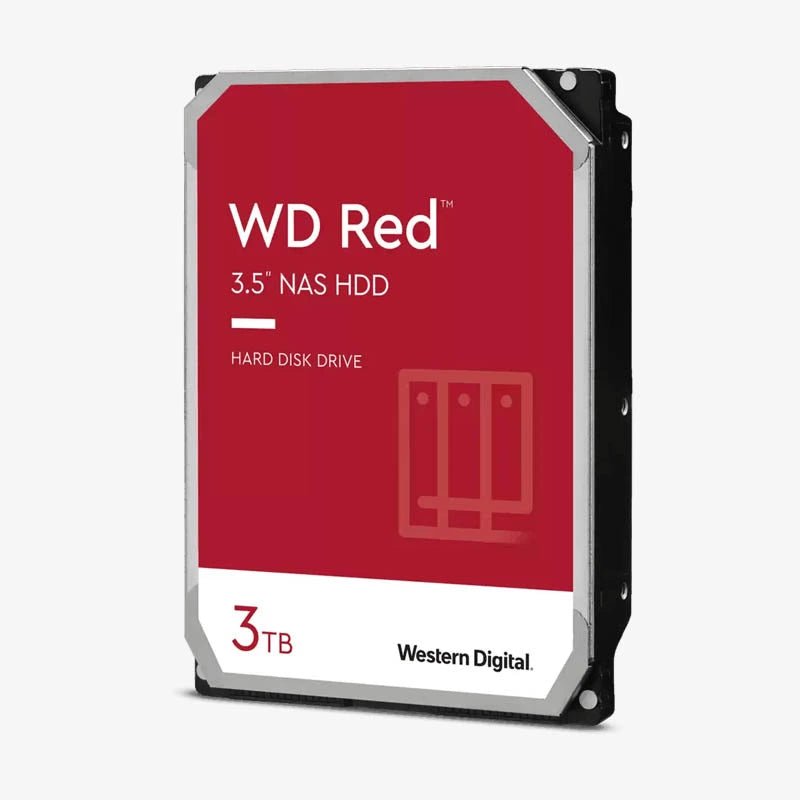
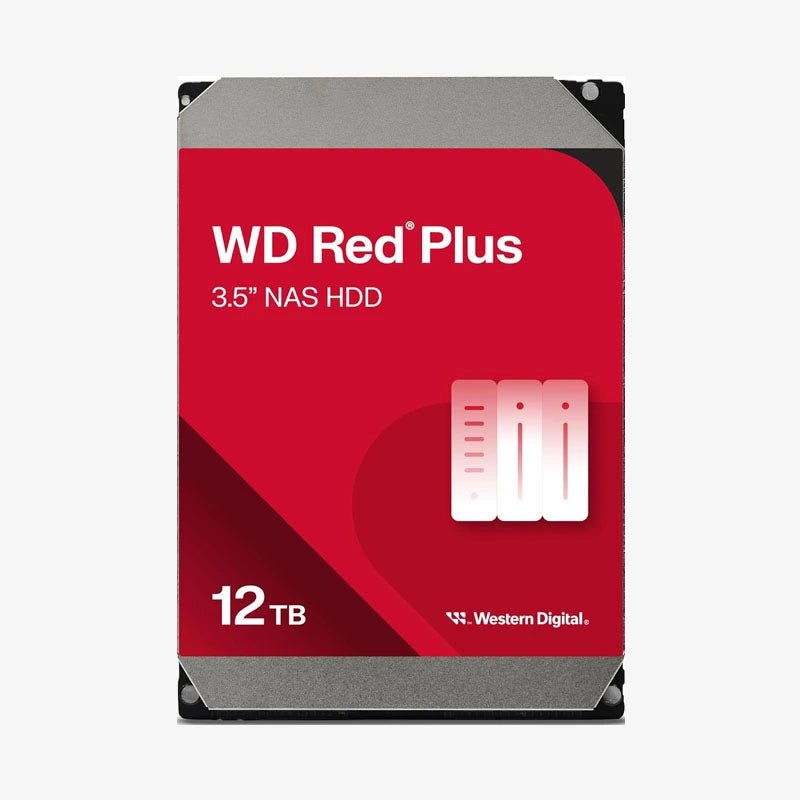
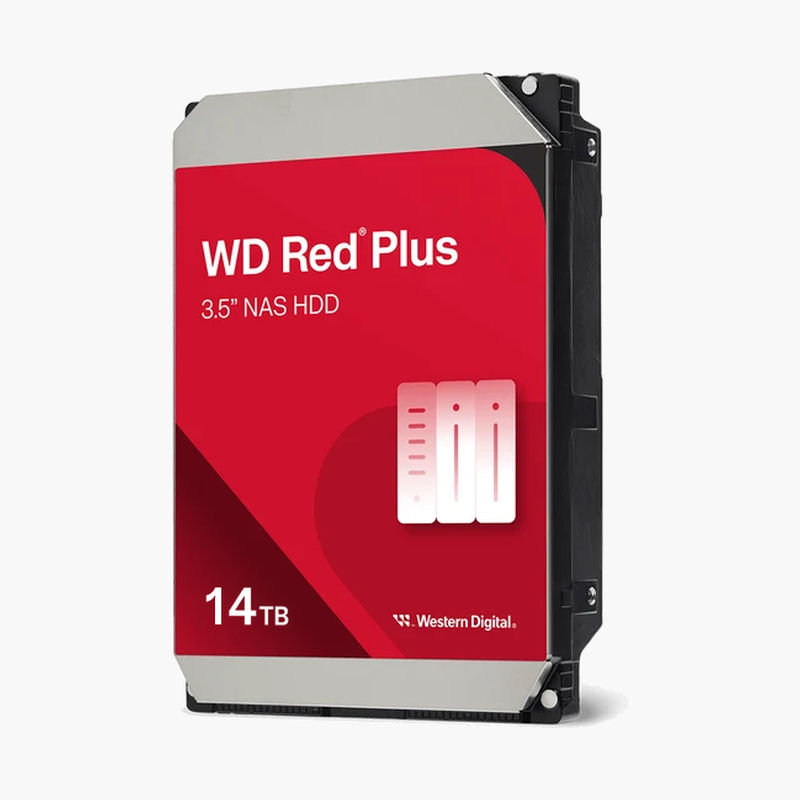
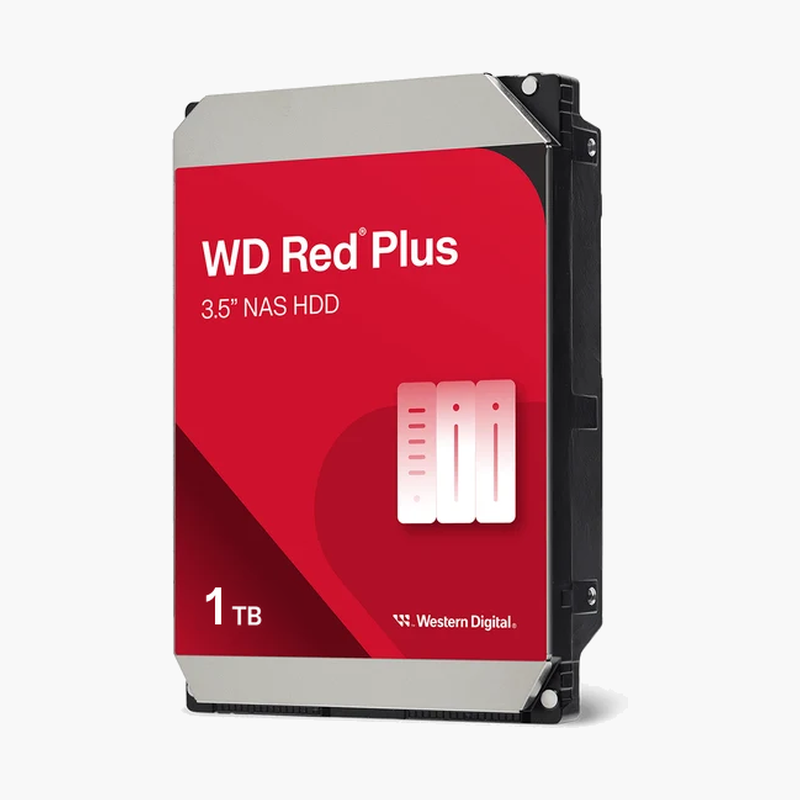
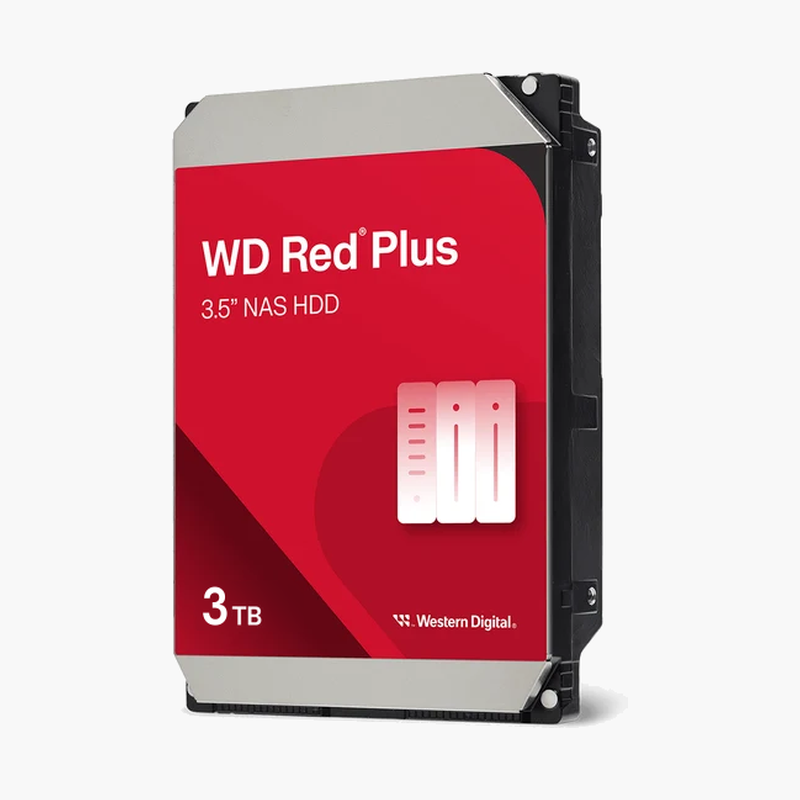
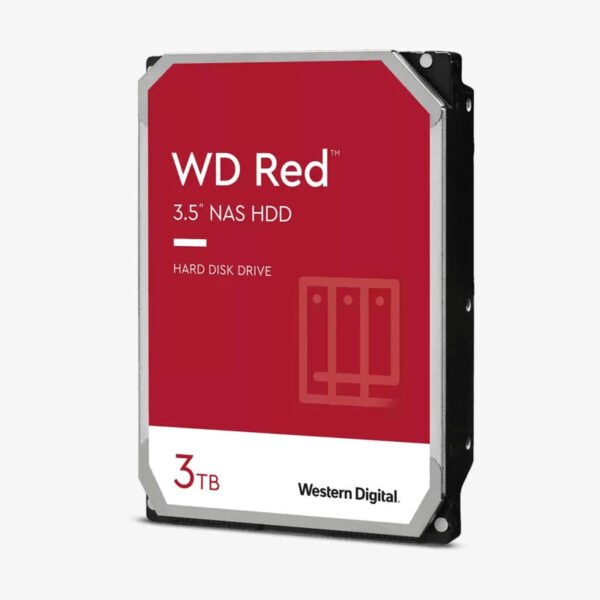
The WD Red 3TB (WD30EFAX) is a 3.5-inch internal NAS hard drive with a 256MB cache, NASware 3.0 firmware, and a 5400 RPM-class design for 1- to 8-bay NAS systems. It uses SMR recording, which makes it a practical fit for light-duty home storage such as media libraries, document archives, and scheduled backups rather than heavy RAID rebuild workloads.
Where the WD Red 3TB SMR Drive Fits — and Where It Doesn’t
How SMR Recording Affects NAS Performance
SMR (shingled magnetic recording) overlaps data tracks like roof shingles to fit more data on each platter. For everyday use, the drive-managed design and 256MB cache hide this well: files save quickly, media streams without stutter, and burst writes land in cache before being reorganized on the platters.
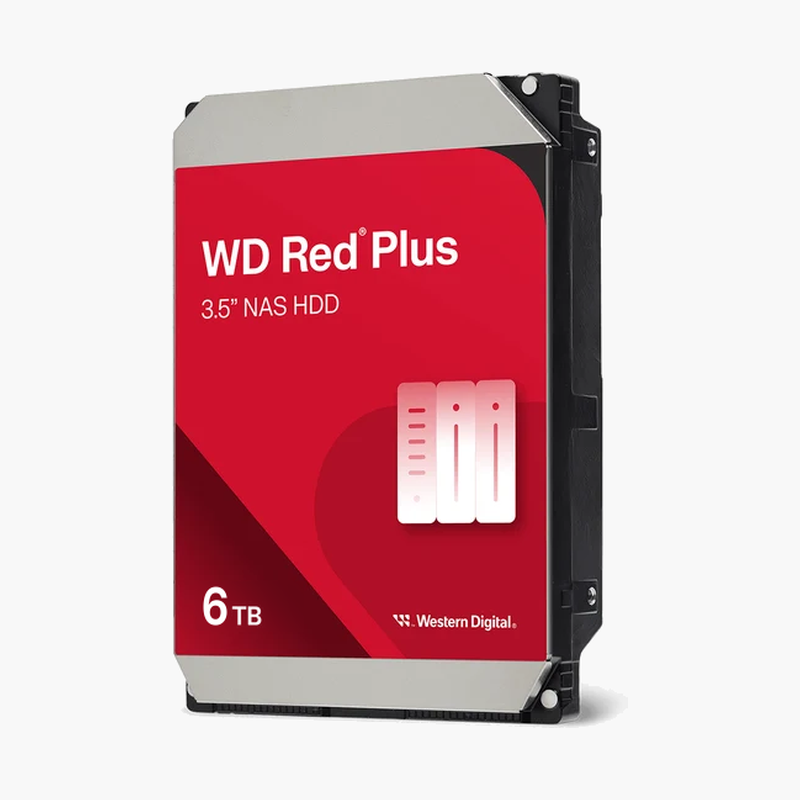
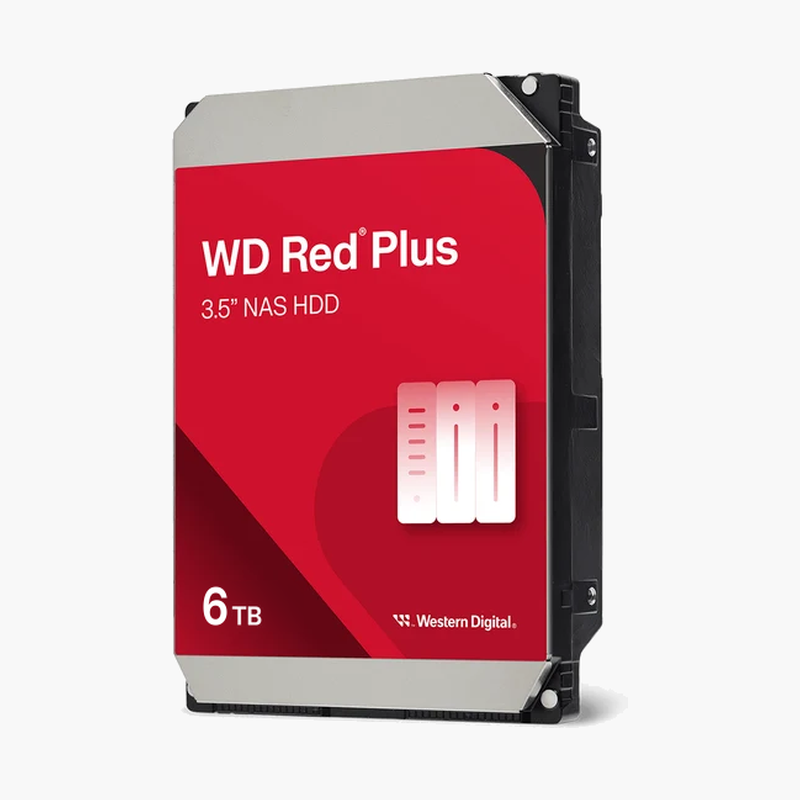
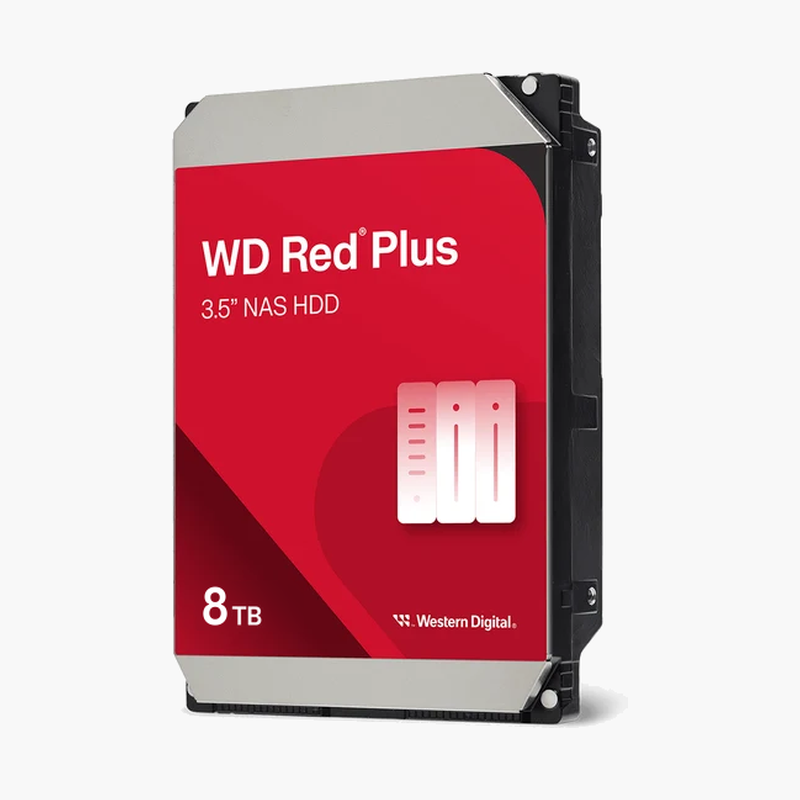
The limitation shows up under long sustained writes. When the drive has to rewrite large areas at once, such as during a RAID 5 rebuild or a ZFS resilver, it must also rewrite neighbouring shingled tracks, and throughput can drop well below its rated 180 MB/s. That stretches rebuild times and leaves an array exposed for longer. If you plan to run ZFS, a large parity array, or frequent rebuilds, a CMR drive from the WD Red Plus line is the better choice.
For the right workload, the WD30EFAX is a sensible, lower-cost NAS drive: it is rated for 24/7 operation, a 180TB/year workload, and 1 million hours MTBF.
Best Uses for the WD30EFAX
The WD Red 3TB works well as a single-drive NAS volume, a 2-bay RAID 1 mirror, a secondary backup target for PC and phone backups, or a Plex and photo library that is written once and read many times. In these read-heavy roles, SMR’s write penalty rarely appears, and you benefit from the drive’s low noise and low power use.
NASware 3.0 — Built for Always-On Home NAS
NASware 3.0 tunes error recovery and power behaviour for NAS use, so the drive reports read problems to your NAS promptly instead of stalling the volume. The 5400 RPM-class spindle keeps heat and noise low in small enclosures that often sit in living rooms and home offices.
Setup Instructions
How to Install the WD Red 3TB (WD30EFAX) in Your NAS
- Check your NAS maker’s compatibility list for the WD30EFAX, since some vendors limit or flag SMR drives for certain RAID modes, and power down the NAS before opening a bay.
- Mount the drive in an empty bay or tray using the enclosure’s screws or tool-less clips.
- Power on the NAS and let DSM, QTS, or your NAS software detect the new drive.
- Create a Basic, JBOD, or RAID 1 volume for best results, then enable scheduled S.M.A.R.T. tests and health alerts.




Reviews
There are no reviews yet.