
Networking
Shop all 590 products
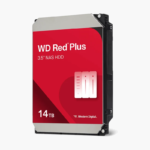
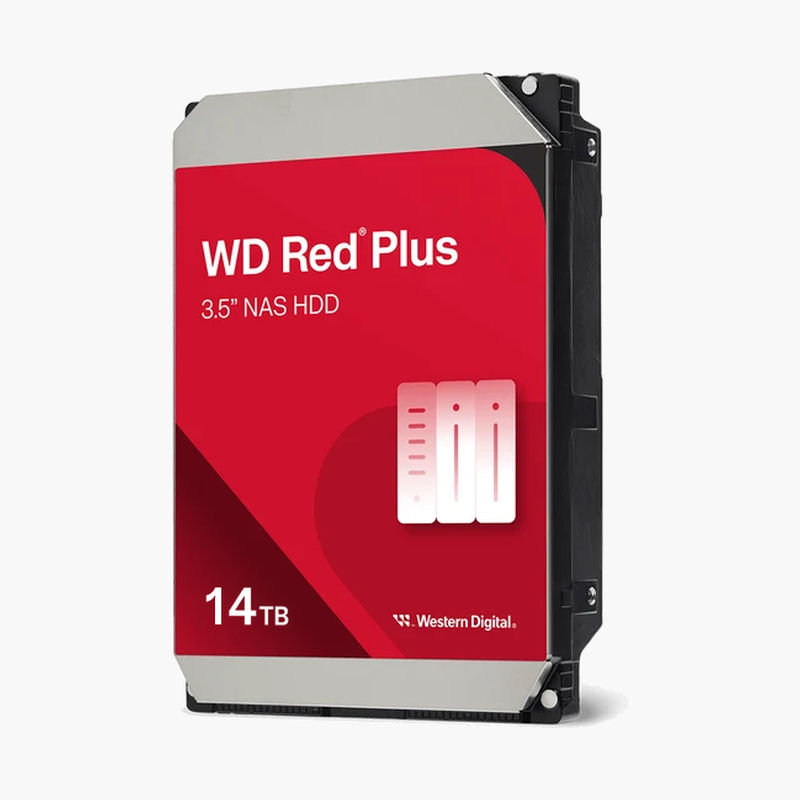
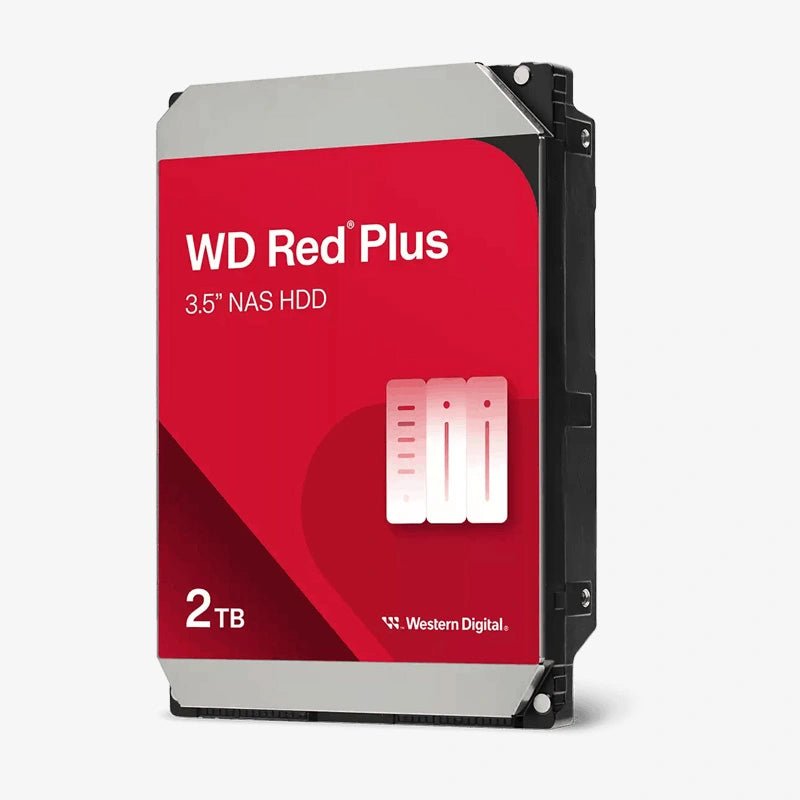
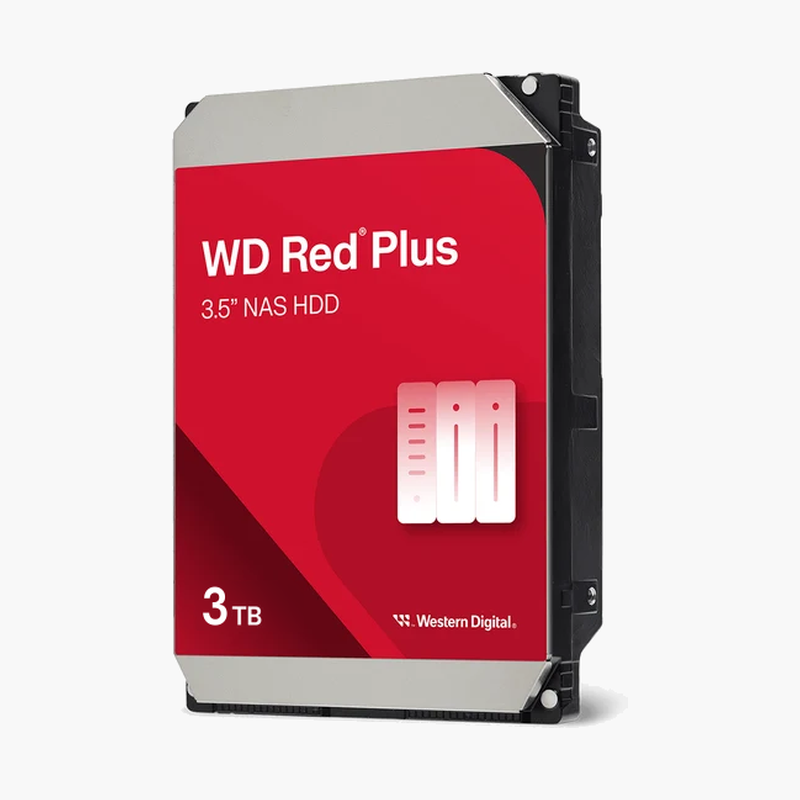
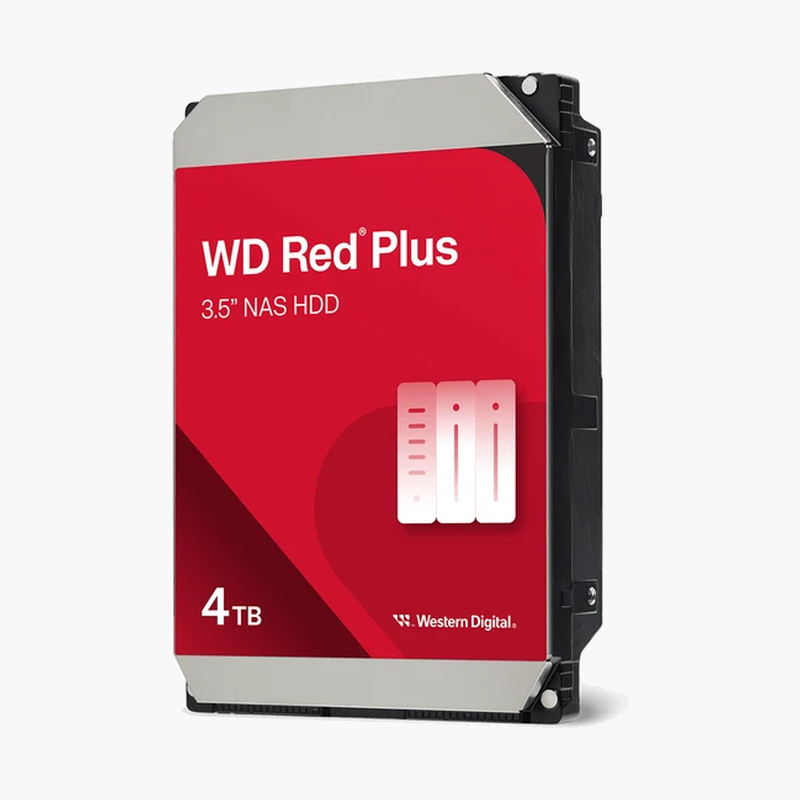
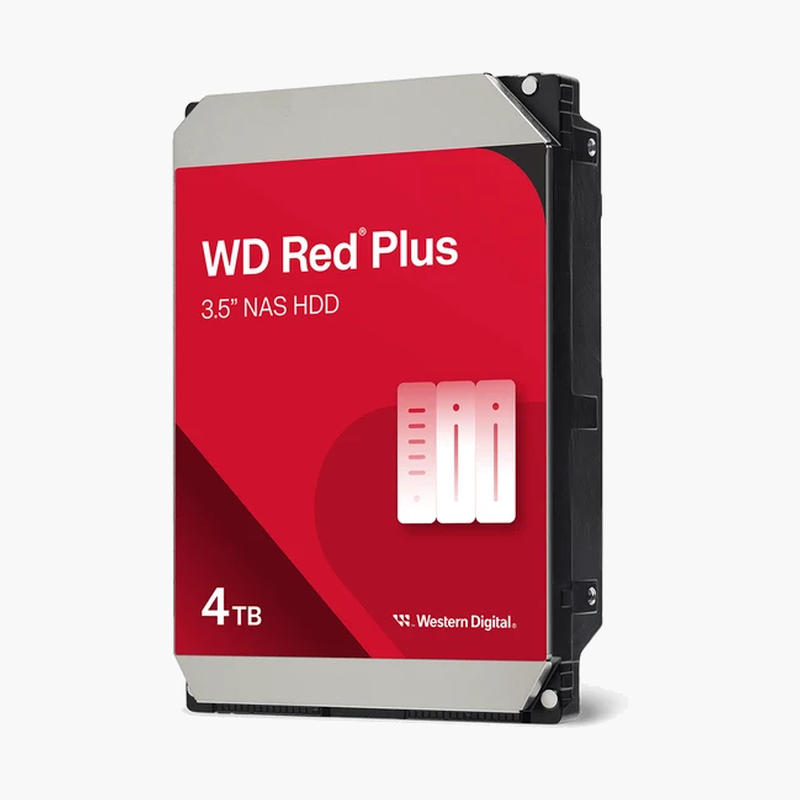
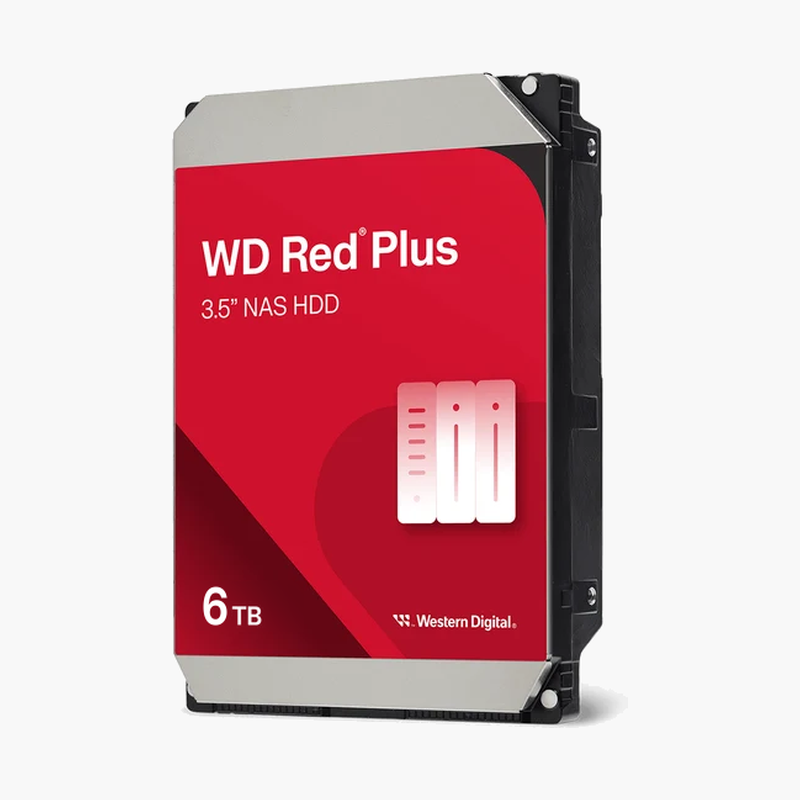
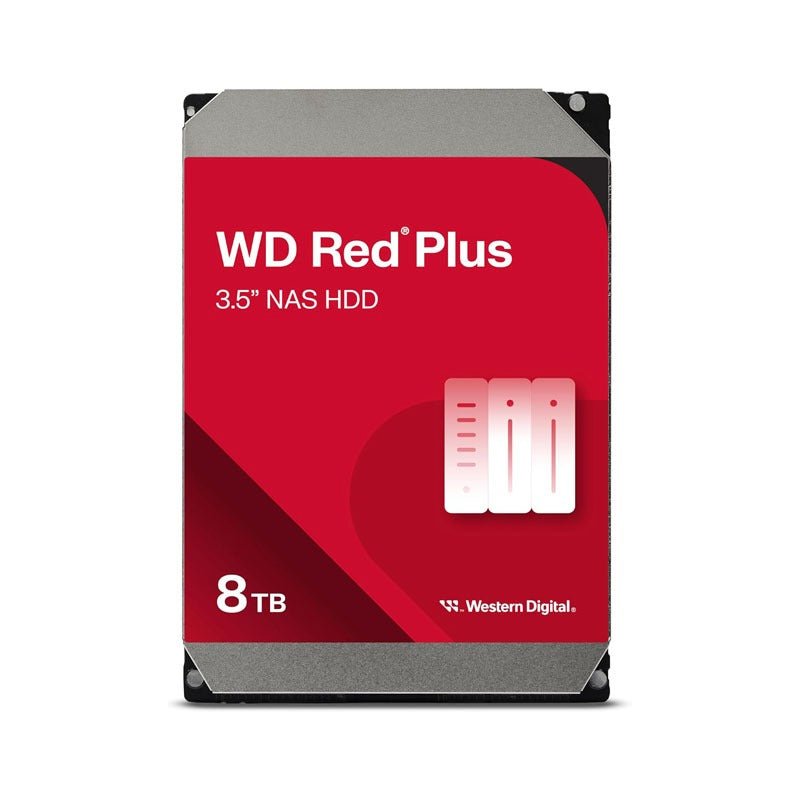
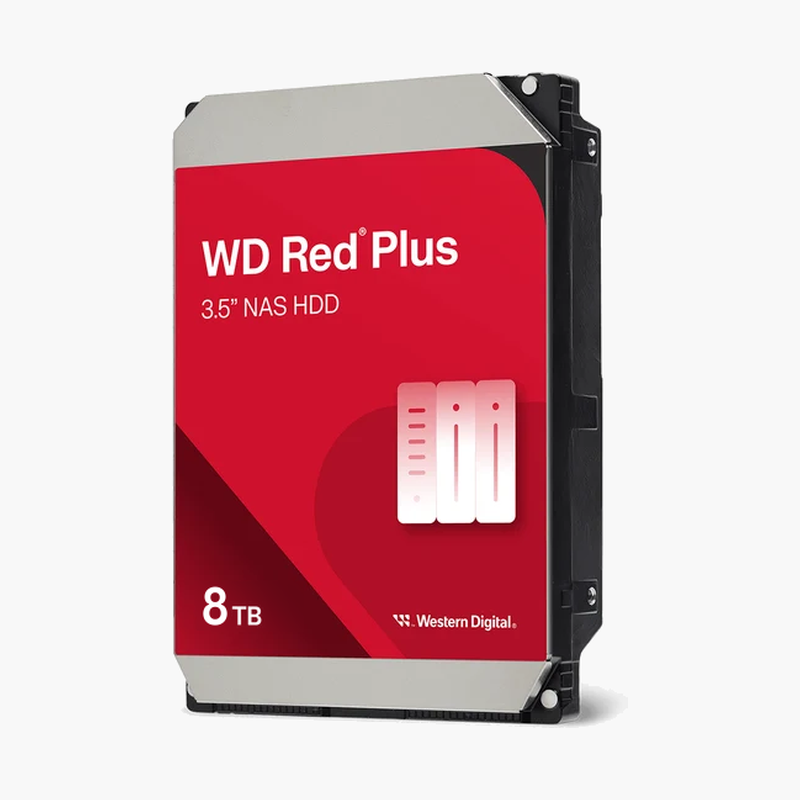
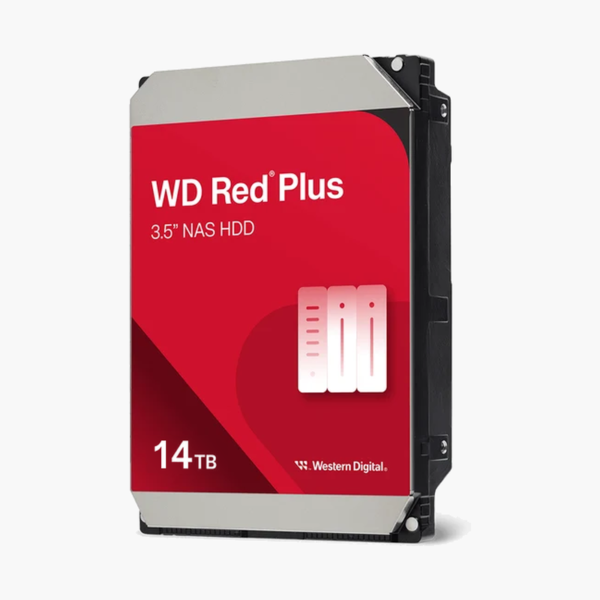
The WD Red Plus 14TB (WD140EFGX) is a 3.5-inch internal NAS hard drive with CMR recording, a 512MB cache, and NASware 3.0 firmware, built for always-on NAS systems with up to 8 drive bays. It suits high-capacity 4- to 8-bay arrays where fewer, larger drives keep power, heat, and bay count down, where steady write speed and RAID stability matter more than raw benchmark numbers.
Why CMR and NASware Keep Your NAS Array Stable
Why a Desktop or SMR Drive Doesn’t Belong in Your NAS
Most failures in home and small-office NAS builds come from using the wrong drive. Desktop hard drives are validated for a few hours of intermittent use per day. A NAS drive runs continuously next to other spinning drives, absorbing heat and vibration a desktop drive was never tested against. Desktop firmware can also spend a long time retrying a weak sector, and many RAID controllers read that silence as a dead disk and eject it from the array.
There’s a second trap: SMR (shingled magnetic recording). Some budget NAS drives, including certain WD Red models without “Plus” in the name, write data in overlapping tracks. That works for cold storage but slows sharply during RAID rebuilds and long sustained writes. The WD Red Plus 14TB uses CMR, where every track is written independently, so rebuild speed stays predictable when your array is most exposed.
The WD140EFGX is rated for a 180TB/year workload and 1 million hours MTBF, the specifications Western Digital sets for 24/7 NAS duty rather than desktop use.
CMR Recording and 512MB Cache — Predictable Speed Under Load
With CMR and a 512MB cache, the WD140EFGX sustains up to 210 MB/s internally, enough to saturate a standard 1GbE network link for backups, file sharing, and media streaming. More importantly, write speed stays consistent whether you’re copying a single large video file or rebuilding an array after swapping a failed disk. For planning, four 14TB drives in RAID 5 give roughly 42TB of usable space with single-drive fault tolerance.
7200 RPM Performance — Built for Busier NAS Workloads
The WD140EFGX spins at 7200 RPM, which shortens seek times and lifts sustained throughput to as much as 210 MB/s. That helps when several users hit the NAS at once, when you run ZFS scrubs or snapshots, or when a rebuild has to read every sector of every drive. The trade-off is slightly more heat and seek noise than a 5400 RPM-class drive, so give multi-bay enclosures steady airflow. Western Digital’s 3D Active Balance Plus dual-plane balancing reduces vibration passed between neighbouring drives.
Setup Instructions
How to Install the WD Red Plus 14TB (WD140EFGX) in Your NAS
- Check your NAS maker’s compatibility list for the WD140EFGX, and power down the enclosure completely before opening a drive bay (unless it supports hot-swap).
- Ground yourself, then mount the drive in an empty bay or tray using your NAS manufacturer’s screws or tool-less clips.
- Power on the NAS. Synology DSM, QNAP QTS, TrueNAS, Unraid, and most other platforms detect the new drive automatically.
- Create a new storage pool or add the drive to an existing RAID volume through your NAS software, then schedule regular S.M.A.R.T. tests and health alerts.



Reviews
There are no reviews yet.