
Networking
Shop all 590 products
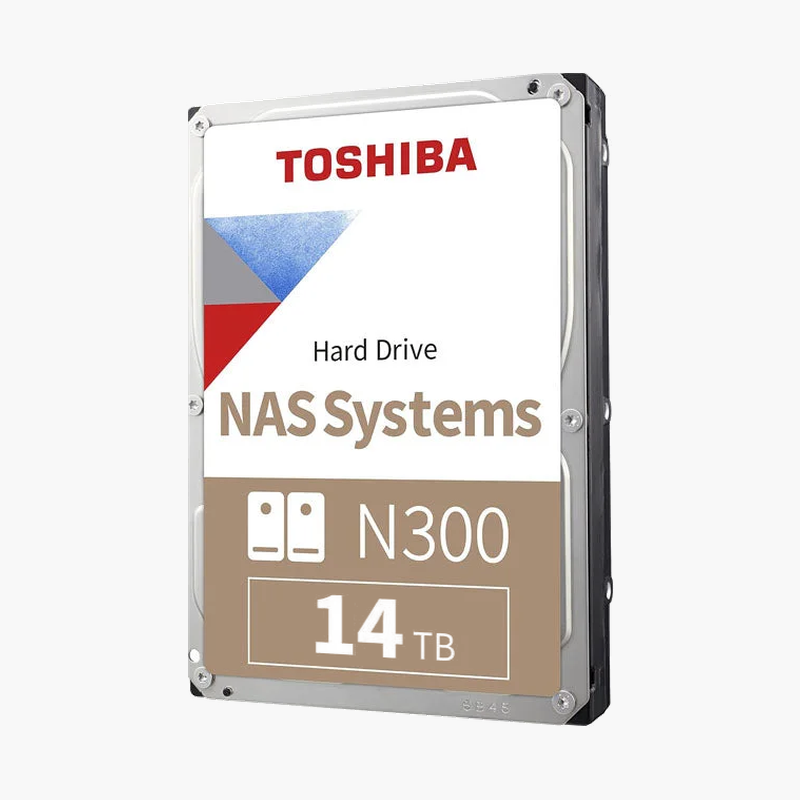
High-capacity, helium-sealed NAS storage that runs cool, quiet and steady 24/7.
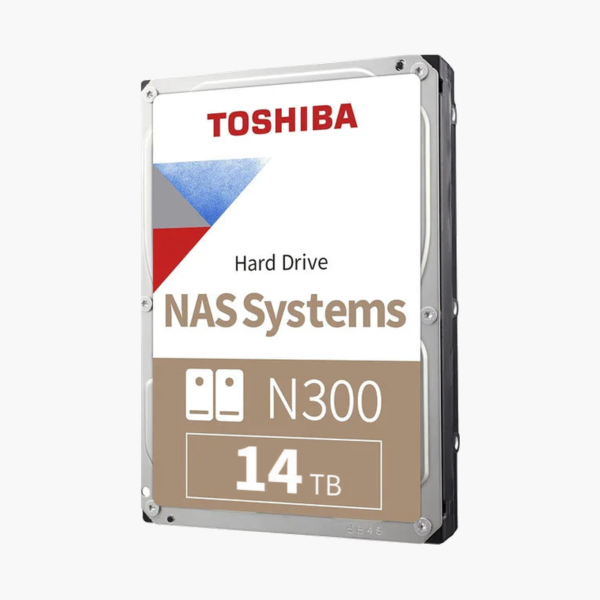
The Toshiba N300 14TB (HDWG51EXZSTA) is a helium-sealed 3.5-inch SATA hard drive for home, home-office and small-business NAS systems with up to 8 bays. CMR recording, a 7200 RPM spindle and a 512MB cache keep transfers fast, while the helium design lowers power draw and noise in always-on arrays.
Why High-Capacity NAS Arrays Need a Purpose-Built Drive
As capacity grows, so does the cost of a weak drive. Rebuilding a failed 14TB disk means reading and writing many terabytes, and every extra hour of rebuild time is an hour your array runs without full redundancy. Drives that slow down under sustained writes, or that drop out of the array on a hard-to-read sector, turn a routine replacement into a risk.
The N300 is built to avoid both problems. It uses CMR recording, where every track is written independently, so sustained write speed stays consistent during rebuilds instead of collapsing the way SMR drives can. Error recovery control keeps retry times short so the RAID controller does not mark the drive as failed. At 14TB it gives a 4-bay RAID 5 array roughly 42TB of usable space before formatting.
The helium-sealed enclosure, laser-welded to keep the gas inside, reduces aerodynamic drag on the platters. That holds operating power to about 7.38 W and keeps idle noise at around 20 dB, which matters when the NAS sits in a home office and runs every hour of the year.
Fast, Consistent Throughput for Shared Storage
A 7200 RPM spindle and 512MB cache deliver up to 281 MB/s sustained transfer, so several users can stream media, back up PCs and work on shared project files at the same time. Toshiba Cache Technology balances cache between reads and writes for steadier real-time performance.
Reliability Features for Always-On Multi-Bay Systems
Built-in rotational vibration (RV) sensors and a shock sensor help the drive stay accurate in crowded enclosures. Toshiba rates the 14TB model at 1,200,000 hours MTTF, an unrecoverable error rate of 1 per 10^14 bits read, and 600,000 load/unload cycles.
Setup Instructions
How to Install the Toshiba N300 14TB in Your NAS
- Power down your NAS completely before opening a drive bay, unless your model explicitly supports hot-swapping.
- Mount the Toshiba N300 14TB in an empty tray or bay and secure it with the screws or tool-less clips supplied with your NAS.
- Reconnect power and start the NAS. Synology DSM, QNAP QTS, TrueNAS, Unraid and similar platforms detect a new SATA drive automatically.
- Open your NAS storage manager, create a new pool or add the drive to an existing RAID volume, and schedule regular S.M.A.R.T. tests from day one.





Reviews
There are no reviews yet.