
Networking
Shop all 595 products
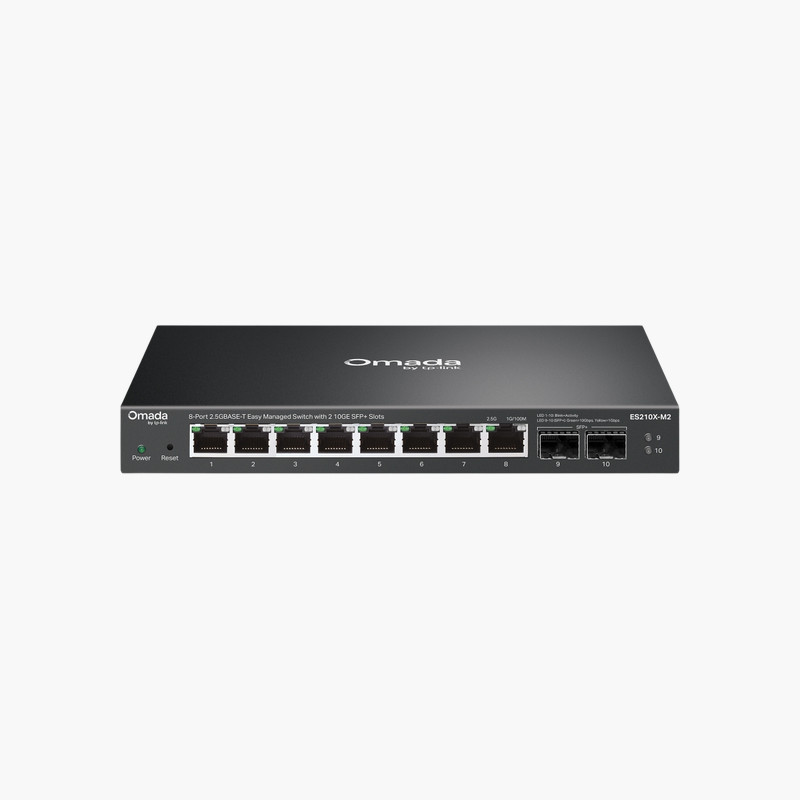
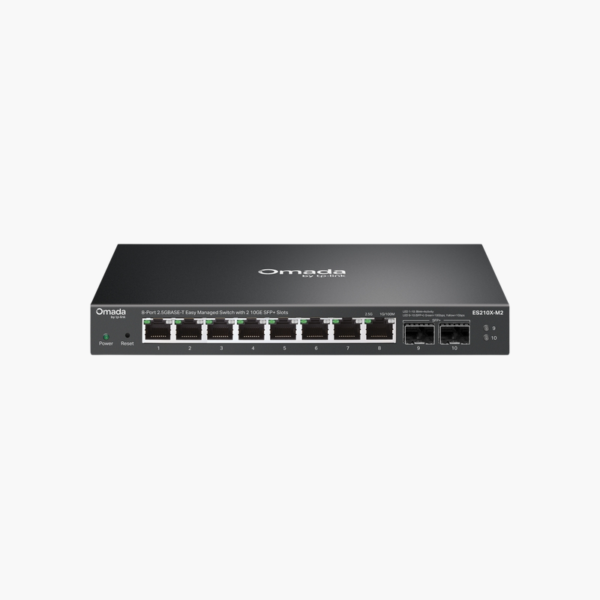
The TP-Link Omada ES210X-M2 10-Port 2.5G Easy Managed Switch with 2 10G SFP+ is an easy smart managed switch with 8x 2.5G RJ45 and 2x 10G SFP+ uplinks. It is built for small offices that want basic control without complexity. Management features help segment and prioritise network traffic.
Expand your network the simple way.
Organise Your Network with Managed Switching
Flat, unmanaged networks let guest devices, cameras and office PCs share the same broadcast domain, which slows traffic and weakens security.
The TP-Link Omada ES210X-M2 10-Port 2.5G Easy Managed Switch with 2 10G SFP+ adds easy smart managed features such as VLANs and QoS across 8x 2.5G RJ45, so you can separate traffic and prioritise voice and video.
Ports and Performance
Ports: 8x 2.5G RJ45. Uplinks: 2x 10G SFP+. SFP/SFP+ ports require compatible transceivers or DAC cables.
Management and Installation
VLANs, QoS and IGMP snooping through a simple web interface or app. Fits on a desk or shelf, or mounts on a wall. Fanless and Omada SDN management.
Setup Instructions
How to Set Up the TP-Link Omada ES210X-M2 10-Port 2.5G Easy Managed Switch with 2 10G SFP+
- Mount the switch and connect power.
- Connect an uplink port to your router or core switch.
- Open the cloud dashboard or app and adopt or log in to the switch, then update the firmware.
- Create VLANs and QoS rules, then connect your devices.















Reviews
There are no reviews yet.