
Networking
Shop all 595 products
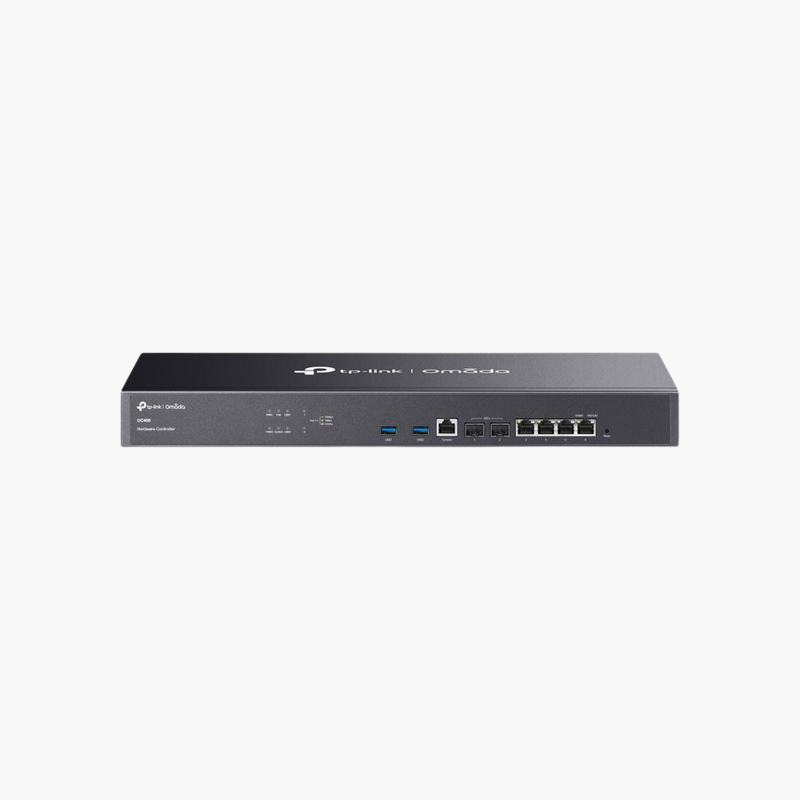
The TP-Link Omada OC400 Hardware Controller is a dedicated appliance that runs the Omada SDN controller to centrally configure and monitor Omada gateways, switches and access points, with 2x 10G SFP+ and 4x Gigabit RJ45 ports for fast, always-on connection to business networks.
Built for the job, simple to install.
Centralised Control for Omada Networks
Running controller software on a PC means management stops whenever that computer is off, updated or replaced.
The TP-Link Omada OC400 Hardware Controller runs the controller on dedicated hardware so management stays online around the clock.
Key Specifications
Controller Type: Omada hardware controller. Ports: 4x Gigabit RJ45, 2x 10G SFP+. Management: Centralised management of Omada gateways, switches and access points. Form Factor: Rackmount.
Getting the Most From It
High-speed connection to the core network. Flexible wired connections for management and LAN.
Setup Instructions
How to Set Up the TP-Link Omada OC400 Hardware Controller
- Unpack the device and check the contents.
- Install it in the intended location following the guide.
- Connect cables and power (if required).
- Confirm operation through status LEDs or the management interface.














Reviews
There are no reviews yet.