
Networking
Shop all 595 products

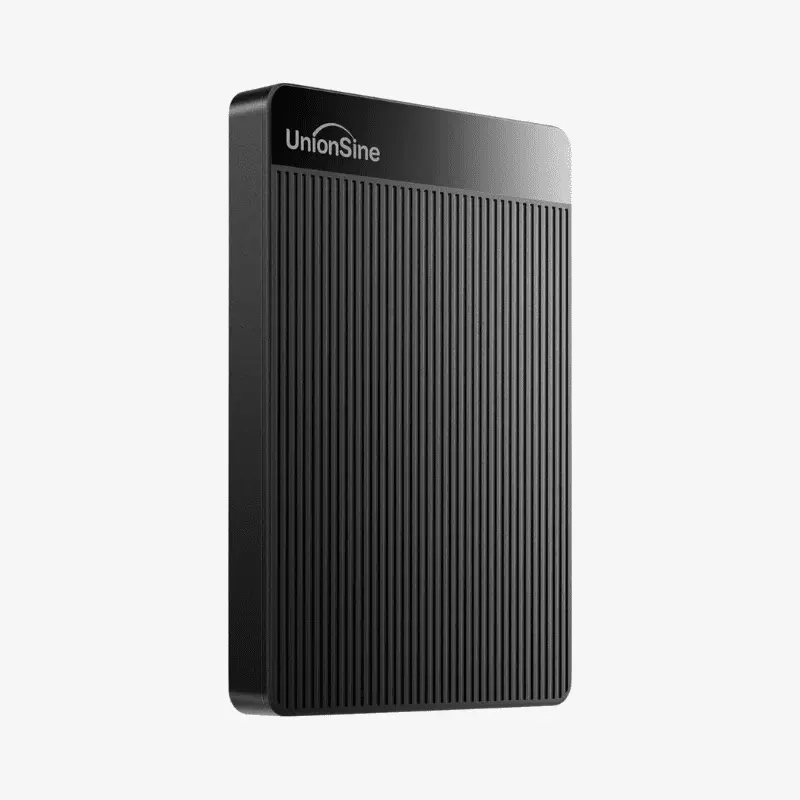
Pocket-sized 500GB USB 3.0 storage for backups, travel and gaming.
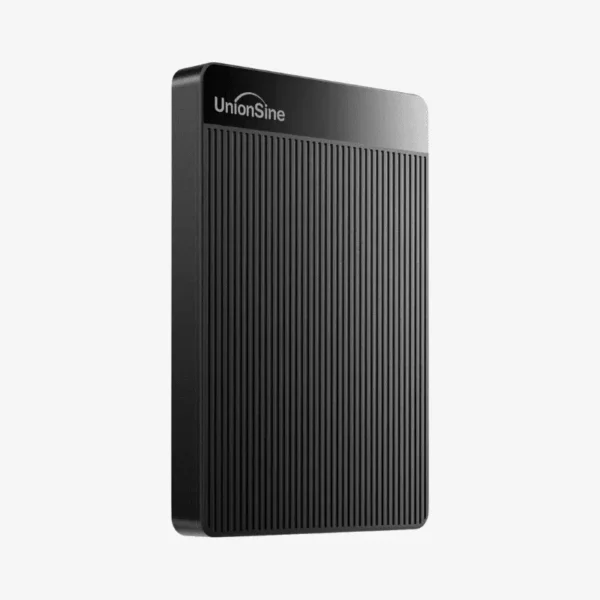
The UnionSine HD-2510 is a 500GB ultra slim portable external hard drive with a USB 3.0 interface and a 2.5-inch 5,400 RPM drive. Bus-powered and plug-and-play, it is designed for students, home users and gamers who want affordable offline storage for PCs, Macs, smart TVs and game consoles.
Why Affordable Offline Storage Still Matters
Laptops increasingly ship with small SSDs, and consoles fill up quickly with large game installs. Cloud storage helps, but it depends on internet speed and recurring fees. A portable hard drive gives you a one-time-cost place to keep backups and media that works anywhere.
The HD-2510 connects over USB 3.0 and reaches read speeds of up to about 120 MB/s, so copying a folder of photos or a movie takes a fraction of the time USB 2.0 needs. It remains compatible with older USB 2.0 ports at reduced speed.
Because it is bus-powered, it runs from the same cable that carries data. There is no power adapter, which keeps the setup simple on desks, in hotel rooms or next to a TV.
Storage for Computers, TVs and Consoles
The HD-2510 works with Windows, macOS and Linux, as well as PS4, PS5 (for PS4 games) and Xbox consoles. Many users also connect it to smart TVs for media playback or recording, depending on the TV’s USB features.
Slim, Lightweight Everyday Carry
At roughly 116 x 80 x 13 mm and 220 g, the drive is small enough for a pocket. Its 5,400 RPM drive runs quietly with low power draw, making it a practical companion for laptops and travel.
How It Works / Setup Instructions
How to Set Up the UnionSine HD-2510
- Connect the included USB 3.0 cable to the drive and plug it into a USB port on your computer, TV or console.
- Wait for the device to detect the drive; computers show it as an external disk, and consoles display a setup prompt.
- Format the drive if needed: exFAT for sharing between Windows and Mac, or the console’s format option for extended storage.
- Copy your files, then use Safely Remove or Eject before disconnecting to protect your data.






Reviews
There are no reviews yet.