
Networking
Shop all 595 products
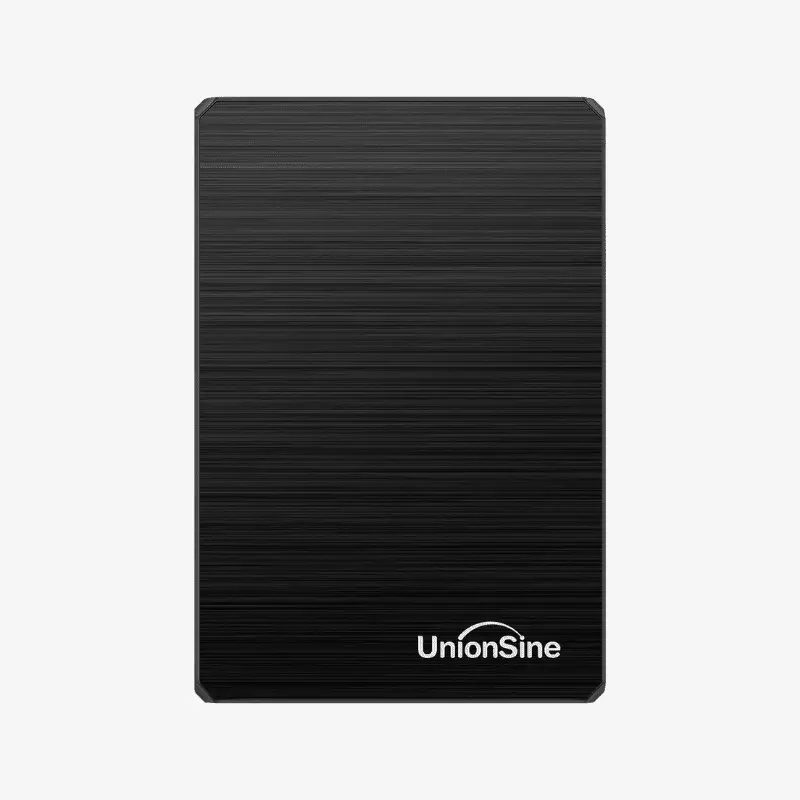
Simple, pocket-sized USB 3.0 storage for backups, file transfers and console games.
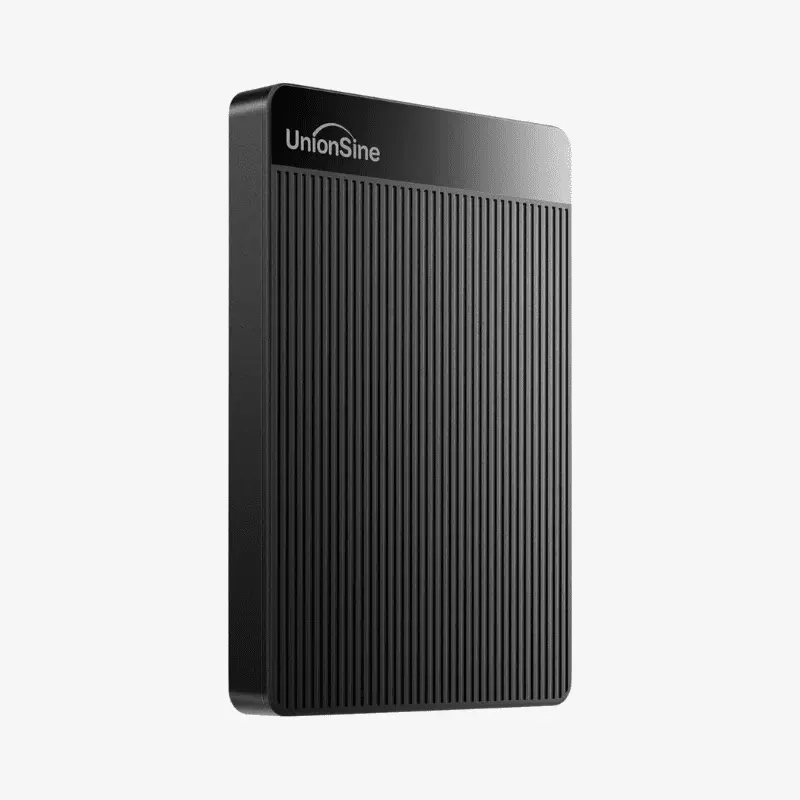
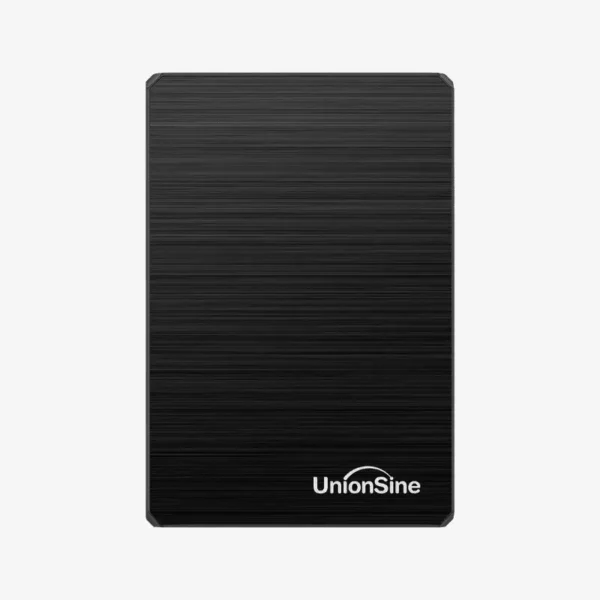
The UnionSine HD-006 is a 250GB ultra slim portable external hard drive with a USB 3.0 interface and a 2.5-inch 5,400 RPM drive inside. It is bus-powered and plug-and-play, making it a low-cost way to back up documents, carry files between computers or expand storage on PS4 and Xbox consoles.
Why a Portable USB Hard Drive Still Makes Sense
Cloud storage needs a fast connection and a monthly subscription, and USB flash drives get expensive at higher capacities. A small portable hard drive gives you physical, offline storage that you control, works without internet access and costs far less per gigabyte than flash storage.
The HD-006 uses USB 3.0, which offers much higher bandwidth than USB 2.0 and remains compatible with older USB 2.0 ports. It draws power from the USB port, so there is no separate adapter to pack.
At 250GB, it also meets the minimum capacity Sony requires for PS4 extended storage, letting you move games off a full internal drive without opening the console.
Plug-and-Play Storage Across Devices
The drive works with Windows PCs, Mac computers, Linux systems, PS4, PS5 (for PS4 games) and Xbox consoles. Connect it, let the device recognize it, and start copying files. Depending on how you plan to use it, you may need to format it for your system, such as exFAT for sharing between Windows and Mac.
Slim, Light Design for Everyday Carry
The ultra slim enclosure fits in a pocket or laptop sleeve, and its 5,400 RPM drive runs quietly with low power draw. That makes it practical for students, travelers and anyone who wants an offline copy of important files.
How It Works / Setup Instructions
How to Set Up the UnionSine HD-006
- Connect the included USB 3.0 cable to the drive, then plug the other end into a USB port on your computer or console.
- Wait for the device to detect the drive. On a PC or Mac, it appears as an external disk; on a console, follow the on-screen prompt.
- Format the drive if needed: exFAT for Windows and Mac sharing, or use the console’s format option for PS4 or Xbox extended storage.
- Drag and drop files to back them up, and always use Safely Remove or Eject before unplugging the drive.





Reviews
There are no reviews yet.