
Networking
Shop all 595 products
NAS-grade flash endurance for caching and all-flash volumes that run around the clock.
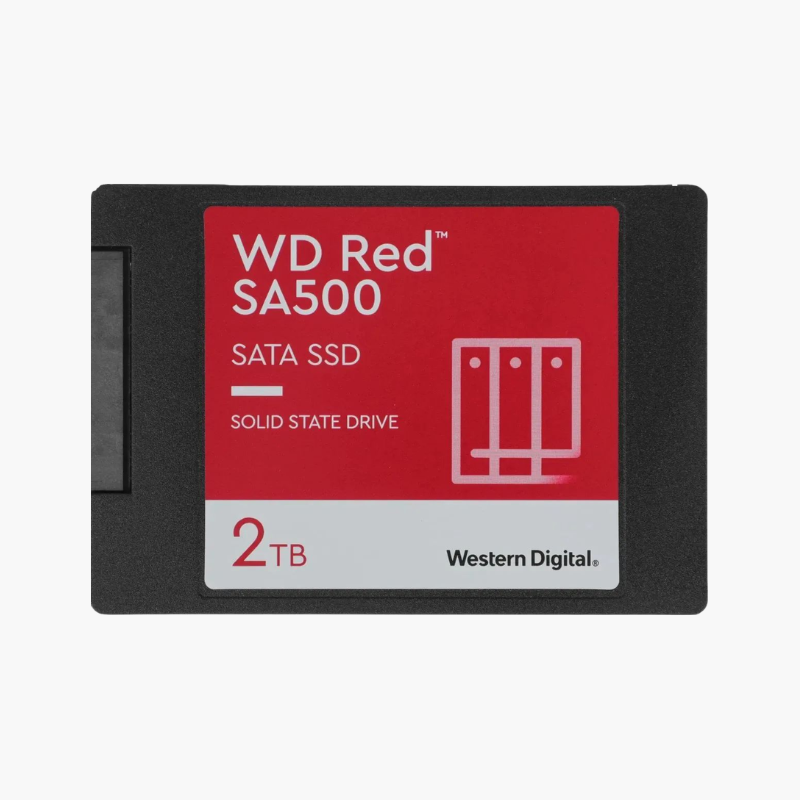
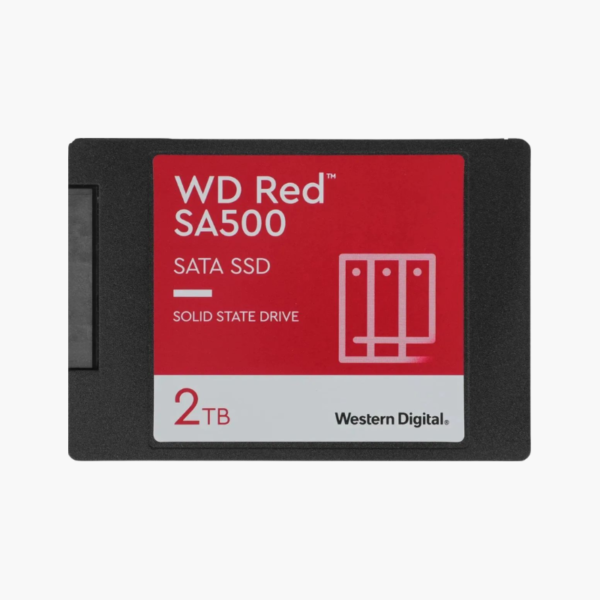
The WD Red SA500 2TB is a 2.5-inch SATA SSD designed for network attached storage. With 1,300 TBW endurance, read speeds up to 560MB/s and 95K random read IOPS, it accelerates NAS caching and all-flash volumes for home labs, creative teams and small businesses running Synology, QNAP and similar systems.
Why Desktop SSDs Wear Out Fast as NAS Cache Drives
SSD caching is the quickest way to make a hard-drive NAS feel faster, but cache drives absorb an outsized share of writes. Consumer SSDs with modest endurance ratings can wear out far sooner than expected in this role, putting performance and data integrity at risk.
The WD Red SA500 is designed for exactly that workload. Its 2TB model is rated for 1,300 terabytes written, giving NAS owners long-term headroom for read/write caching, all-flash shares and application volumes running 24/7.
Faster Multi-User Access and Apps
With up to 95,000 random read IOPS, the SA500 speeds up photo indexing, virtual machines, Docker apps and shared folders that multiple people use at once. Sequential speeds up to 560MB/s keep large transfers moving.
Endurance and Reliability for 24/7 Operation
A 2-million-hour MTTF and NAS-focused firmware support continuous operation. Western Digital Dashboard and your NAS’s SMART tools report remaining life so you can plan replacements.
Setup Instructions
How to Install the WD Red SA500 2TB in Your NAS
- Check your NAS model’s compatibility list and power the NAS down if it does not support hot-swap.
- Mount the SSD in a 2.5-inch drive tray or a 3.5-inch tray using 2.5-inch screw holes.
- Insert the tray into a free bay (or an M.2/SSD cache slot adapter if your NAS requires it) and power on.
- In your NAS software, create an SSD cache, an all-flash storage pool or a new volume.






Reviews
There are no reviews yet.