
Networking
Shop all 590 products
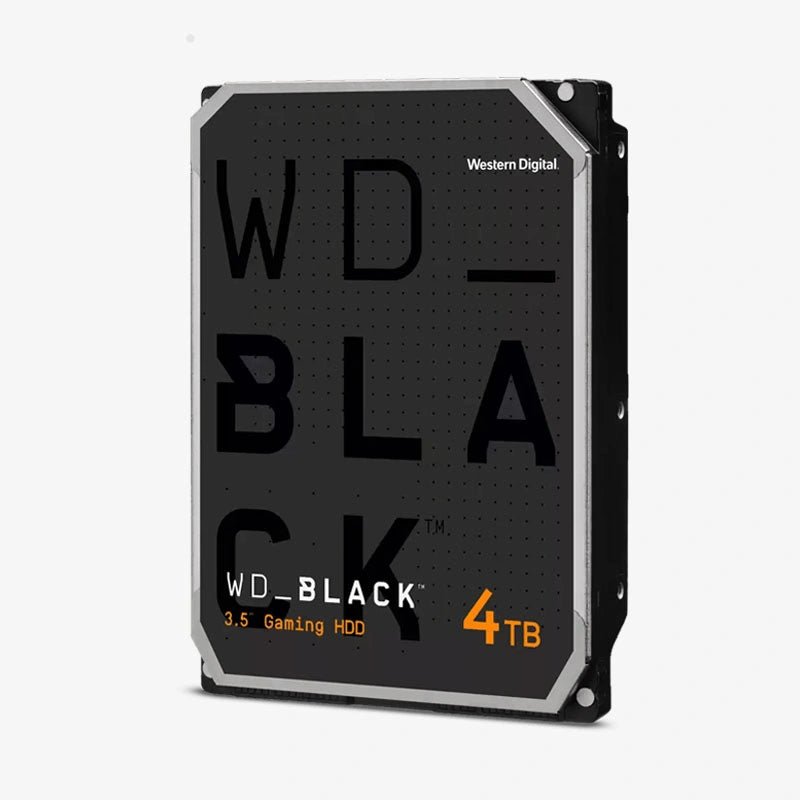
High-capacity 7200 RPM storage that keeps your game library and projects loading fast.
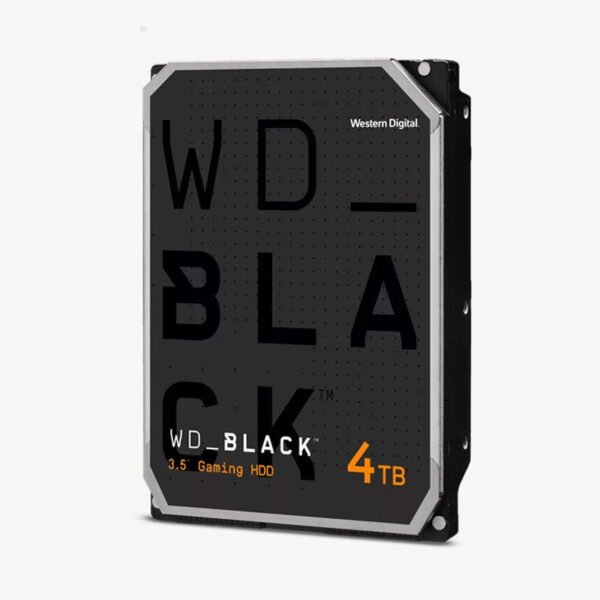
The WD_BLACK 4TB (WD4006FZBX) is a 3.5-inch 7200 RPM SATA performance hard drive for gamers, PC builders, and creative professionals. With a 256MB cache and CMR recording, it delivers faster access than standard desktop drives and gives you 4TB of space for games, DLC, and media projects without SSD-level cost per terabyte.
How the WD_BLACK 4TB Solves the Game Library and Project Storage Problem
Modern games regularly exceed 100GB each, and video and photo projects grow just as fast. Keeping everything on an NVMe SSD gets expensive quickly, while a basic 5400 RPM drive makes large libraries feel slow. The WD_BLACK 4TB sits between the two: 7200 RPM rotation and a 256MB cache cut seek and load times, while the cost per terabyte stays far below flash storage.
Western Digital positions WD_BLACK hard drives as performance storage. A popular setup pairs a WD_BLACK SSD for the operating system and your most-played titles with a WD_BLACK HDD for the rest of the library, so you can move games between drives as needed instead of uninstalling and re-downloading them.
The WD4006FZBX uses CMR (conventional magnetic recording), writing each track independently. That keeps write speed consistent during large game installs, patch downloads, and project exports, where shingled (SMR) drives can slow down noticeably.
7200 RPM and 256MB Cache for Faster Loading
The 256MB DRAM cache works with Western Digital’s Dynamic Cache Technology, which reallocates cache between read and write operations in real time based on what the drive is doing. The result is smoother sequential reads when loading levels and quicker handling of mixed workloads like recording and editing.
StableTrac Construction for Stable, Accurate Operation
StableTrac secures the motor shaft at both ends, reducing system-induced vibration and stabilizing the platters for more accurate tracking during read and write operations. It is part of what separates WD_BLACK from standard desktop drives in heavily loaded gaming and workstation builds.
How It Works / Setup Instructions
How to Install the WD_BLACK 4TB WD4006FZBX
- Shut down the PC, unplug it, and ground yourself before opening the case.
- Install the WD_BLACK in a free 3.5-inch bay or tray and secure it with screws or tool-less clips.
- Connect a SATA data cable to the motherboard and a SATA power cable from the PSU.
- Power on, initialize the drive in Disk Management (Windows) or Disk Utility (macOS), and set it as the install location in your game launcher.








Reviews
There are no reviews yet.