
Networking
Shop all 590 products
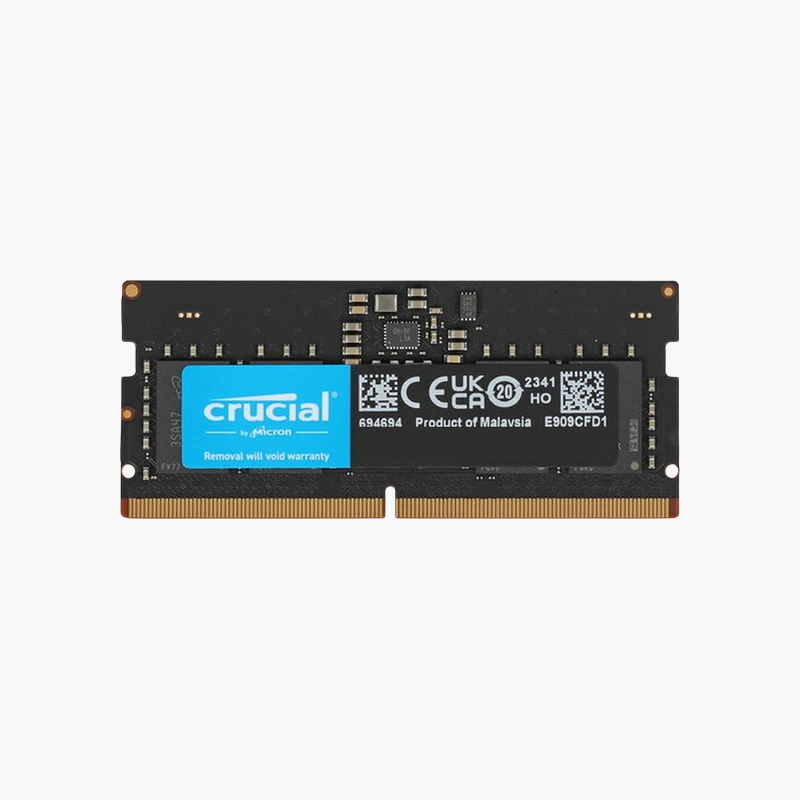
DDR5-5600 that also runs at 5200 or 4800 in older DDR5 laptops.
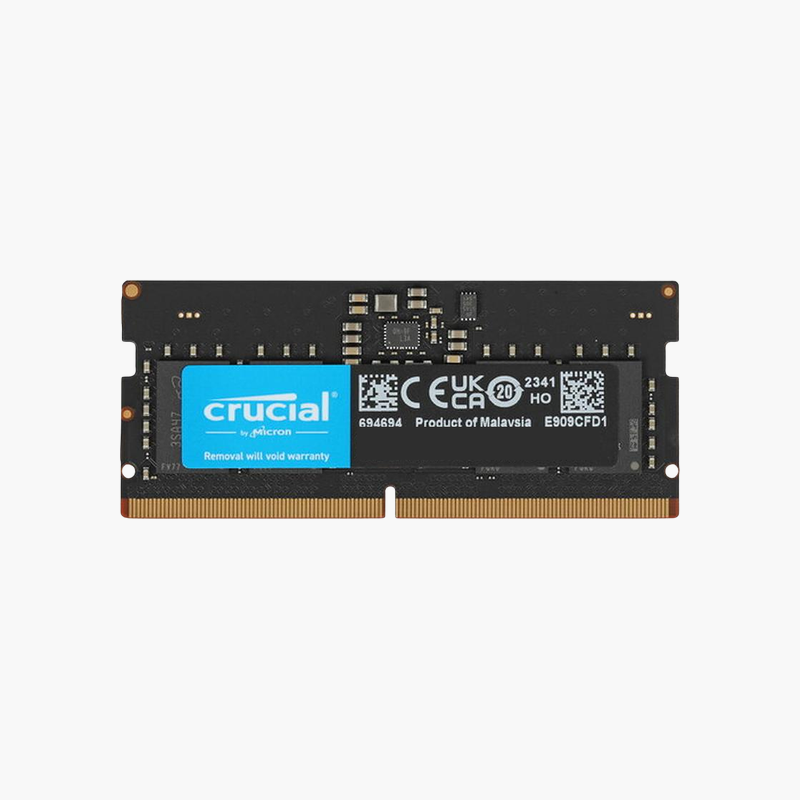
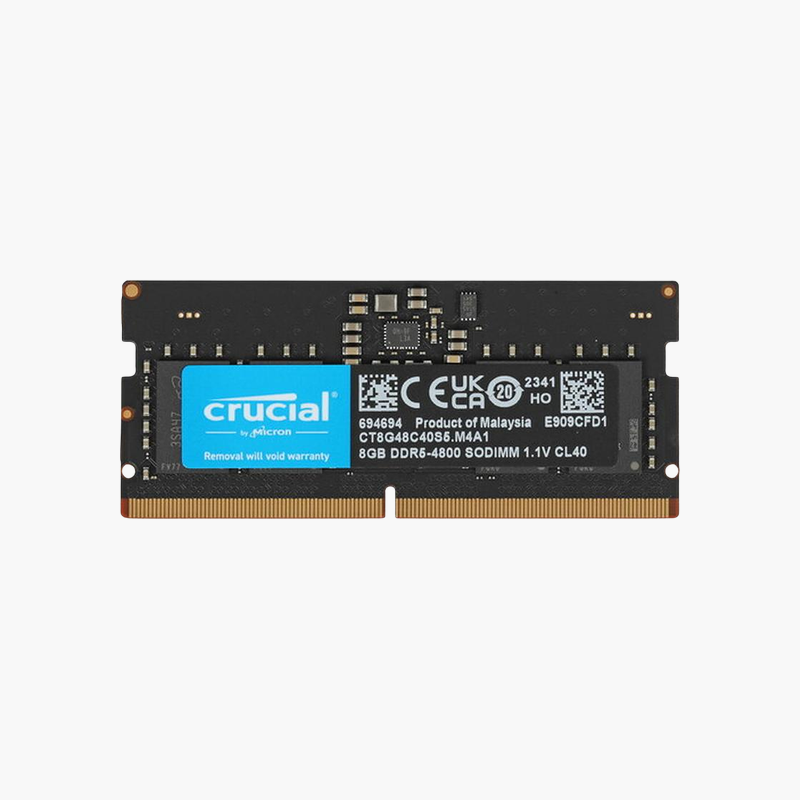
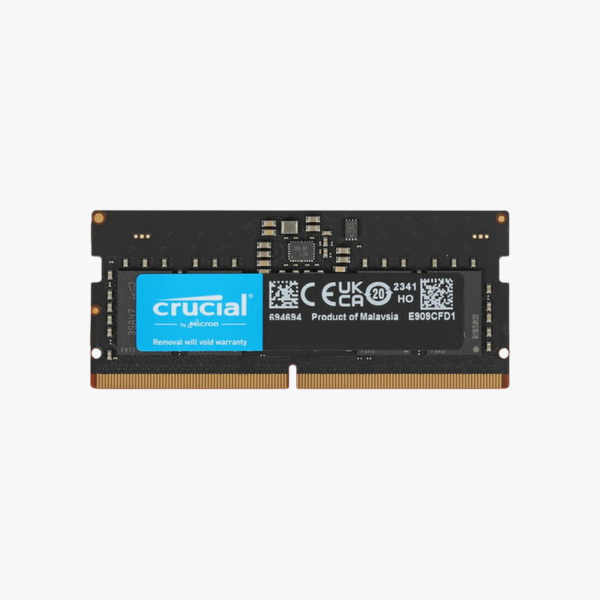
The Crucial CT8G56C46S5 is an 8GB DDR5-5600 SODIMM for laptops and mini PCs. It runs at 5600 MT/s on platforms such as Intel 13th Gen and newer and automatically downclocks to 5200 or 4800 MT/s on earlier DDR5 systems, making it a flexible add-on for single-module laptops.
One Module for Multiple DDR5 Generations
DDR5 laptops support different maximum speeds depending on the processor: 4800 MT/s on many Intel 12th Gen and Ryzen 6000 systems, and 5200 or 5600 MT/s on newer ones. This module stores JEDEC profiles for all three speeds, so the laptop picks the fastest it supports.
Adding it to a single 8GB DDR5 module gives 16GB in dual channel. That doubles available memory bandwidth, which benefits integrated graphics, browser performance, and multitasking.
At 1.1V with an on-module PMIC, it keeps power use and heat low.
Higher Bandwidth for Newer Laptops
On 5600 MT/s platforms, this module provides about 17 percent more bandwidth than DDR5-4800, which shows up in integrated graphics performance and data-heavy tasks.
Safe Choice for Mixed Fleets
IT teams supporting laptops from several DDR5 generations can stock one part number, since the module adapts its speed automatically.
How to Install the Crucial 8GB DDR5 SODIMM
- Turn off the laptop, unplug the charger, and disconnect the internal battery if your service manual recommends it.
- Remove the bottom cover and locate the DDR5 SODIMM slots; release any existing module by spreading the clips.
- Insert the module at an angle with the notch aligned, then press down until it locks.
- Power on. The first DDR5 boot can take longer while the system trains memory; then confirm capacity and speed in BIOS or Task Manager.



Reviews
There are no reviews yet.