
Networking
Shop all 590 products
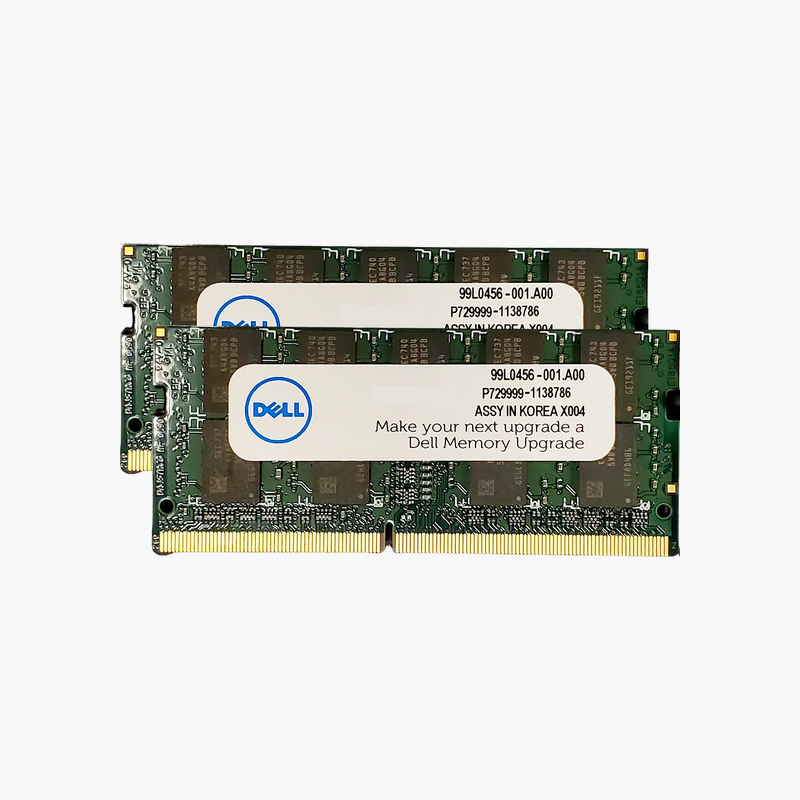
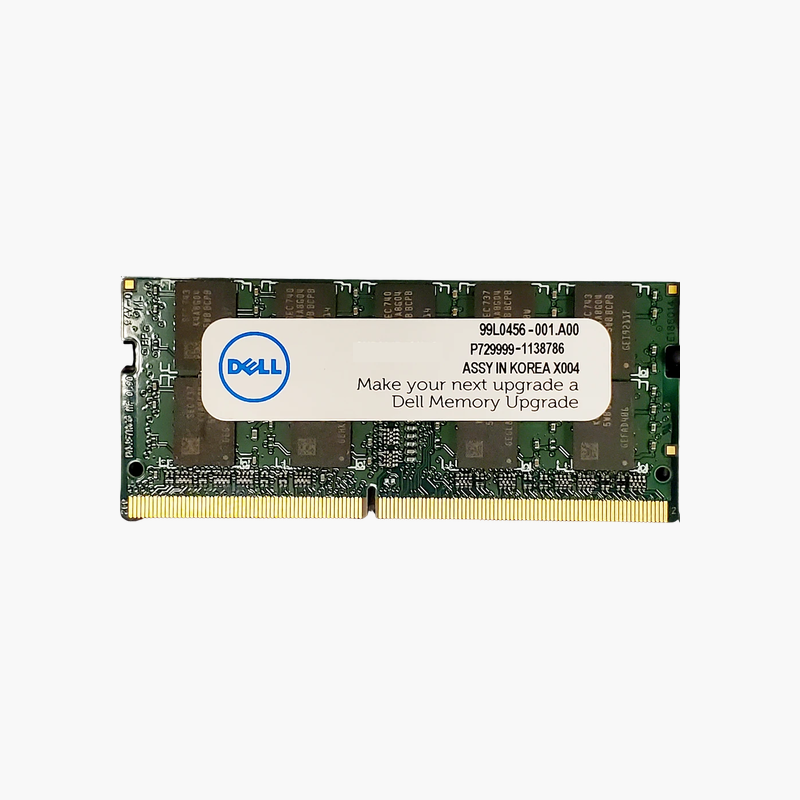
A matched 2x8GB Dell kit that gives compact systems full dual-channel bandwidth.
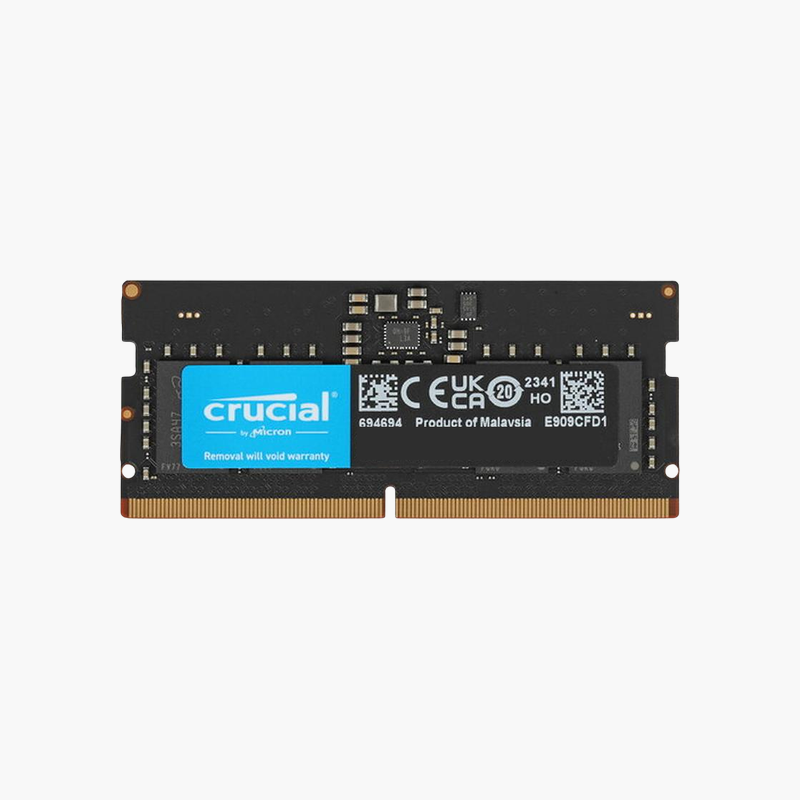
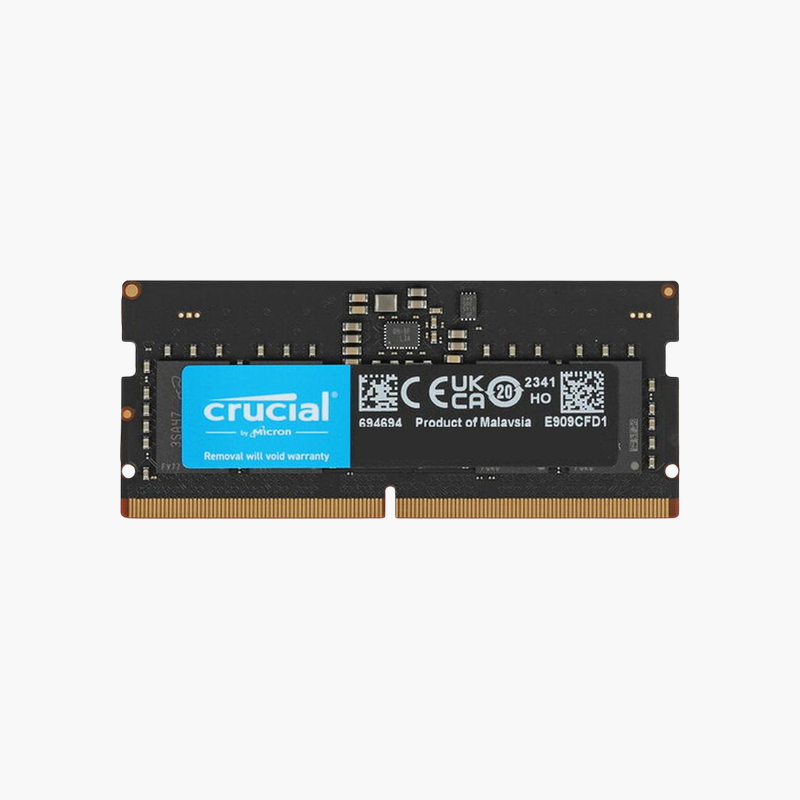
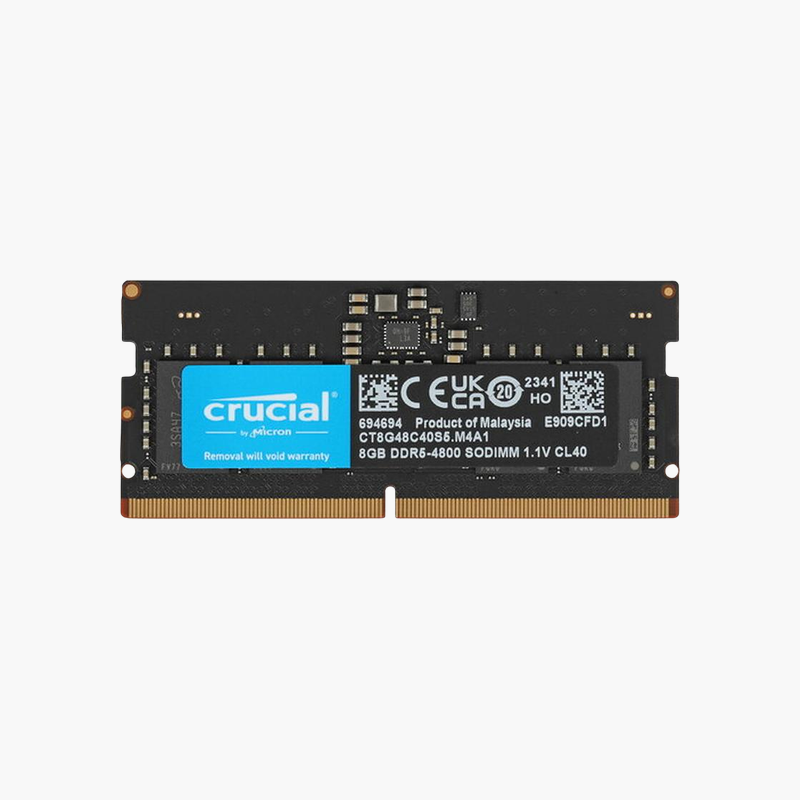
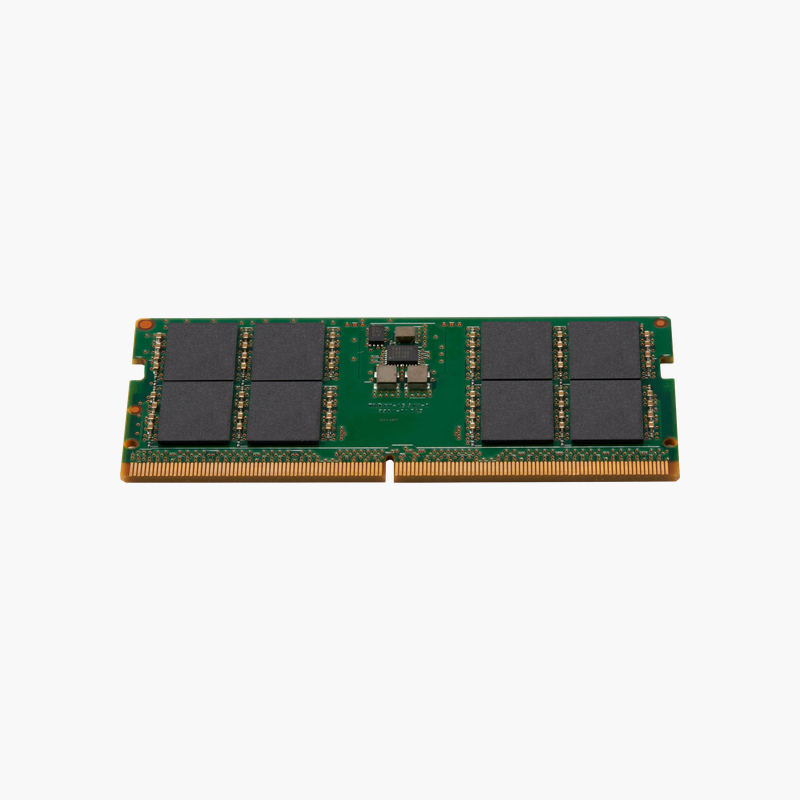
The Dell AA937596 is a 16GB (2x8GB) DDR4-3200 SODIMM kit for Dell laptops, OptiPlex Micro desktops, and all-in-ones. Two matched modules fill both memory slots, giving dual-channel bandwidth for office multitasking and integrated graphics, with a Dell part number that simplifies ordering for IT teams.
Why a Matched Pair Beats a Single Module
A single 16GB module gives the same capacity, but only one memory channel. A matched 2x8GB kit uses both channels at once, doubling bandwidth, which directly improves integrated graphics, video conferencing, and responsiveness with many apps open.
These modules run at 3200 MT/s, the top standard DDR4 laptop speed, and drop to 2933 or 2666 MT/s automatically in older systems.
Buying both modules together ensures matching speed, rank, and timing, avoiding the instability that can come from mixing sticks.
Better Integrated Graphics and External Displays
Intel UHD and Iris Xe graphics use system RAM as video memory. Dual-channel memory helps when driving external monitors and docking stations, common setups in offices.
Ideal for Fleet Standardization
Deploying one kit part number across many Dell systems keeps memory configurations consistent and simplifies support.
How to Install Dell Laptop Memory
- Shut down the system, unplug the charger, and disconnect the battery if the service manual recommends it.
- Remove the bottom cover or memory access panel and locate the SODIMM slots.
- Insert the module at an angle with the notch aligned, then press it down until the retaining clips lock.
- Reassemble, power on, and confirm the new capacity and speed in BIOS or Windows Task Manager.




Reviews
There are no reviews yet.