
Networking
Shop all 590 products
Replace a small memory module with 16GB and give an older laptop real headroom.
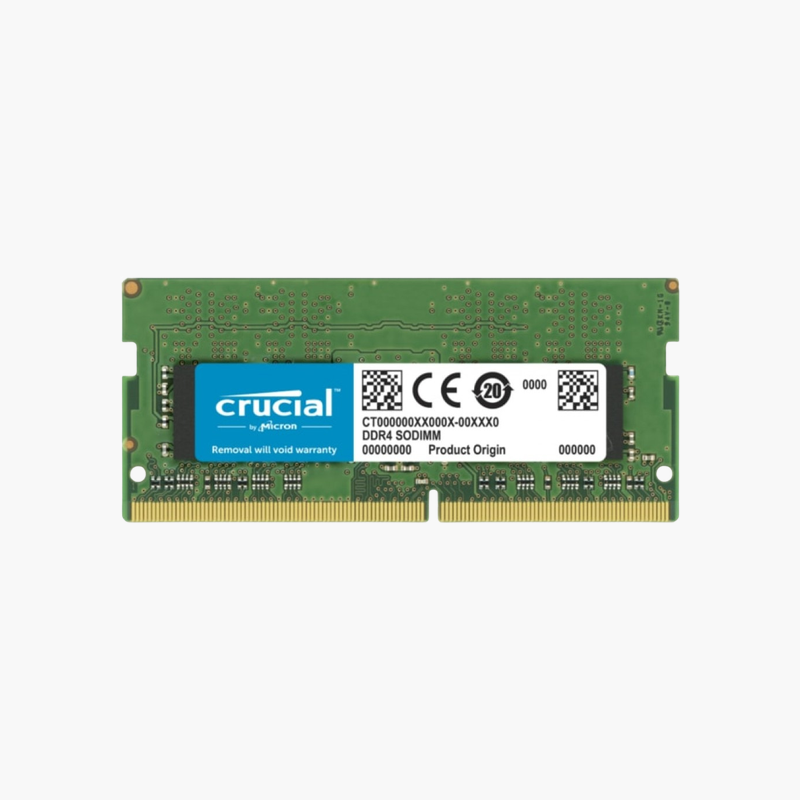
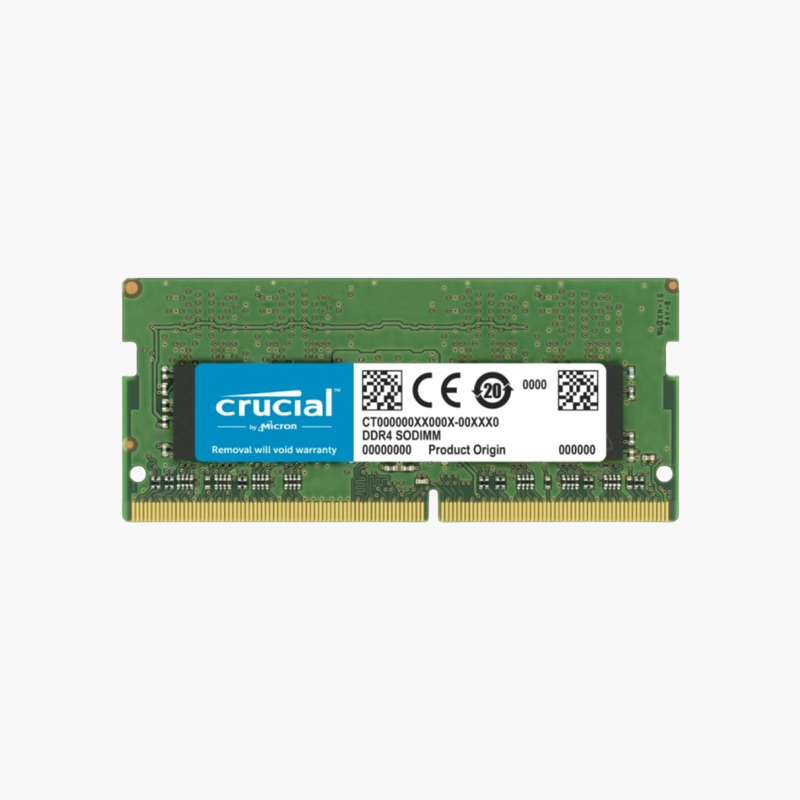
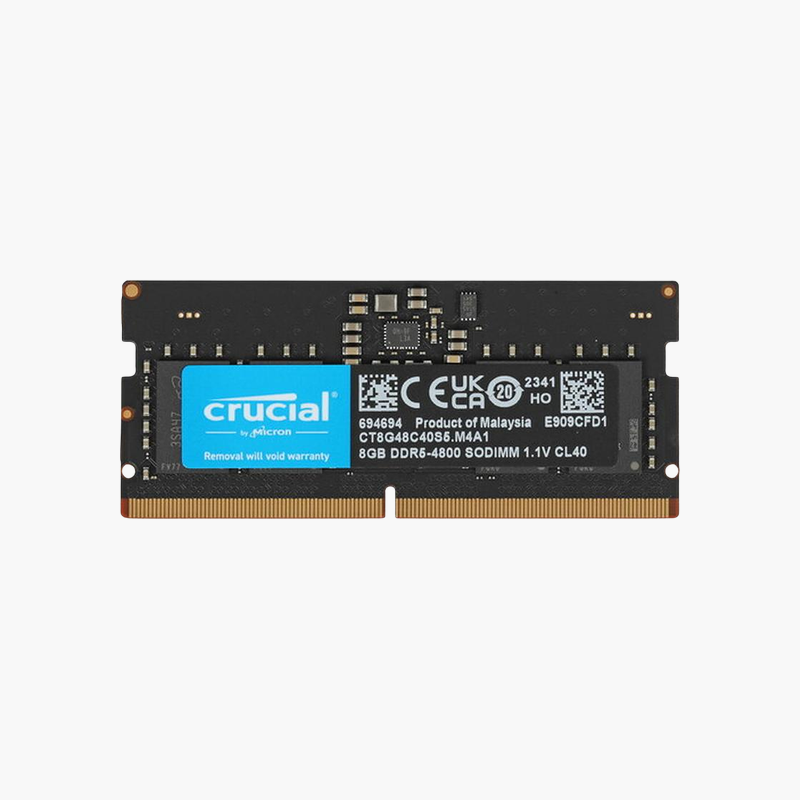
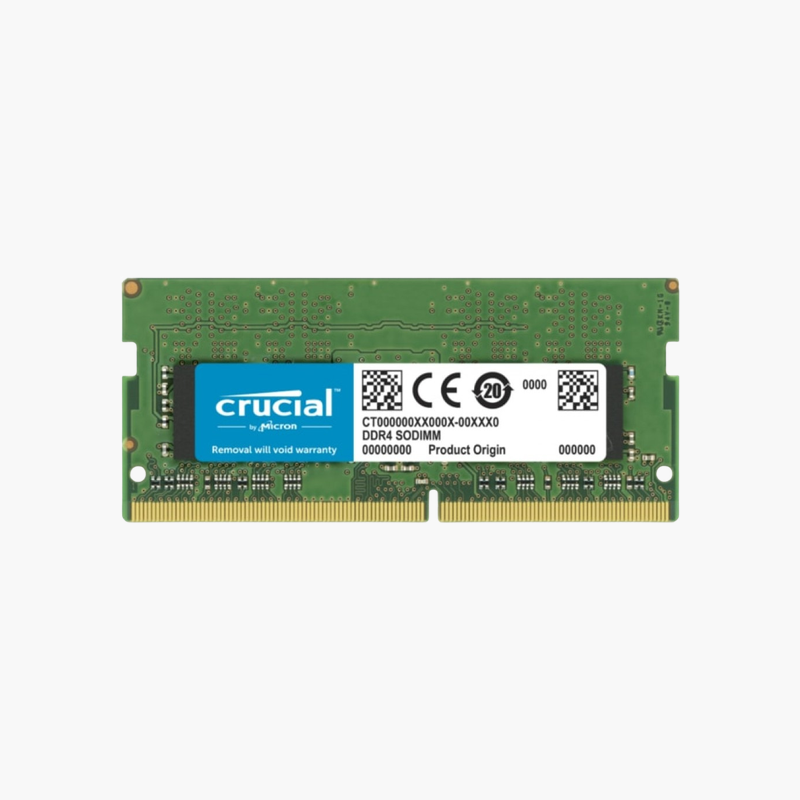
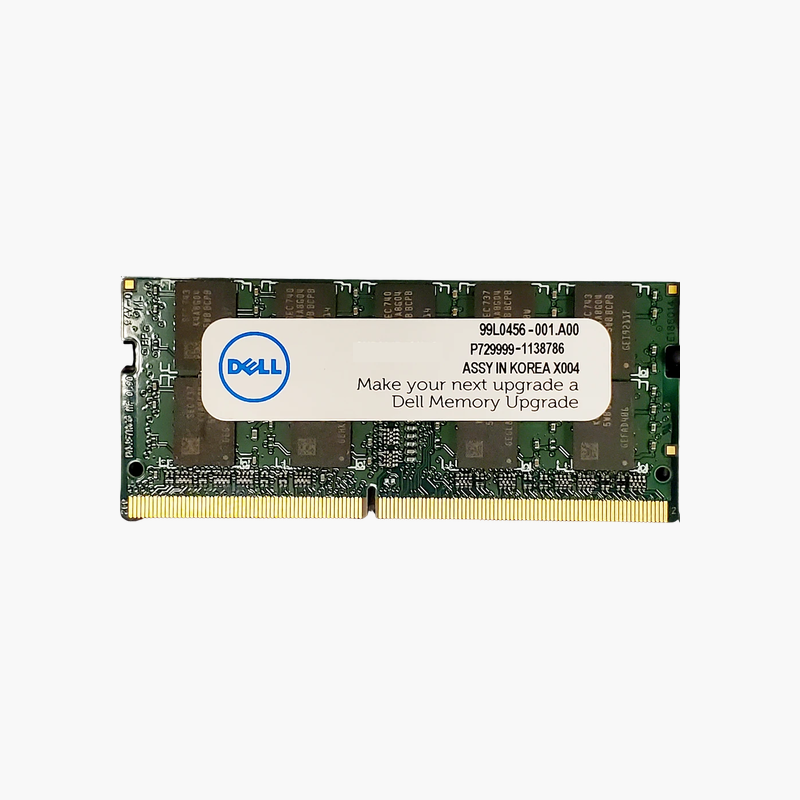
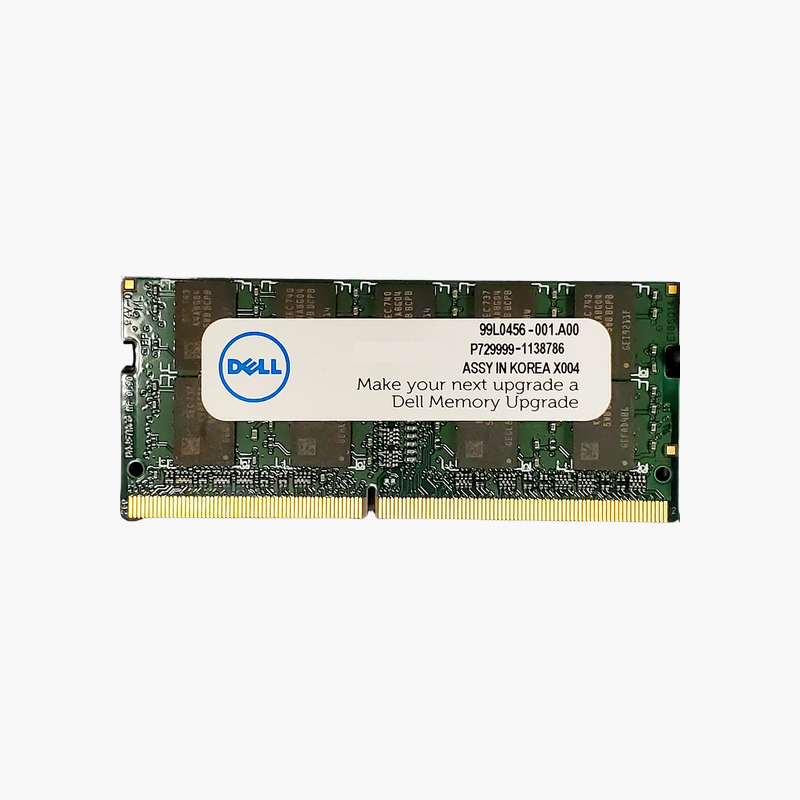
The Crucial CT16G4SFD824A is a 16GB DDR4-2400 SODIMM for laptops, mini PCs, and small form factor desktops. It replaces 4GB or 8GB modules in Intel 6th to 8th Gen and early Ryzen systems, giving enough memory for Windows 11 or 10, Microsoft 365, and modern browsers to run without constant disk swapping.
From 8GB to 16GB or 32GB in One Step
Swapping one small module for a 16GB stick is often the cheapest way to make an older laptop usable again. With two slots, two of these modules give 32GB, which many of these platforms support.
Running at 2400 MT/s with CL17 timings, the module matches the native speed of a large group of business laptops and runs at 2133 MT/s in older systems if needed.
Its dual-rank 2Rx8 layout lets the memory controller alternate between ranks, which helps keep data flowing during multitasking.
Capacity for Modern Software
With 16GB or more, Windows stops paging during normal office work, and you can keep email, Teams, a browser, and documents open together without slowdowns.
Compatible With Mini PCs and SFF Desktops
The same 260-pin SODIMM format is used in many mini PCs and small form factor office desktops, so the module is useful beyond laptops.
How to Install the Crucial 16GB DDR4 SODIMM
- Shut down the laptop or mini PC, unplug the charger, and disconnect the battery if your service manual says to.
- Remove the bottom panel or memory door and locate the SODIMM slots.
- Insert the module at about 30 degrees with the notch aligned, then press it flat until the side clips lock.
- Close the panel, power on, and confirm the new total in BIOS or Windows Task Manager > Performance > Memory.




Reviews
There are no reviews yet.