
Networking
Shop all 590 products
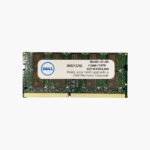
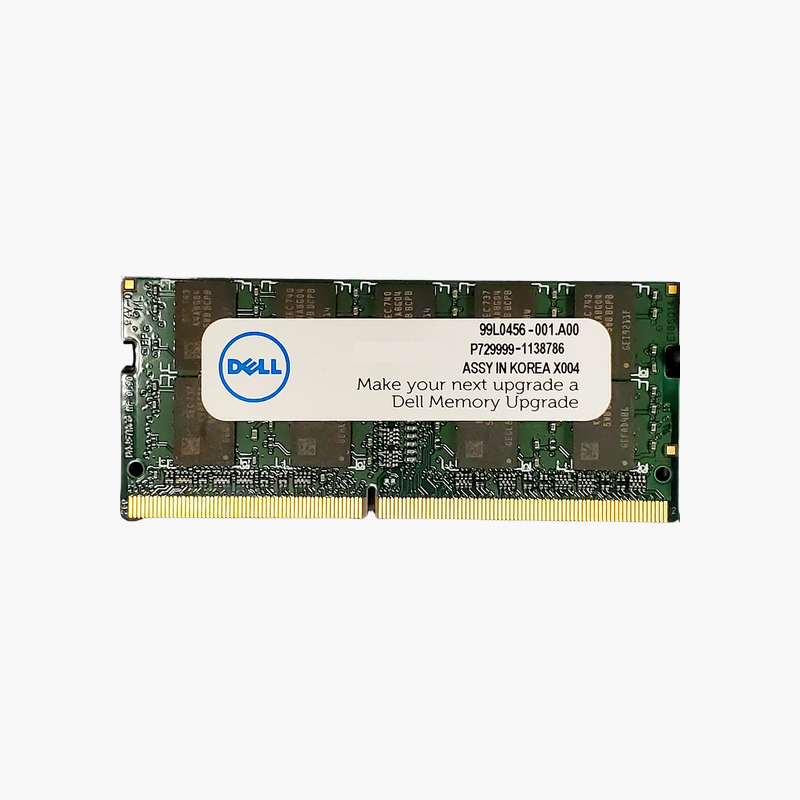
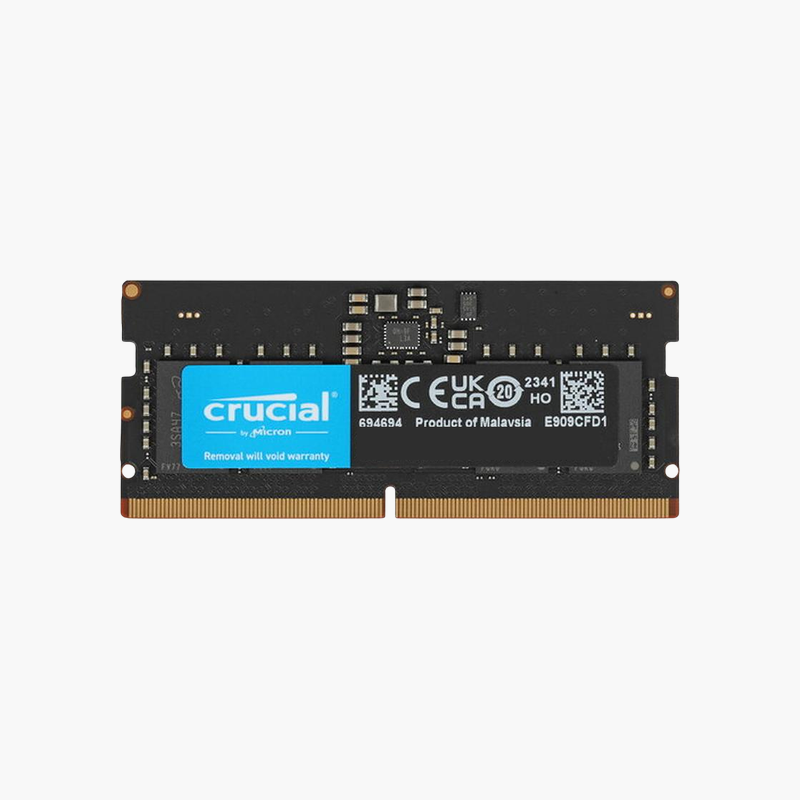
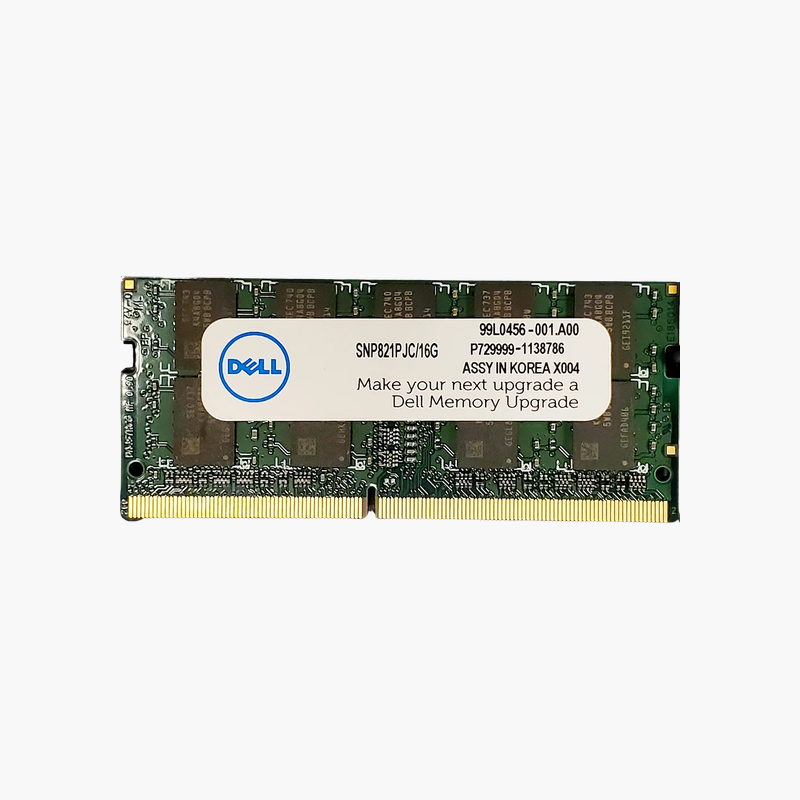
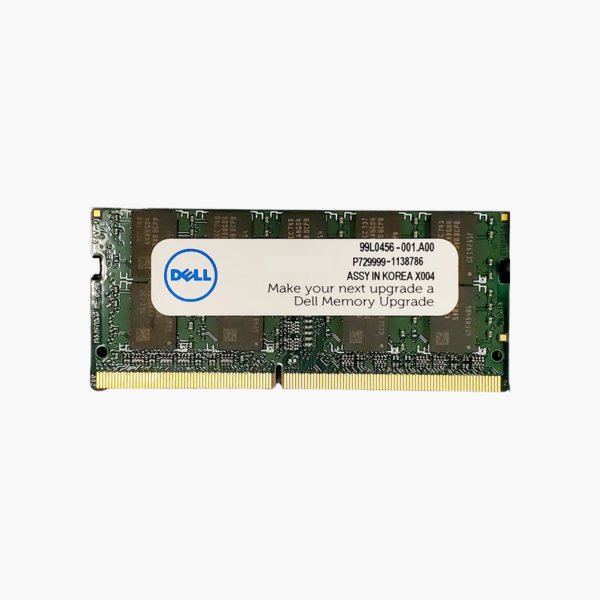
The exact 8GB module Dell systems are built around, ready to drop in.
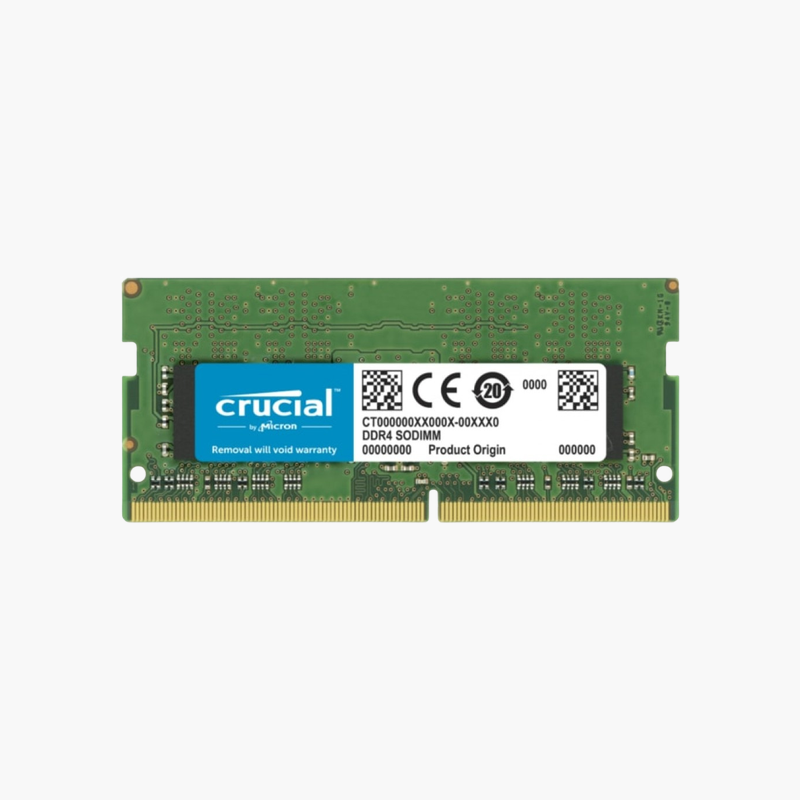
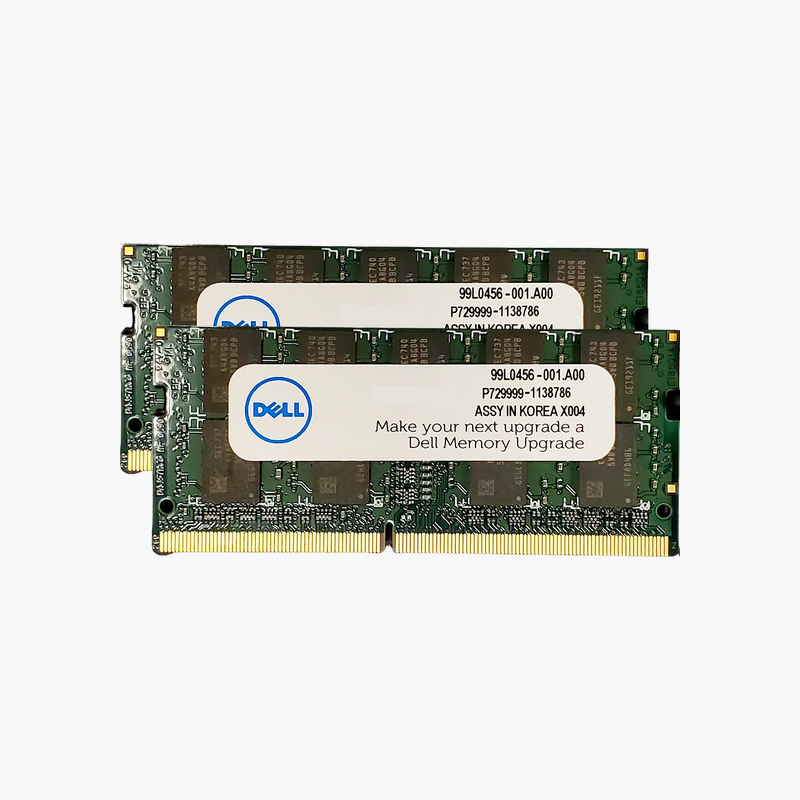
The Dell SNPHYXPXC/8G is an 8GB DDR4-2666 SODIMM for Dell laptops, OptiPlex Micro desktops, and all-in-ones. IT technicians and owners use it to replace a failed module or add a second stick, bringing systems to 16GB in dual channel with a part number that matches Dell’s service documentation.
Matching Part Numbers Keeps Fleets Predictable
When you support dozens or hundreds of Dell systems, using the same memory part number Dell lists for the platform removes guesswork. SNPHYXPXC/8G is a DDR4-2666 single-rank module that appears across many Dell Latitude, Precision, Inspiron, and OptiPlex Micro configurations.
Adding one to a system with a single 8GB module doubles capacity to 16GB and activates dual-channel memory, improving responsiveness and integrated graphics performance.
It runs at 1.2V with CL19 timings, the JEDEC standard for DDR4-2666, so no BIOS changes are needed.
Repair and Upgrade in One Part
Whether a module has failed diagnostics or a user needs more memory, one part number covers both jobs, simplifying spares inventory for IT teams.
Works With Newer Platforms Too
On Dell systems that support DDR4-2933 or 3200, the module runs at 2666 MT/s, so it remains a usable spare across generations.
How to Install Dell Laptop Memory
- Shut down the system, unplug the charger, and disconnect the battery if the service manual recommends it.
- Remove the bottom cover or memory access panel and locate the SODIMM slots.
- Insert the module at an angle with the notch aligned, then press it down until the retaining clips lock.
- Reassemble, power on, and confirm the new capacity and speed in BIOS or Windows Task Manager.




Reviews
There are no reviews yet.