
Networking
Shop all 590 products
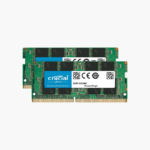

32GB of matched DDR4-3200 memory that boots at full speed in most desktops.
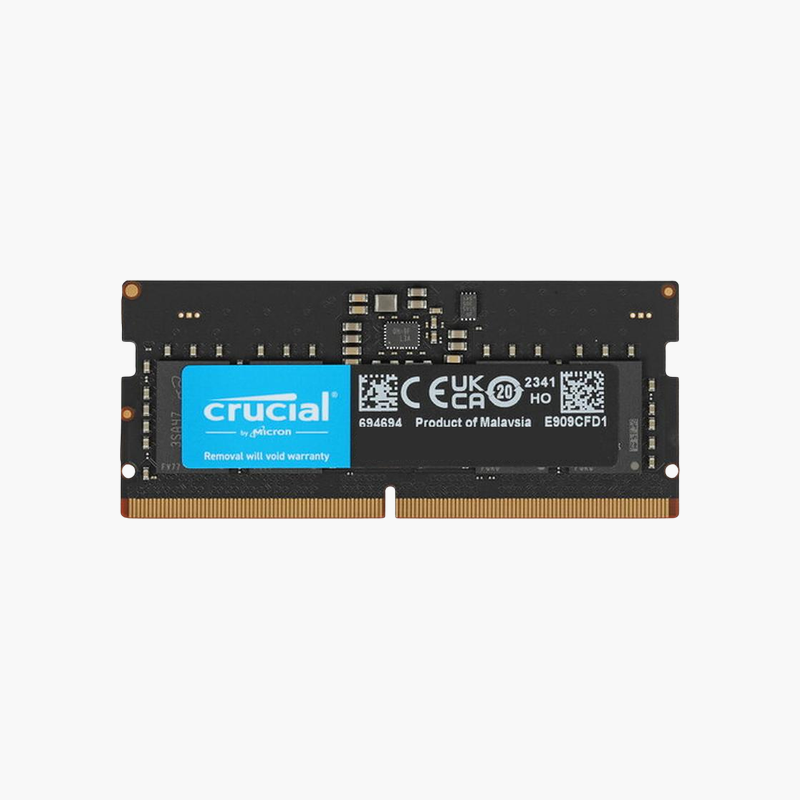
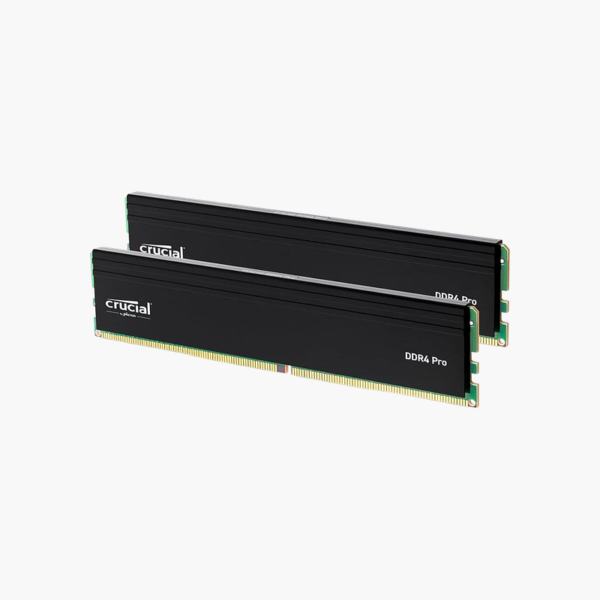
The Crucial Pro CP2K16G4DFRA32A is a 32GB (2x16GB) DDR4-3200 desktop memory kit for gamers, creators, and office PCs. It runs at 1.2V standard voltage with CL22 timings, giving Intel and AMD DDR4 systems more room for multitasking, browser-heavy work, and modern games without manual overclocking.
Why 16GB Is No Longer Enough for a Modern Desktop
A current Windows 11 desktop with a browser, a chat app, and a game or editing suite open can pass 16GB of memory use. When RAM runs out, Windows pages data to the SSD, and that is when you see stutter, slow app switching, and long export times.
This kit doubles capacity to 32GB and installs as two 16GB modules. Two sticks matter as much as the total: DDR4 desktops use dual-channel memory, so two populated channels move twice the data per clock compared with one module. Integrated graphics and Ryzen processors benefit most, because both lean on memory bandwidth.
DDR4-3200 CL22 is the JEDEC standard profile for this speed. That means the modules run at their rated 3200 MT/s on most boards that support DDR4-3200, with no XMP profile to enable and no extra voltage.
Stable Speed Without BIOS Tuning
Many enthusiast kits only hit their advertised speed after you enable an overclocking profile, and some systems will not run those profiles reliably. A JEDEC-rated 3200 MT/s kit avoids that step. Install it, boot, and confirm the speed in Task Manager or your BIOS.
Built for Quiet, Long-Running Desktops
At 1.2V, these modules draw little power and produce little heat. The black heat spreader adds surface area for cooling and keeps the modules visually consistent in builds with dark components.
How to Install the Crucial Pro 32GB DDR4 Kit
- Shut down the PC, unplug the power cable, and press the power button to drain residual charge. Touch a metal part of the case to discharge static.
- Check your motherboard manual for the recommended dual-channel slots (often A2 and B2), then open the slot latches.
- Align the notch on each module with the key in the slot and press down firmly until the latches click.
- Reconnect power, boot the system, and confirm 32GB at 3200 MT/s in the BIOS or Task Manager > Performance > Memory.




Reviews
There are no reviews yet.