
Networking
Shop all 590 products
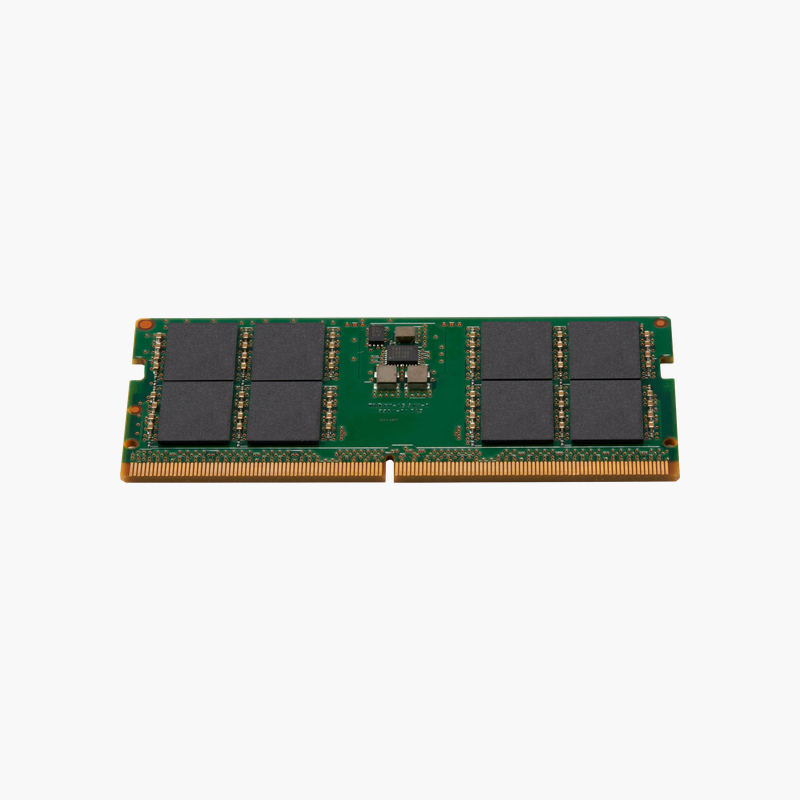
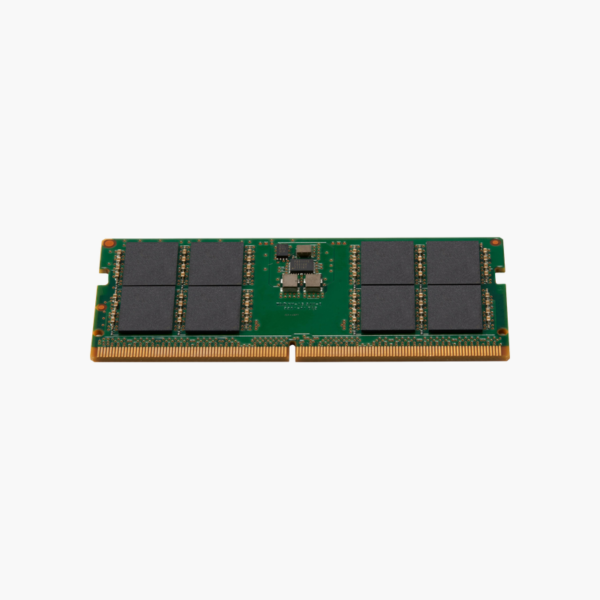
A genuine HP 32GB DDR5 module for EliteBook, ZBook, ProBook, and HP mini PCs.
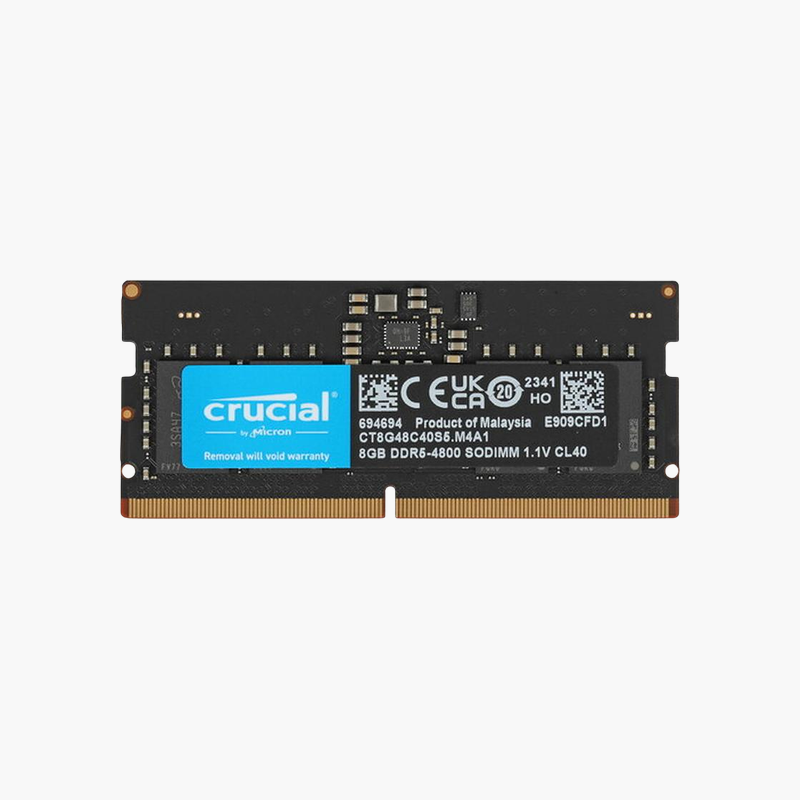
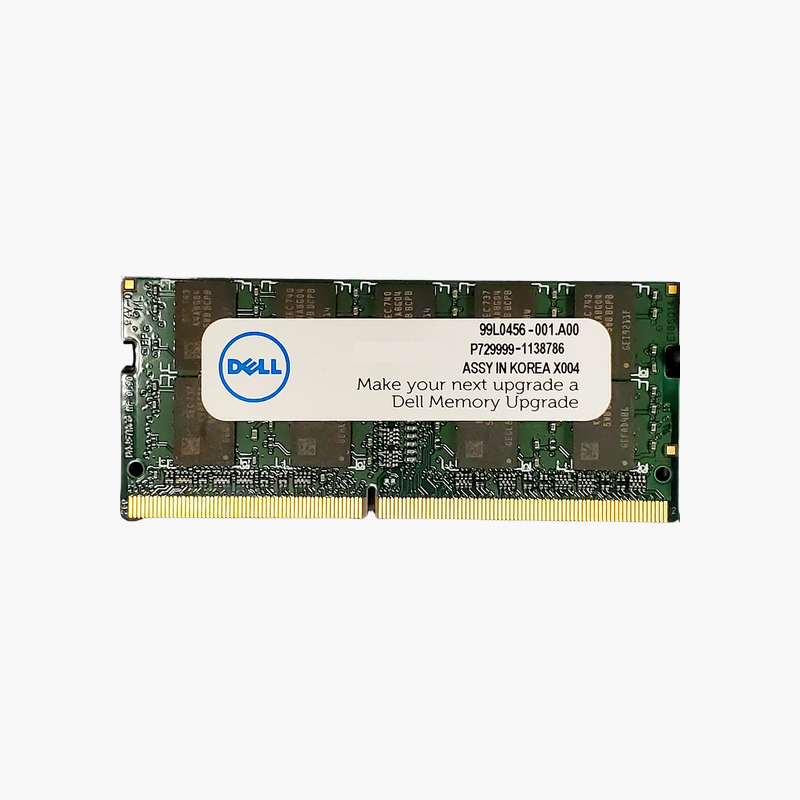
The HP 6H311AA#ABB is a 32GB DDR5-4800 SODIMM memory module from HP for business laptops, mobile workstations, and mini desktops. It gives IT departments and power users an HP-specified way to expand DDR5 systems for virtual machines, analytics, and design software without compatibility guesswork.
Why IT Teams Choose HP-Branded Memory
In managed fleets, a memory upgrade that causes boot or stability issues costs far more than the module itself. HP-branded memory is tested for HP platforms, so the part number maps cleanly to HP’s QuickSpecs and support documentation.
This module provides 32GB on a single DDR5 SODIMM. In a two-slot HP EliteBook or ZBook, two modules give 64GB in dual channel where the platform supports it, which suits engineering, data, and development workloads.
DDR5 runs at 1.1V and moves power regulation onto the module with a PMIC. Each module also has two independent subchannels and on-die ECC, part of the DDR5 standard.
Capacity for Mobile Workstations
CAD, simulation, and video tools on ZBook-class systems can easily use 32GB or more. Upgrading to 32GB or 64GB keeps models and timelines in memory instead of paging to the SSD.
Regional Option Code Explained
The #ABB suffix is HP’s regional configuration code. The memory itself is the same 6H311AA module; the suffix reflects the region it was packaged for.
How to Install HP DDR5 SODIMM Memory
- Shut down the system, unplug the charger, and disconnect the battery if the service manual recommends it.
- Remove the bottom cover or memory access panel and locate the SODIMM slots.
- Insert the module at an angle with the notch aligned, then press it down until the retaining clips lock.
- Reassemble, power on, and confirm the new capacity and speed in BIOS or Windows Task Manager.





Reviews
There are no reviews yet.