
Networking
Shop all 590 products
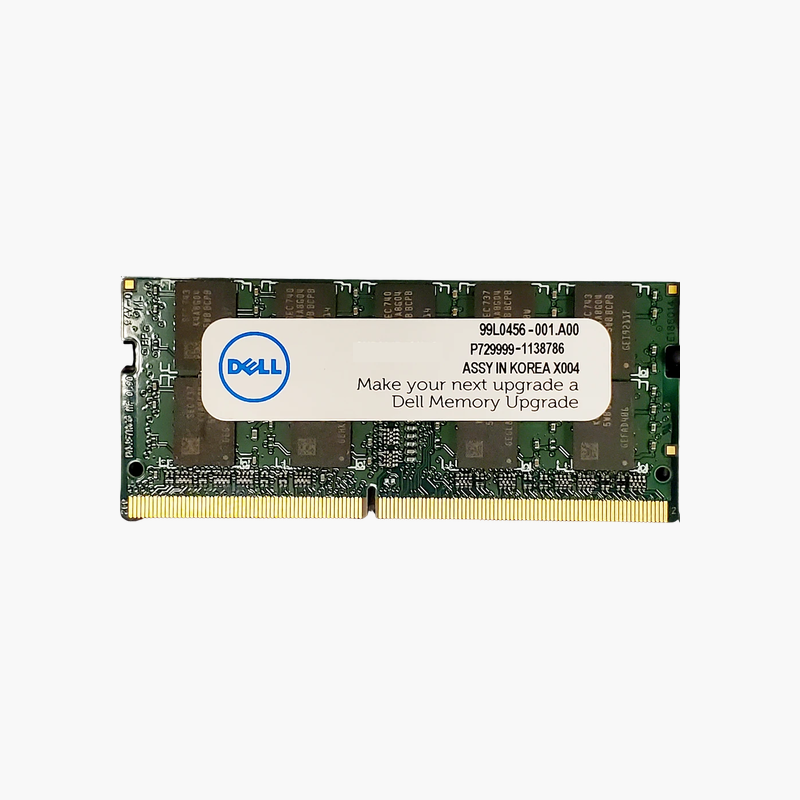
Faster-than-standard DDR4 for Dell mobile workstations that support it.
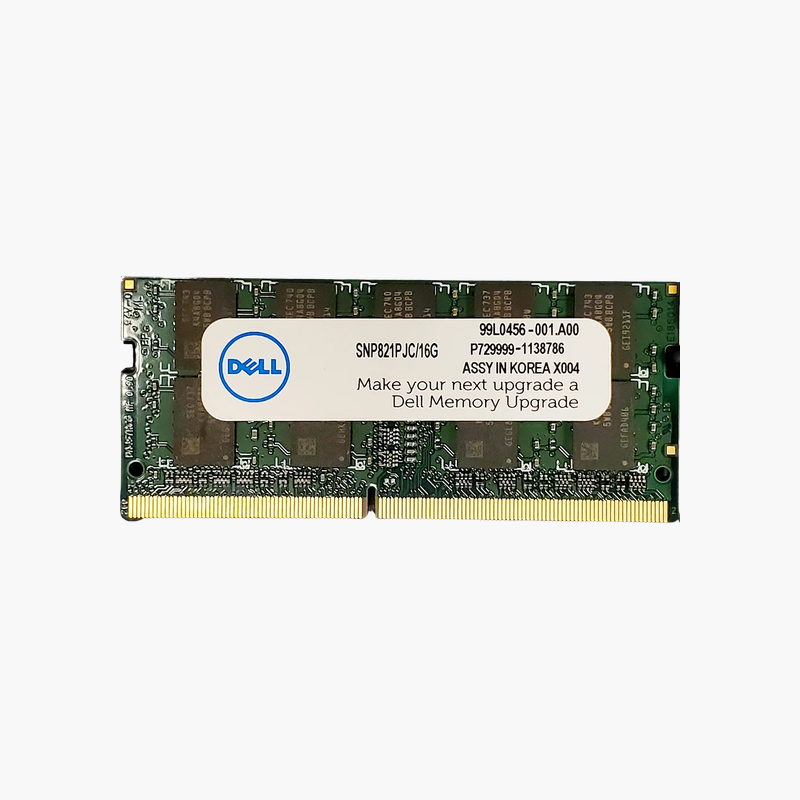
The Dell AB742087 is a 32GB DDR4-3466 SuperSpeed SODIMM for Dell mobile workstations. Dell SuperSpeed memory runs above the standard 3200 MT/s DDR4 laptop speed on supported Precision systems, giving engineers, designers, and data professionals more bandwidth along with 32GB per slot.
What Dell SuperSpeed Memory Does
Standard DDR4 laptop memory tops out at 3200 MT/s. On select Dell Precision mobile workstations, Dell validates faster SuperSpeed modules that run at 3466 MT/s, increasing memory bandwidth for processor-intensive work.
Higher bandwidth helps applications that stream large datasets through the CPU, such as simulation, rendering, compiling, and scientific computing. At 32GB per module, two or four slots give 64GB or 128GB depending on the system.
SuperSpeed operation depends on system support. In laptops without SuperSpeed support, the module runs at a standard speed the platform allows.
High Capacity for Professional Workloads
32GB per slot keeps large assemblies, point clouds, and multi-layer projects in memory, avoiding slowdowns from paging to storage.
Dell-Validated for Precision Platforms
Using Dell’s SuperSpeed part ensures the memory is recognized correctly by systems that support it, maintaining the configuration Dell certifies.
How to Install Dell Laptop Memory
- Shut down the system, unplug the charger, and disconnect the battery if the service manual recommends it.
- Remove the bottom cover or memory access panel and locate the SODIMM slots.
- Insert the module at an angle with the notch aligned, then press it down until the retaining clips lock.
- Reassemble, power on, and confirm the new capacity and speed in BIOS or Windows Task Manager.





Reviews
There are no reviews yet.