
Networking
Shop all 595 products
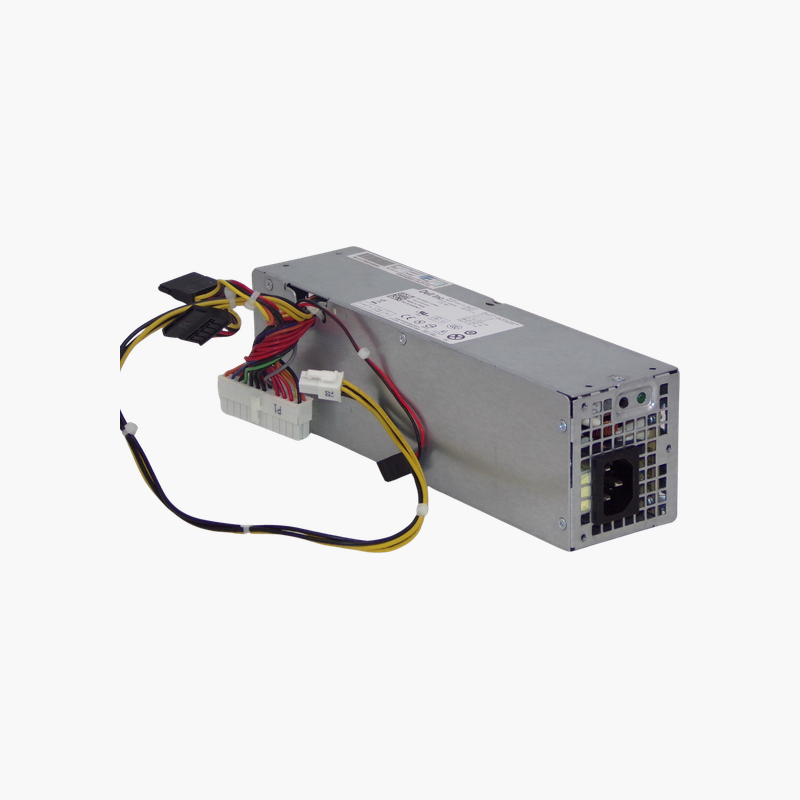
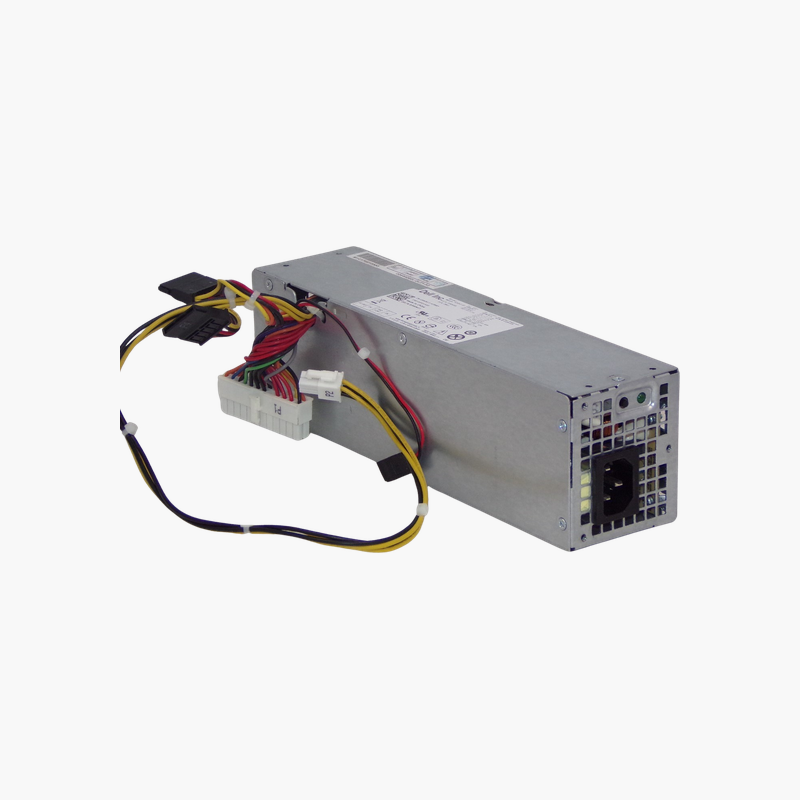
Get a dead OptiPlex SFF desktop booting again with the correct 240W supply.
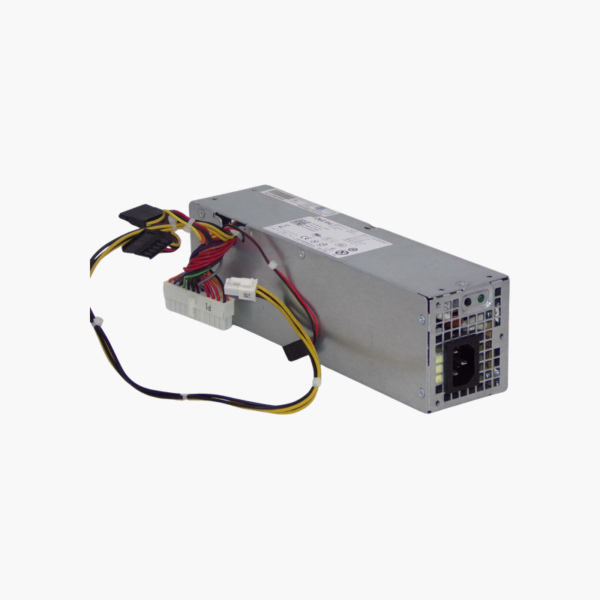
The Dell H240AS-00 is a 240W power supply for Dell OptiPlex small form factor desktops, including the 390, 790, 990, 3010, 7010 and 9010 SFF. It uses Dell’s SFF form factor and connectors and accepts 100–240V AC input. It suits IT departments and repair shops maintaining OptiPlex fleets.
Why a Generic ATX Supply Will Not Fit an OptiPlex SFF
Dell OptiPlex SFF desktops use a compact, proprietary power supply shape and Dell-specific motherboard connectors. A standard ATX supply is too large for the chassis and uses different cables, so it cannot be used as a direct replacement.
The H240AS-00 matches the original SFF design. It mounts in the same position, uses the same connectors and delivers the 240W rating the system was designed for, so the PC returns to service in minutes.
Direct Fit for Common OptiPlex SFF Models
The unit is compatible with OptiPlex 390, 790, 990, 3010, 7010 and 9010 SFF desktops, which share this power supply family. That makes it a useful spare for mixed office fleets.
Stable Power for Office Workloads
A 240W output covers the processor, memory, SSD or HDD and low-profile expansion cards used in these systems. Universal 100–240V AC input supports office power in any region.
Setup Instructions
How to Replace the Dell H240AS-00
- Shut down the OptiPlex SFF desktop, unplug the AC cord and press the power button for a few seconds to drain residual power.
- Open the side panel, photograph the cable routing, then disconnect the power cables from the motherboard, drives and any graphics card.
- Remove the mounting screws or release latch, take out the old unit and install the replacement in the same position.
- Reconnect every cable, close the case, plug in the AC cord and power on to confirm the system boots and the fan spins.







Reviews
There are no reviews yet.