
Networking
Shop all 595 products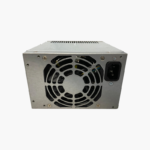

Restore an HP M01-F1033wb desktop with its matched 180W supply.
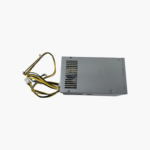
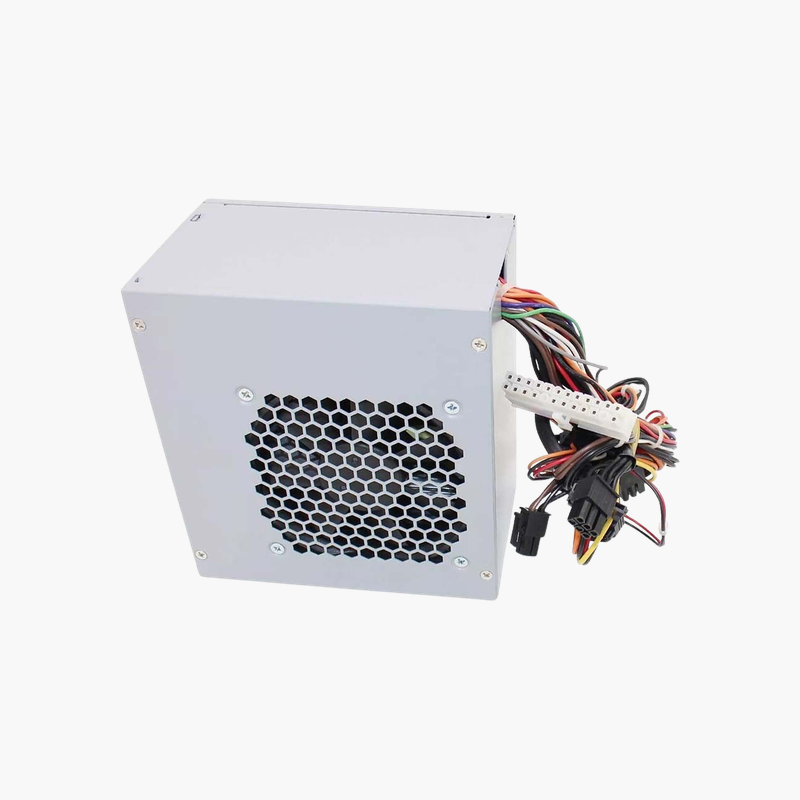
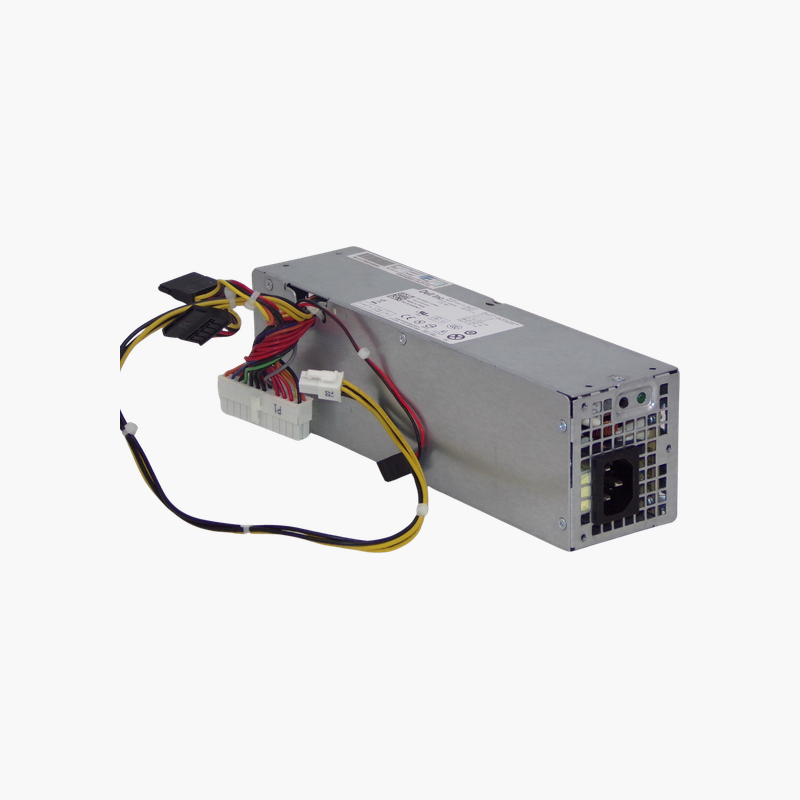
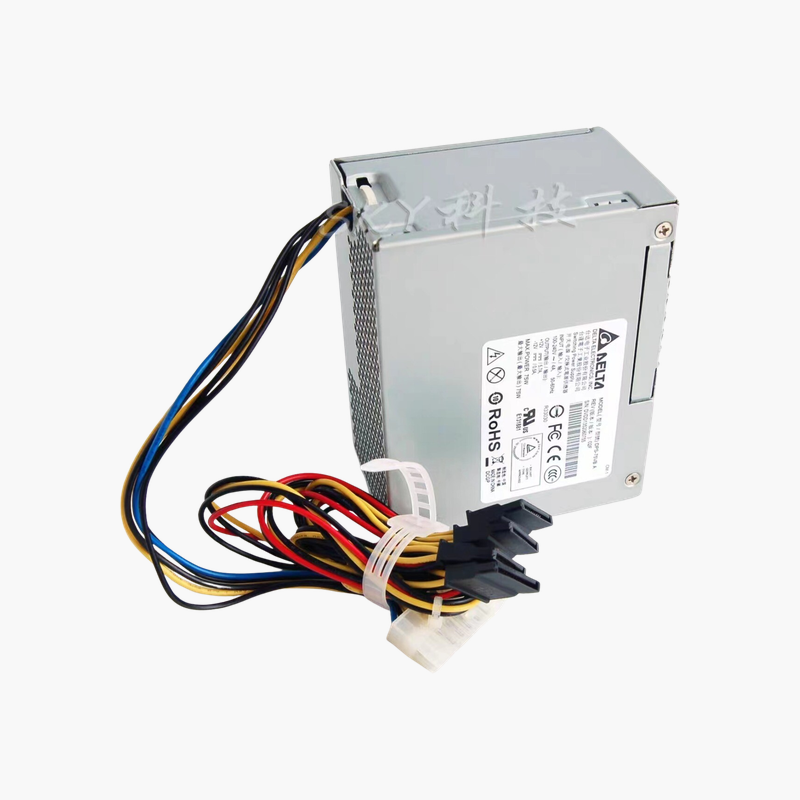
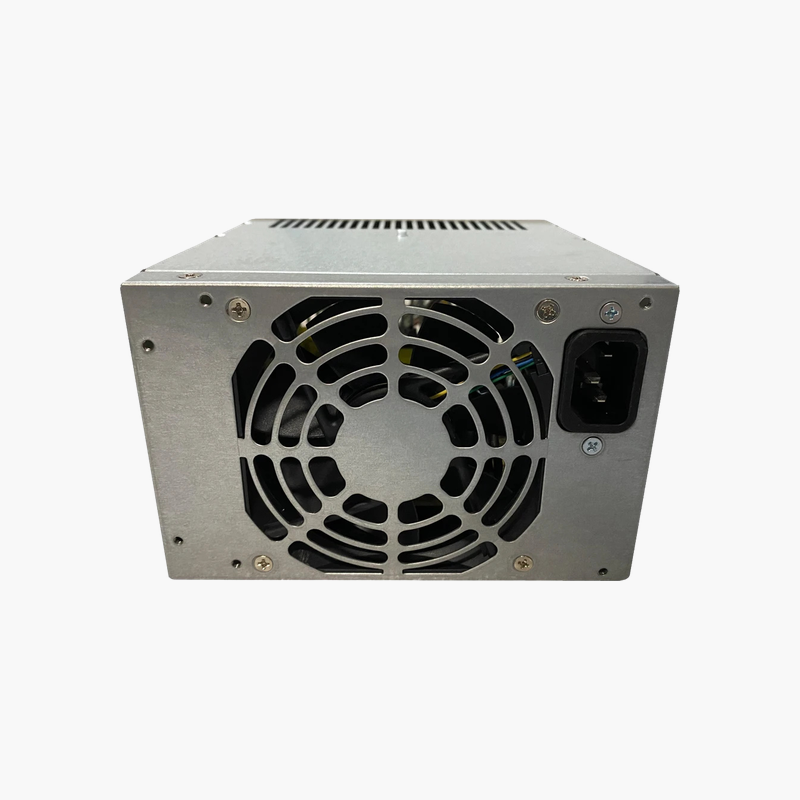
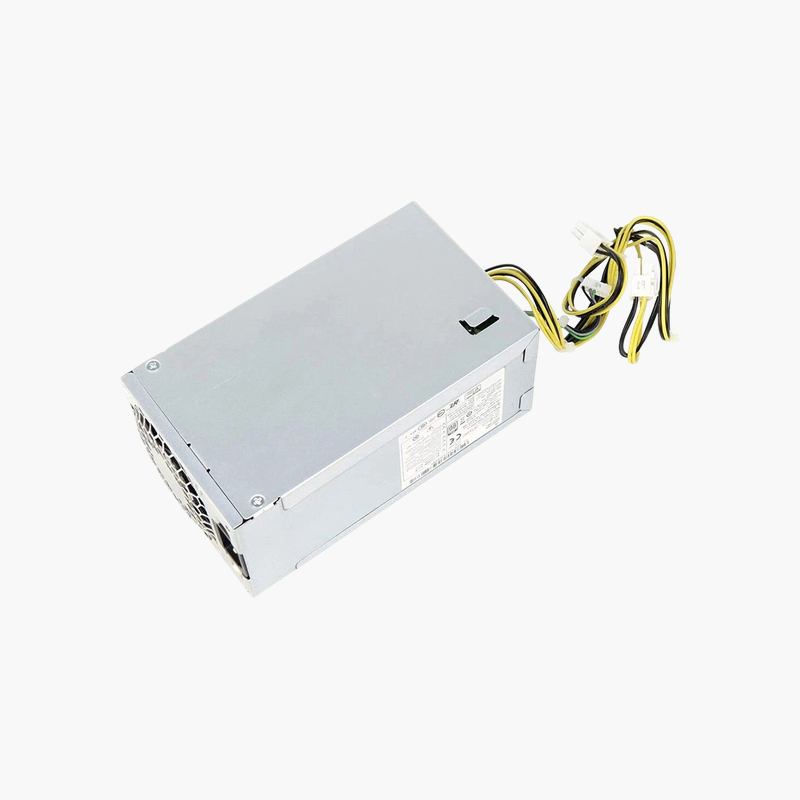
The HP L70042-002 is a 180W internal power supply for the HP M01-F1033wb desktop and other HP M01-F series systems that list this part. It uses HP connectors and mounting and accepts 100–240V AC input. It suits home users and repair technicians replacing a failed power supply.
Fixing a Desktop That Will Not Power On
When an HP M01 desktop shows no lights, no fan movement and no response to the power button, the power supply is a common cause. Because HP uses proprietary connectors, a standard ATX supply cannot be used directly.
The L70042-002 is the matched HP part for the M01-F1033wb. It fits the slim chassis, connects directly to the HP motherboard and restores the system to normal operation.
Right-Sized for Efficient Hardware
The 180W rating matches the low power requirements of the M01-F series, with its efficient processors and integrated graphics. Right-sizing keeps the supply in an efficient operating range.
Simple Replacement
Mounting points, cable lengths and connectors match the original, so replacement takes only a screwdriver and a few minutes.
Setup Instructions
How to Replace the HP L70042-002
- Shut down the HP M01 desktop, unplug the AC cord and press the power button for a few seconds to drain residual power.
- Open the side panel, photograph the cable routing, then disconnect the power cables from the motherboard, drives and any graphics card.
- Remove the mounting screws or release latch, take out the old unit and install the replacement in the same position.
- Reconnect every cable, close the case, plug in the AC cord and power on to confirm the system boots and the fan spins.





Reviews
There are no reviews yet.