
Networking
Shop all 595 products
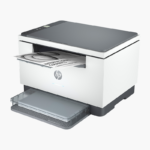
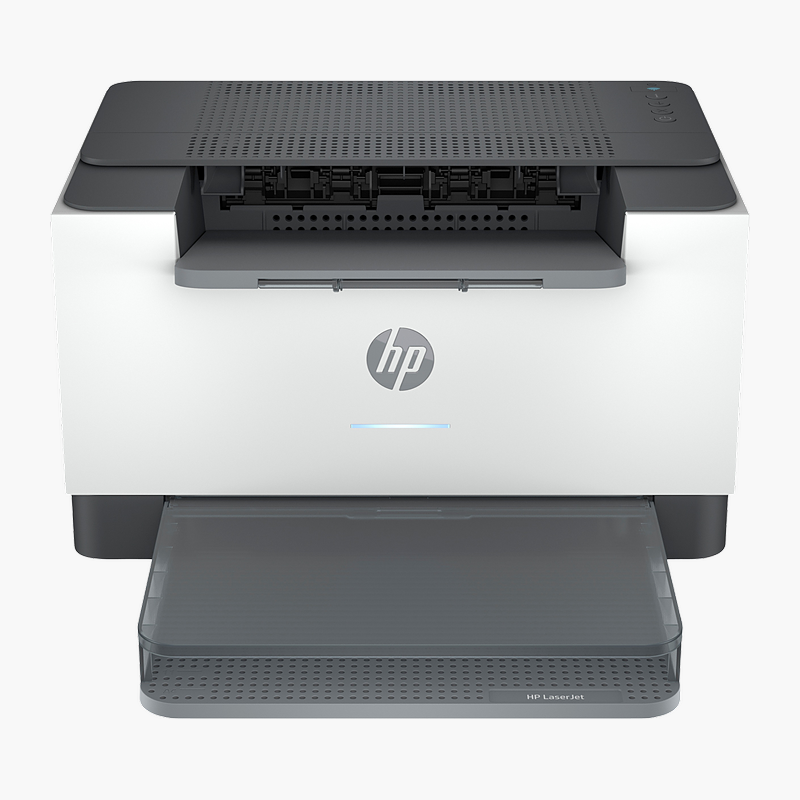
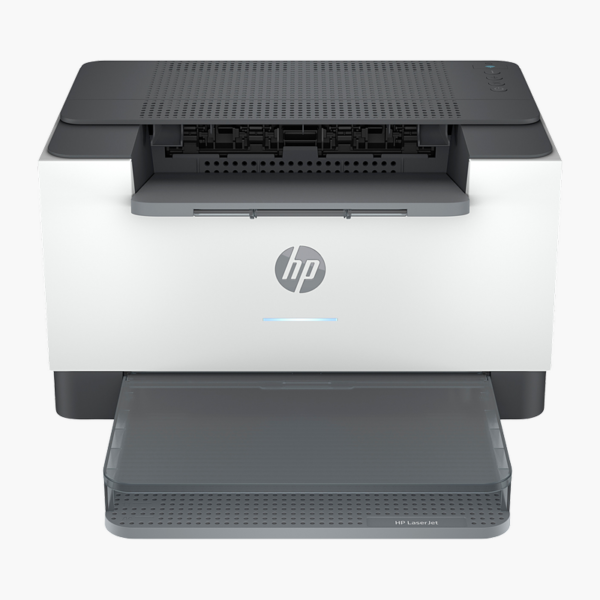
The HP LaserJet M209dw is a monochrome laser printer at up to 30 ppm with automatic two-sided printing. It is built for home offices, students and small teams, delivering sharp documents with low running costs and simple setup. It connects through Wi-Fi, Wi-Fi Direct, Bluetooth LE, Ethernet, USB 2.0 and holds 150 sheets of paper.
Dependable laser printing for every working day.
Reliable Laser Printing Without Inkjet Hassles
Inkjet printers can be slow for text-heavy documents, and ink cartridges dry out when the printer sits idle, leading to clogged heads and wasted cartridges.
The HP LaserJet M209dw uses laser toner that does not dry out, printing crisp text at 600 x 600 dpi and up to 30 ppm. Automatic duplex printing saves paper on every job.
Fast Output for Every Job
Printing at up to 30 ppm at 600 x 600 dpi, it produces crisp text and sharp graphics for reports, invoices and forms.
Easy to Connect and Manage
Wi-Fi, Wi-Fi Direct, Bluetooth LE, Ethernet, USB 2.0 connectivity and the LED control panel make setup and daily use straightforward. Toner uses HP 134A / 134X cartridges.
Setup Instructions
How to Set Up the HP LaserJet M209dw
- Unpack the printer, remove all orange packing tape and install the included toner cartridge(s).
- Load paper into the main tray and connect the power cable.
- Connect to your network with an Ethernet cable or Wi-Fi using the control panel or HP Smart app, or connect directly by USB.
- Install the HP driver or HP Smart app on each computer, then print a test page.














Reviews
There are no reviews yet.