Networking
Shop all 595 products
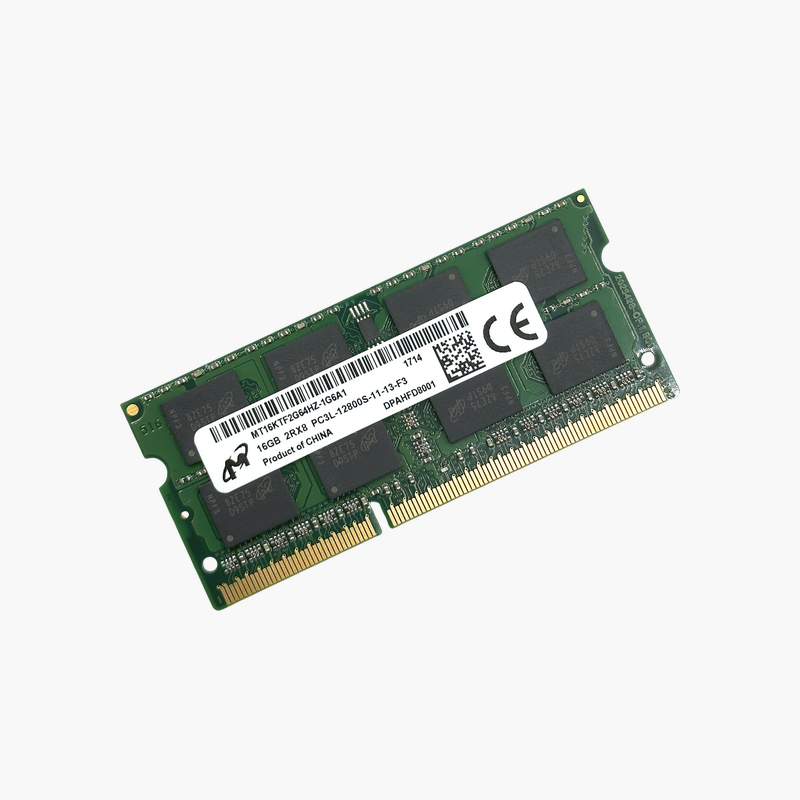
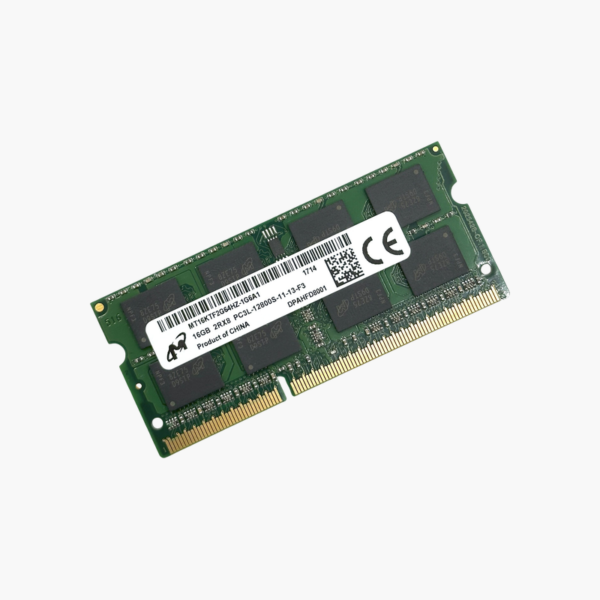
16GB on a single DDR3L module for laptops that can address it.
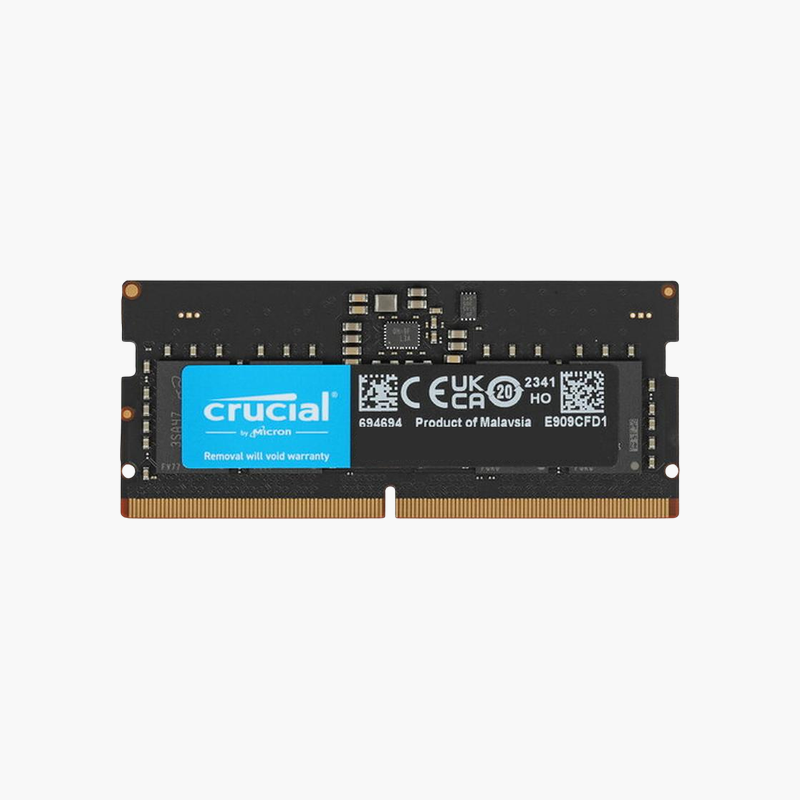
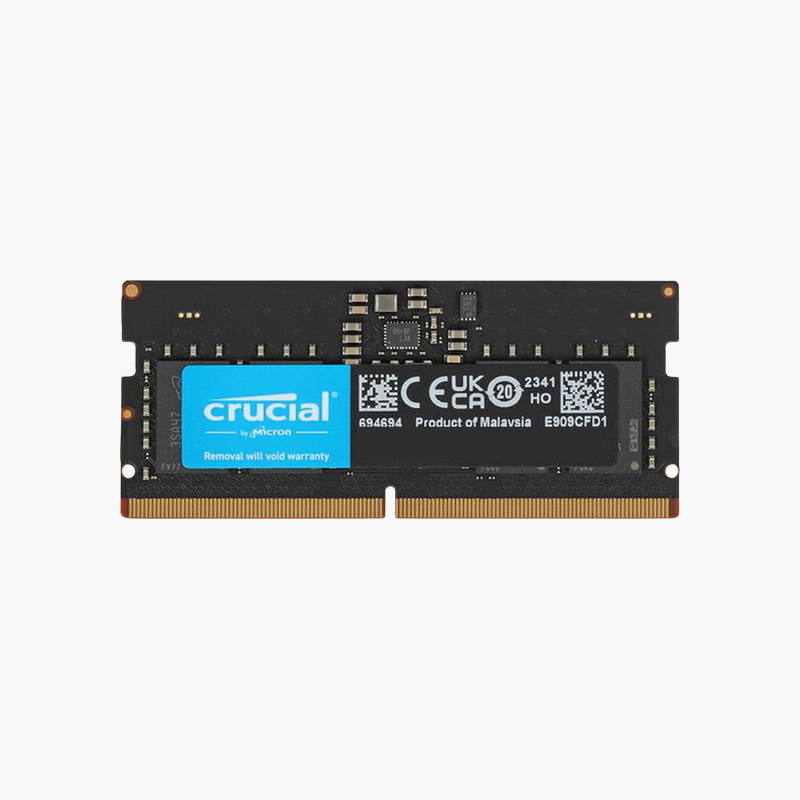
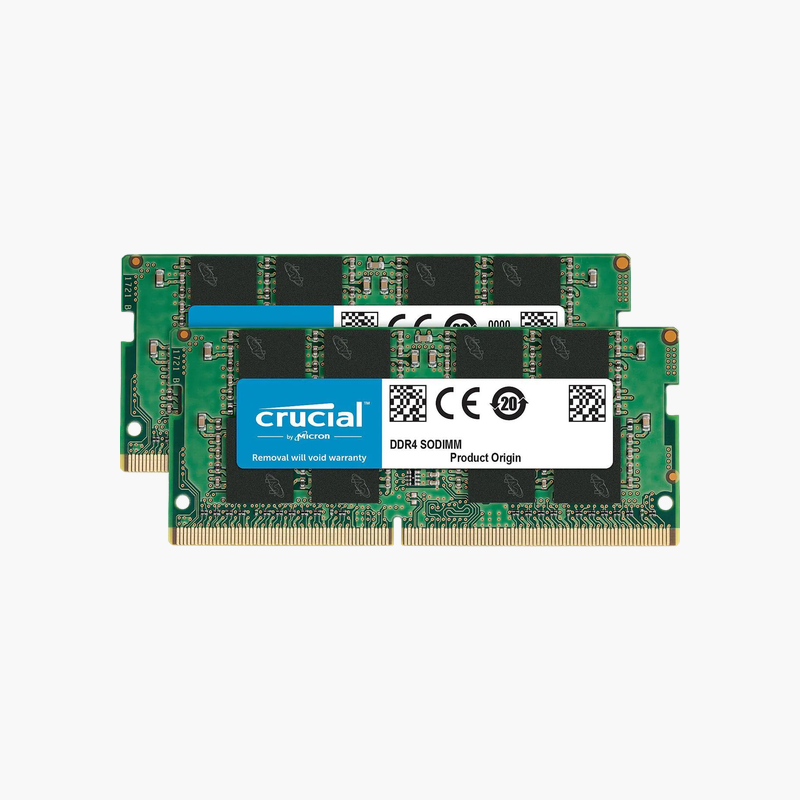
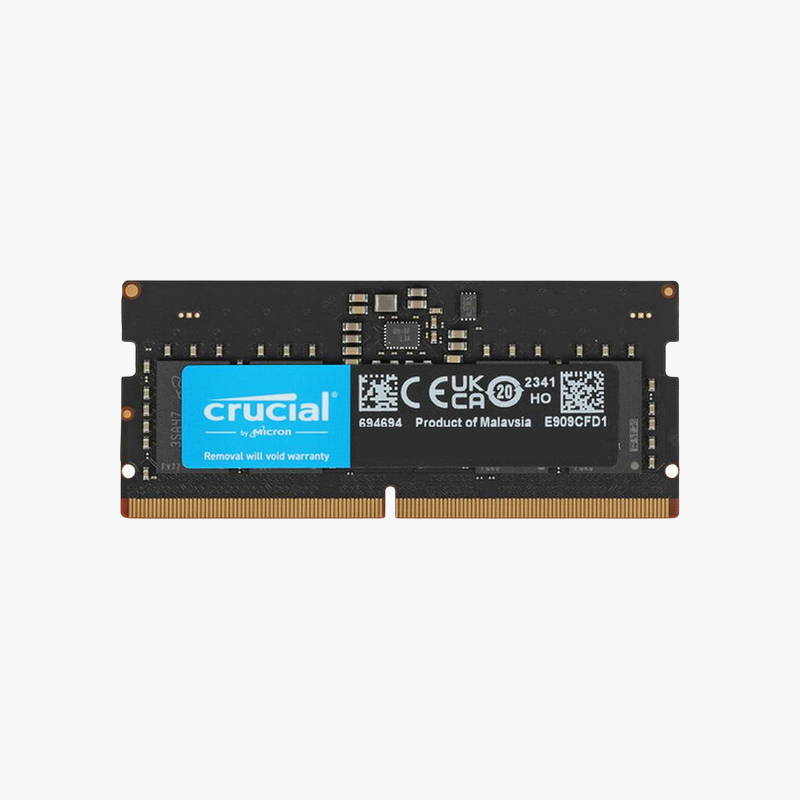
The Micron MT16KTF2G64HZ-1G6A1 is a 16GB DDR3L-1600 SODIMM built with high-density 8Gb chips. It lets compatible DDR3L laptops, mini PCs, and embedded systems reach 16GB per slot or 32GB total, useful for technicians and owners extending the life of business notebooks used for office and line-of-business software.
Pushing DDR3L Systems Past 8GB Per Slot
Most DDR3L SODIMMs top out at 8GB because they use 4Gb chips. This Micron module uses 8Gb chips to reach 16GB on one stick, allowing 32GB in a two-slot system that supports high-density modules.
Support is the key factor. Intel 5th Gen (Broadwell) and 6th Gen (Skylake) systems with DDR3L, along with some AMD and Intel Atom/Celeron platforms, can address 16GB modules. Most Intel 4th Gen and earlier laptops cannot and may not boot with it.
At 1.35V, DDR3L draws less power than standard DDR3, which helps battery life and heat in compact systems.
High Capacity for Legacy Business Software
Line-of-business applications, virtual machines, and large spreadsheets benefit from 16GB or 32GB on compatible older systems.
Dual-Voltage Operation
DDR3L modules run at 1.35V and are generally backward compatible with 1.5V DDR3 slots, though DDR3L-only laptops require low-voltage memory like this module.
How to Install the Micron 16GB DDR3L SODIMM
- Shut down the laptop, unplug the charger, and remove or disconnect the battery if the service manual says to.
- Remove the memory access panel or bottom cover and release any existing module by spreading the side clips.
- Insert the new module at about 30 degrees with the notch aligned, then press it flat until the clips lock.
- Close the panel, power on, and confirm the new memory total in BIOS or your operating system.