
Networking
Shop all 595 products
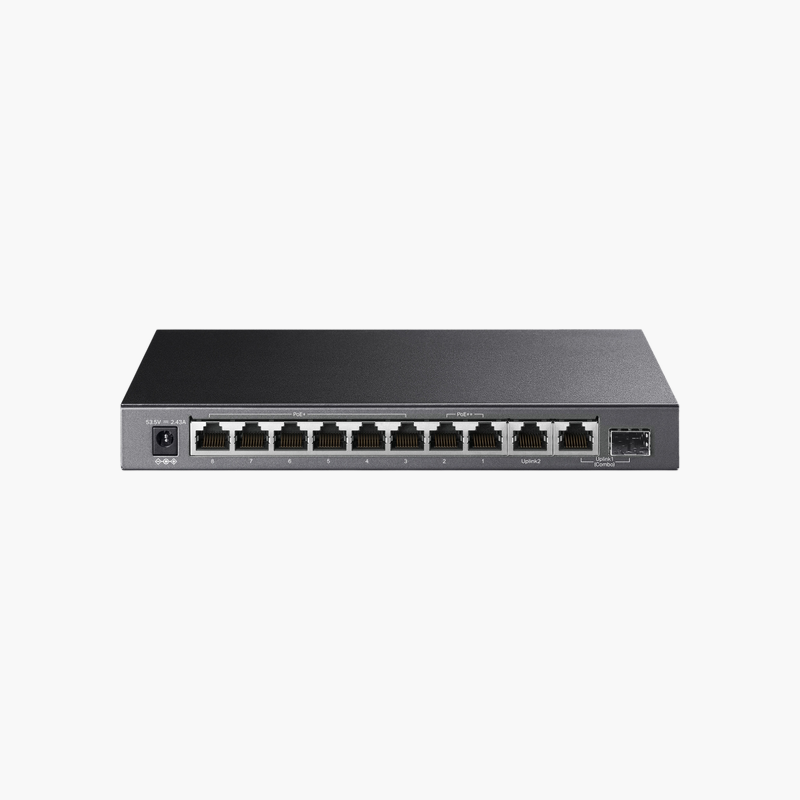
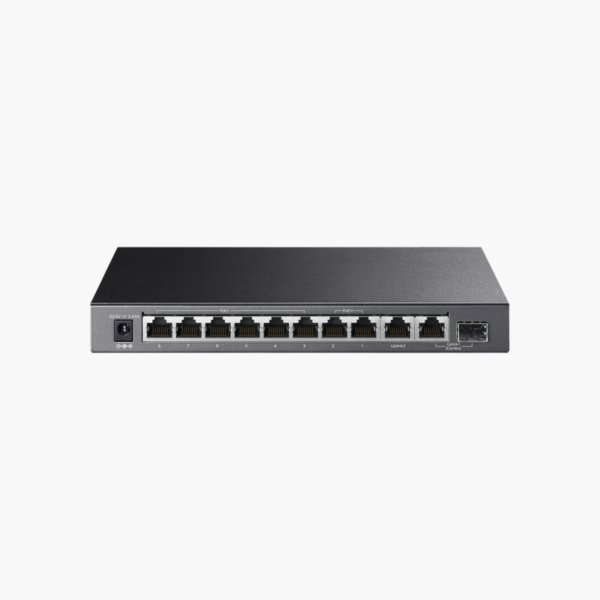
The TP-Link TL-SG1210PP 10-Port Gigabit Desktop Switch with 6-Port PoE+ and 2-Port PoE++ is an unmanaged PoE switch with 9x Gigabit RJ45 (2 PoE++, 6 PoE+) and 1x Gigabit RJ45/SFP combo uplinks. It supplies 2x PoE++ + 6x PoE+ power from a 123W budget for access points, IP cameras and VoIP phones.
Connect, power and manage with confidence.
One Cable for Data and Power
Running separate power to every access point, camera and phone adds cost and limits where devices can go, while power bricks clutter ceilings and walls.
The TP-Link TL-SG1210PP 10-Port Gigabit Desktop Switch with 6-Port PoE+ and 2-Port PoE++ delivers 2x PoE++ + 6x PoE+ power from a 123W budget over standard Ethernet, so devices can be installed wherever a network cable can reach.
Ports and Performance
Ports: 9x Gigabit RJ45 (2 PoE++, 6 PoE+). Uplinks: 1x Gigabit RJ45/SFP combo. PoE: 2x PoE++ + 6x PoE+, 123W budget. SFP/SFP+ ports require compatible transceivers or DAC cables.
Management and Installation
No configuration needed – connect devices and go. Fits on a desk or shelf, or mounts on a wall.
Setup Instructions
How to Set Up the TP-Link TL-SG1210PP 10-Port Gigabit Desktop Switch with 6-Port PoE+ and 2-Port PoE++
- Place the switch on a desk, wall or rack and connect the power adapter or power cord.
- Connect one port to your router or main switch with an Ethernet cable.
- Plug in your computers, access points, cameras and other devices.
- Check the link and PoE LEDs to confirm powered devices start up.















Reviews
There are no reviews yet.