
Networking
Shop all 595 products

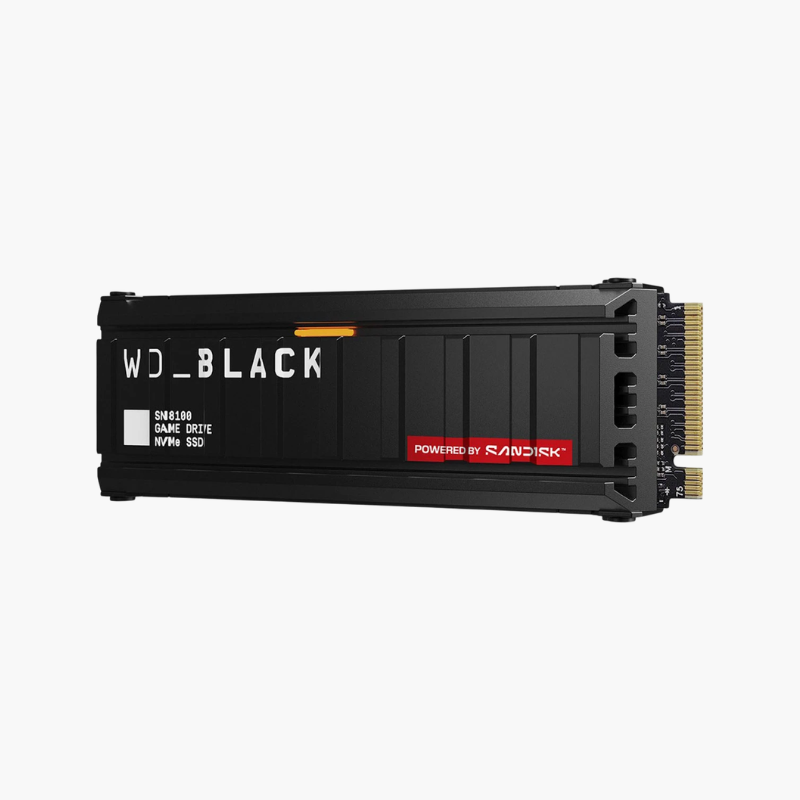
PCIe Gen5 speed for gaming, AI workloads and high-resolution content creation.
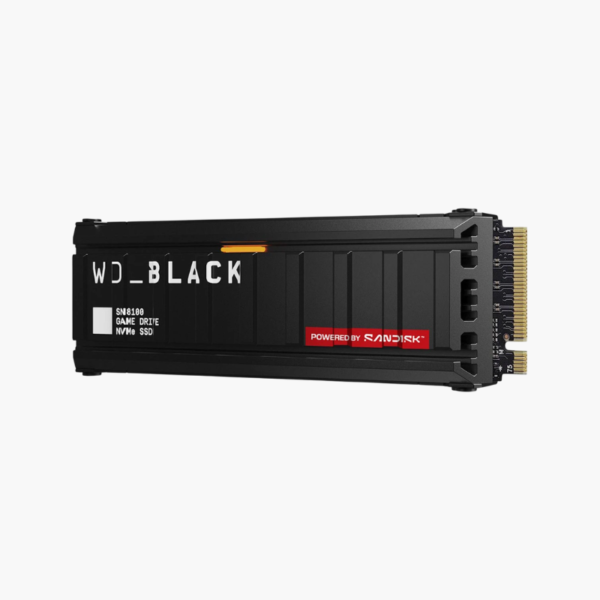
The WD_BLACK SN8100 1TB is a PCIe Gen5 x4 NVMe M.2 2280 SSD for high-end gaming PCs and workstations. Built with a Silicon Motion SM2508 controller, DRAM and 218-layer BiCS8 TLC NAND, it reads at up to 14,900MB/s and writes at up to 11,000MB/s, roughly double the speed of top Gen4 drives.
Why PCIe Gen5 Storage Matters for Demanding Workloads
AI model loading, 8K video editing and large game installs push enormous amounts of data. Even fast Gen4 SSDs top out near 7,400MB/s, which can become the limiting factor on modern Gen5 platforms.
The SN8100 doubles that ceiling. With up to 14,900MB/s sequential reads, it loads large datasets, project files and game assets faster, while its efficient 6nm controller keeps heat and power manageable compared with early Gen5 drives.
Next-Generation Gaming and Creation Speed
Sequential reads of up to 14,900MB/s and high random performance cut load times in DirectStorage games and speed up AI, 3D and 8K video workflows.
Efficient Gen5 Design
The SM2508 controller is built on a 6nm process, helping the SN8100 run cooler and use less power than many Gen5 competitors. A motherboard M.2 heatsink is still recommended for sustained loads.
Setup Instructions
How to Install the WD_BLACK SN8100 1TB
- Update your motherboard BIOS, shut down and unplug the PC.
- Locate a PCIe Gen5 M.2 2280 slot (usually closest to the CPU) and remove its heatsink.
- Insert the SSD, press it flat, secure it and reinstall the motherboard heatsink with its thermal pad.
- Boot up, confirm Gen5 link speed in BIOS, and initialize the drive or install your OS.








Reviews
There are no reviews yet.