
Networking
Shop all 595 products
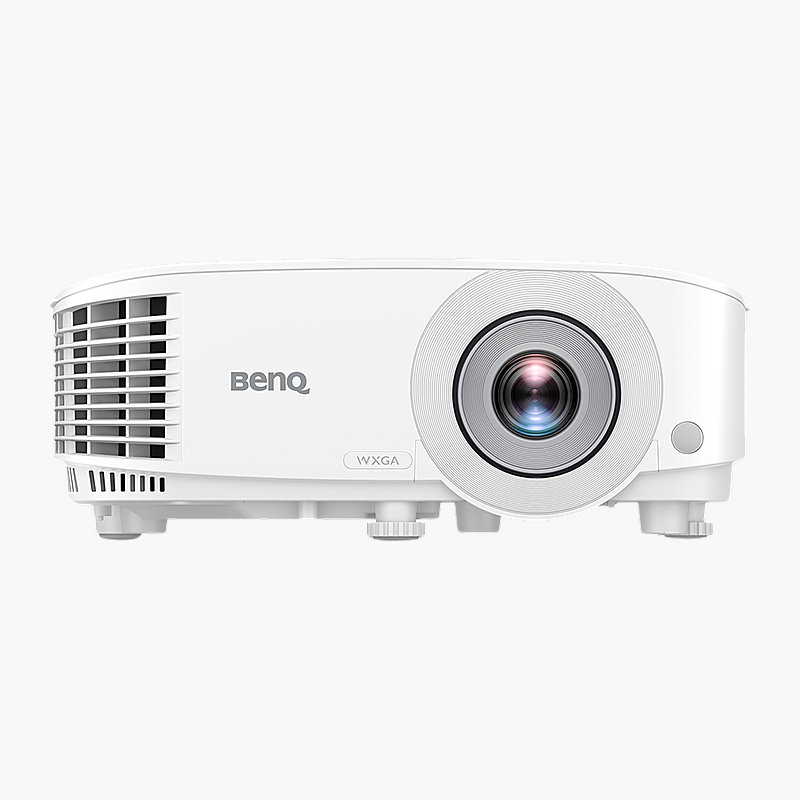
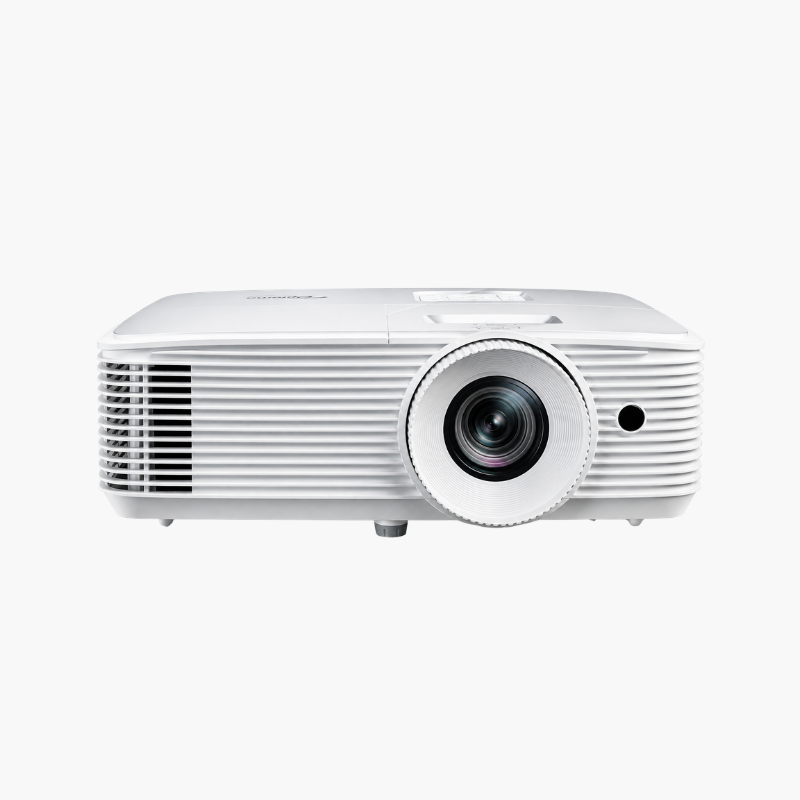
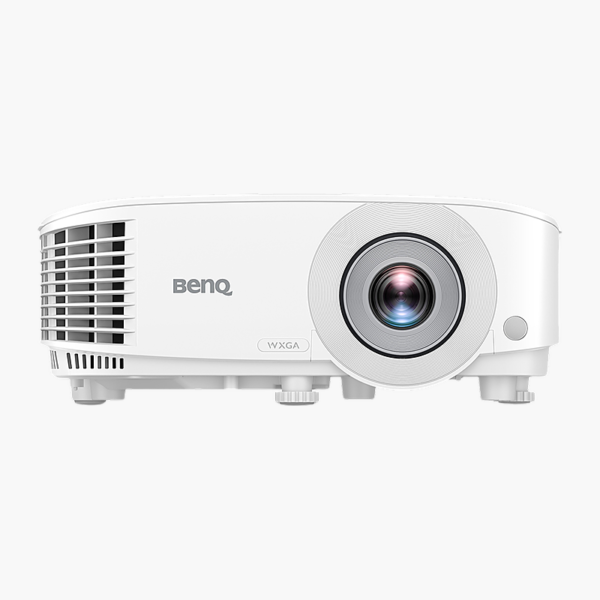
The BenQ MW560 is a WXGA business projector with 4,000 ANSI lumens and a 1.55–1.7:1 throw ratio. It is built for meeting rooms, training rooms and classrooms, using a lamp light source with Eco modes for longer lamp life. Connect through 2x HDMI and set up in minutes.
Bright images for every room.
Clear Presentations in Lit Rooms
Dim projectors wash out when the lights are on, and small screens make detailed slides hard to read for everyone in the room.
The BenQ MW560 delivers 4,000 ANSI lumens at WXGA resolution, so text and charts stay legible with the lights on.
Flexible Setup
1.1x optical zoom and ±40° auto vertical keystone correction make it easy to fit the image squarely to your screen.
Connections and Control
Inputs include 2x HDMI, VGA in/out, S-Video, composite, audio in/out. A built-in 10W speaker covers basic audio.
Setup Instructions
How to Set Up the BenQ MW560
- Position or ceiling-mount the projector at the distance that matches your screen size and throw ratio.
- Connect your source with HDMI (or another available input) and plug in the power cable.
- Power on, then adjust zoom, focus and keystone so the image fills the screen squarely.
- Select the picture mode that suits your room and content, and enable Eco mode for quieter, longer-lasting use.





Reviews
There are no reviews yet.