
Networking
Shop all 595 products
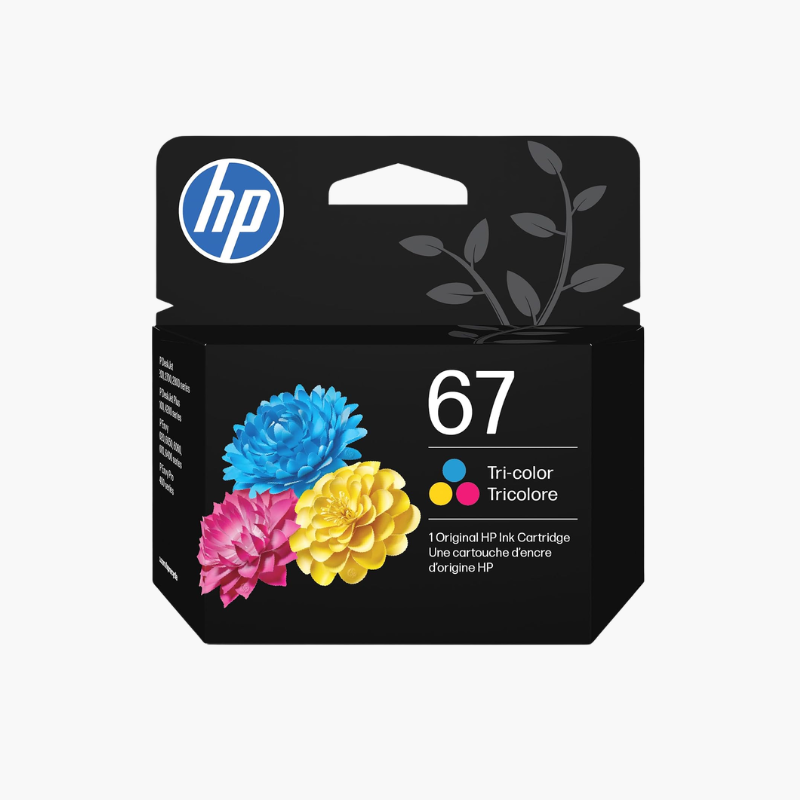
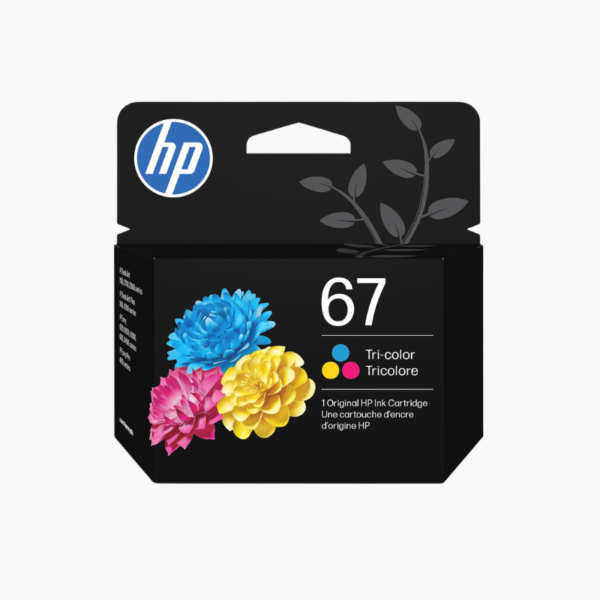
The HP 67 Black and Tri-Color Original Ink Cartridges 2-Pack is a replacement set for HP DeskJet 1255, 2700, and 4100 series and HP ENVY 6000 and 6400 series printers. The pack includes one black cartridge for about 120 pages and one tri-color cartridge for about 100 pages.
Deep-Dive Story & Problem/Solution
Buying Cartridges One at a Time Leaves the Printer Short of Ink
Black and color cartridges in light-use printers often run low within weeks of each other. Ordering them separately means two purchases and the chance of being without one color when it is needed.
This combo pack supplies both HP 67 cartridges together. The pigment black prints sharp text, and the dye-based tri-color cartridge covers cyan, magenta, and yellow for graphics and photos.
Original HP cartridges are recognized by the printer, so ink levels display correctly.
Compatible Printer Series
HP DeskJet 1255, 2700, 4100 series; HP DeskJet Plus 4100; HP ENVY 6000, 6400 series; and HP ENVY Pro 6400 series.
Suited to Light Printing
Standard-yield cartridges fit households that print occasionally. For heavier use, the HP 67XL versions print about twice as many pages.
Setup Instructions
How to Install HP 67 Ink Cartridges
- Turn on the printer, open the ink access door, and wait for the carriage to stop.
- Press down on each used cartridge and remove it.
- Remove the tape from each new cartridge without touching the contacts or nozzles.
- Insert tri-color on the left and black on the right until they click, then print the alignment page.















Reviews
There are no reviews yet.