
Networking
Shop all 595 products
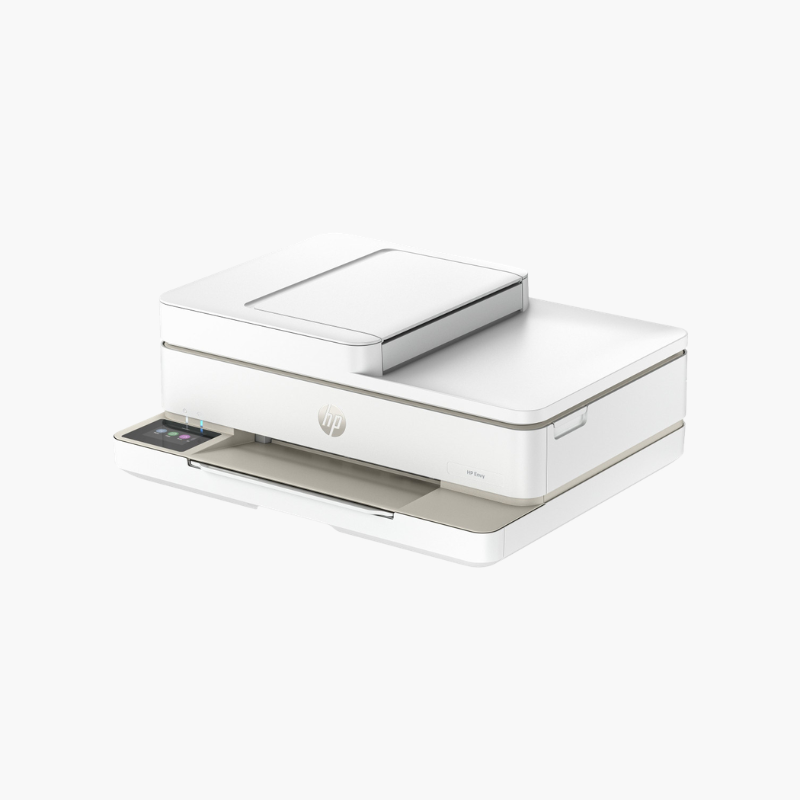
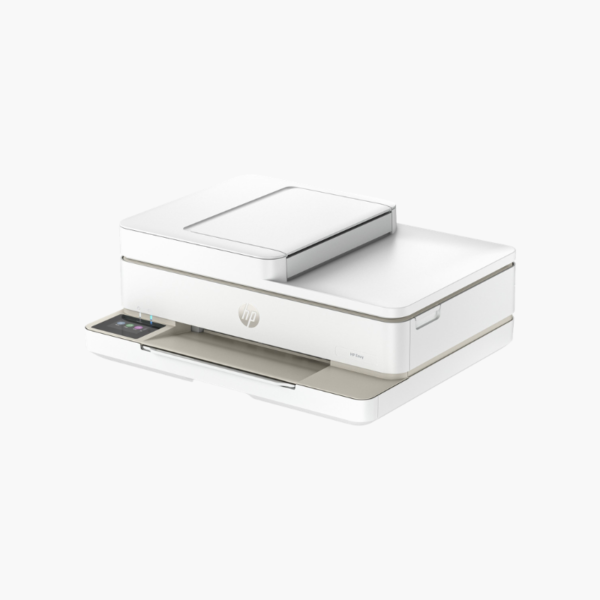
The HP ENVY 6155e is a wireless color inkjet all-in-one for families and students who print occasionally. It prints, scans, and copies, supports automatic two-sided printing, and is set up and controlled from a phone through the HP Smart app.
Deep-Dive Story & Problem/Solution
Occasional Home Printing Should Be Simple, Not a Project
Households that print a few pages a week want a printer that connects once and then stays out of the way. Complicated setup, dropped Wi-Fi, and confusing panels are the usual sources of frustration.
The ENVY 6155e is set up through the HP Smart app, which walks through Wi-Fi connection, cartridge installation, and alignment. The same app prints, scans, and copies from a phone.
It prints up to 10 ppm in black with color resolution up to 4800 x 1200 dpi, and automatic duplex is included, which is unusual at this level.
Everyday Printing, Scanning, and Copying
A 1200 dpi optical flatbed scanner handles homework, forms, and photos. Borderless photo printing is supported.
Compact and Mobile-First
The low-profile body fits on a shelf. Dual-band Wi-Fi with self-healing keeps it connected, and mobile fax is available through the app.
Setup Instructions
How to Set Up the HP ENVY 6155e
- Remove packing tape and power on.
- Install the black and tri-color cartridges and load paper.
- Open the HP Smart app and add the printer.
- Print the alignment page and scan it to finish setup.















Reviews
There are no reviews yet.