
Networking
Shop all 595 products
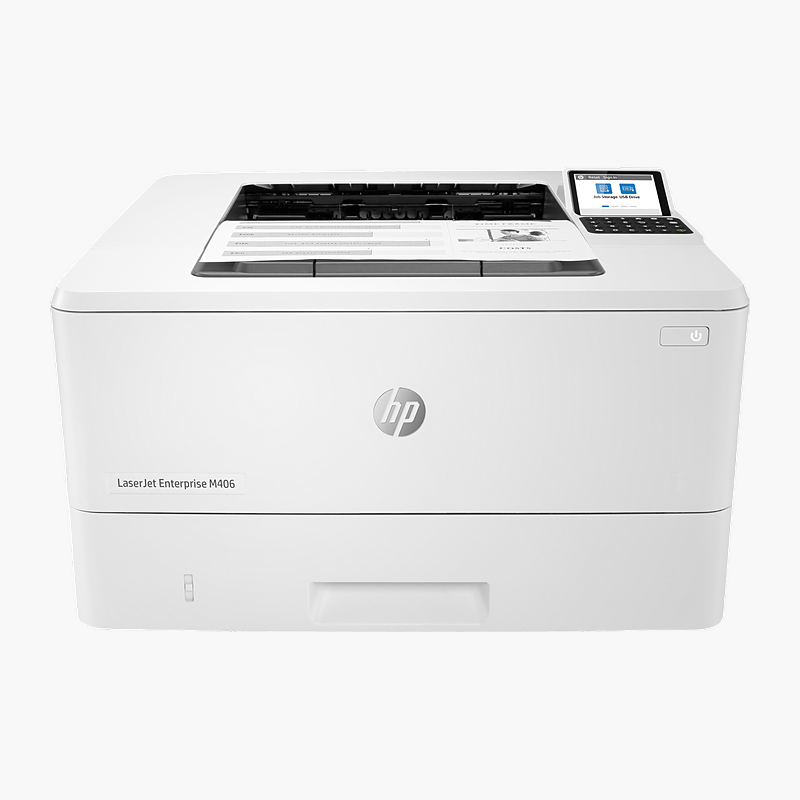
The HP LaserJet Enterprise M406dn is a monochrome laser printer at up to 42 ppm with automatic two-sided printing. It is built for busy business workgroups and IT-managed fleets, delivering sharp documents with enterprise-grade security and fleet management. It connects through Gigabit Ethernet, USB 2.0 and holds 350 sheets of paper.
Fast, sharp documents with less waiting.
Keep Busy Workgroups Printing Without Bottlenecks
Shared office printers often become a bottleneck: slow first pages, frequent paper refills and jams interrupt work, while unmanaged devices on the network create security gaps.
The HP LaserJet Enterprise M406dn prints at up to 42 ppm, holds 350 sheets of paper and is rated for up to 100,000 pages/month, so long jobs from many users finish without constant attention. HP Enterprise firmware adds security features and remote fleet management through HP management tools.
Fast Output for Every Job
Printing at up to 42 ppm at 1200 x 1200 dpi, it produces crisp text and sharp graphics for reports, invoices and forms.
Easy to Connect and Manage
Gigabit Ethernet, USB 2.0 connectivity and the 2.7″ color LCD make setup and daily use straightforward. Toner uses HP 58A / 58X cartridges.
Setup Instructions
How to Set Up the HP LaserJet Enterprise M406dn
- Unpack the printer, remove all orange packing tape and install the included toner cartridge(s).
- Load paper into the main tray and connect the power cable.
- Connect to your network with an Ethernet cable or Wi-Fi using the control panel or HP Smart app, or connect directly by USB.
- Install the HP Universal Print Driver on each computer (or deploy through your print server), then print a configuration page.














Reviews
There are no reviews yet.