Networking
Shop all 595 products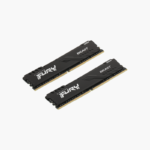
Start with 32GB in one slot and scale to 128GB later.
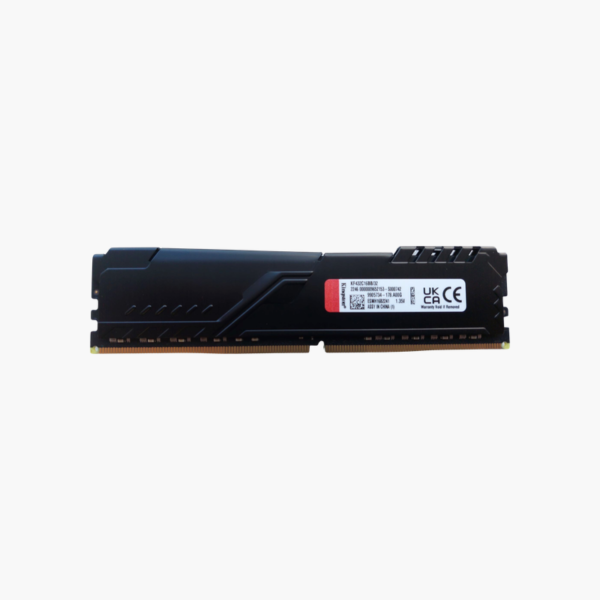
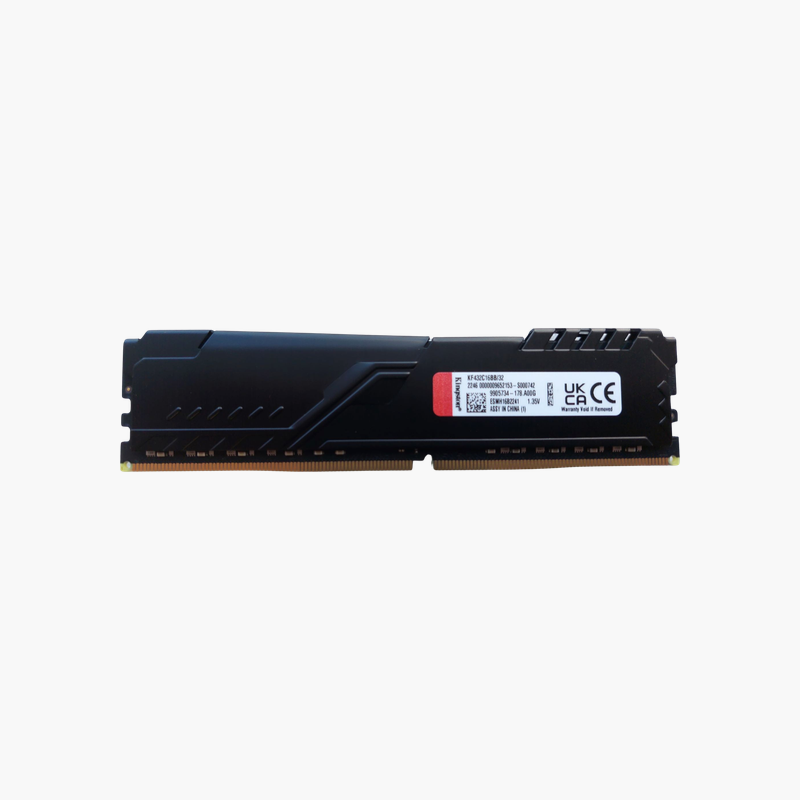
The Kingston FURY Beast KF432C16BB/32 is a single 32GB DDR4-3200 CL16 desktop module. It suits creators and power users who want high capacity per slot, either adding to an existing 32GB module for 64GB dual channel or planning a four-slot 128GB build for editing, rendering, and virtualization.
Why Memory Speed and Timings Affect Desktop Performance
High-capacity modules let you grow memory without replacing what you already own. A single 32GB stick provides room for heavy workloads today and leaves slots free for later upgrades.
Adding a second identical module gives 64GB in dual channel, and four modules give 128GB on boards that support it, a common target for video editing, 3D rendering, and virtual machine hosts.
Like other FURY Beast DDR4 modules, it runs 3200 MT/s at CL16 using its XMP profile.
Plan for 64GB and 128GB Builds
Buying 32GB modules one at a time lets you scale to 128GB as projects grow, without discarding smaller modules.
Note on Single-Channel Operation
A single module runs in single-channel mode. For best performance, add a second identical module to enable dual channel.
How to Install and Enable Kingston FURY Beast 32GB DDR4-3200
- Power down, unplug the PC, and ground yourself on a metal part of the case.
- Install the modules in the motherboard’s recommended slots (for two modules, usually A2 and B2).
- Press each module down firmly until the latches click, then reconnect power and boot into BIOS.
- Enable the XMP profile (Intel) or DOCP/A-XMP (AMD) to run at 3200 MT/s, save, and confirm the speed in BIOS or CPU-Z.