Networking
Shop all 595 products
Hard-to-find first-generation DDR memory for legacy laptops and equipment.
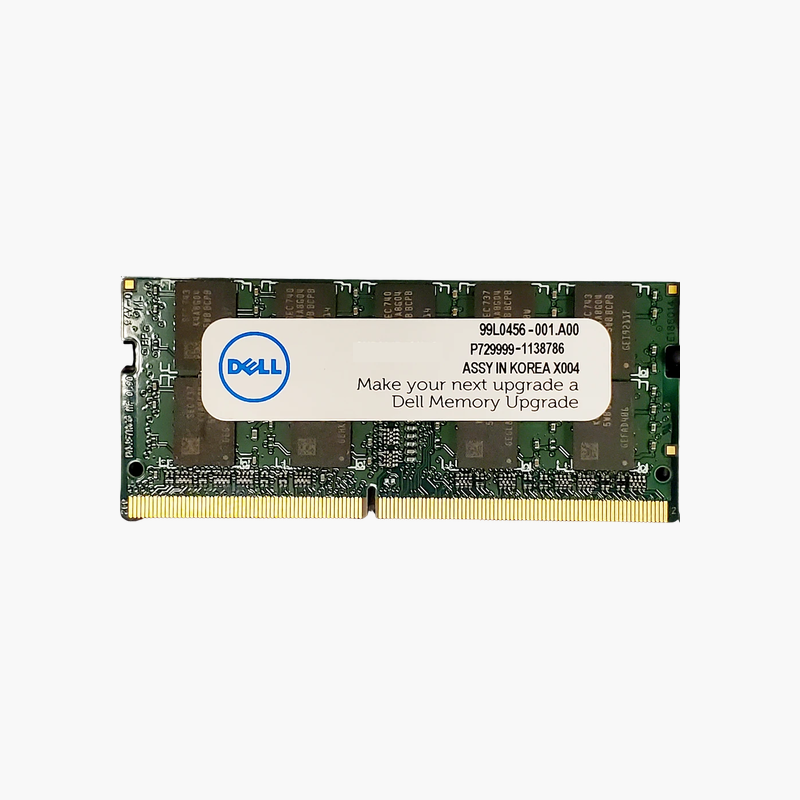
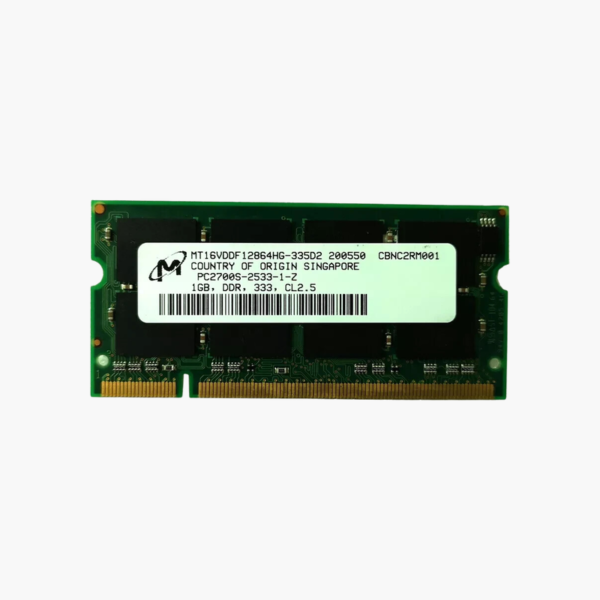
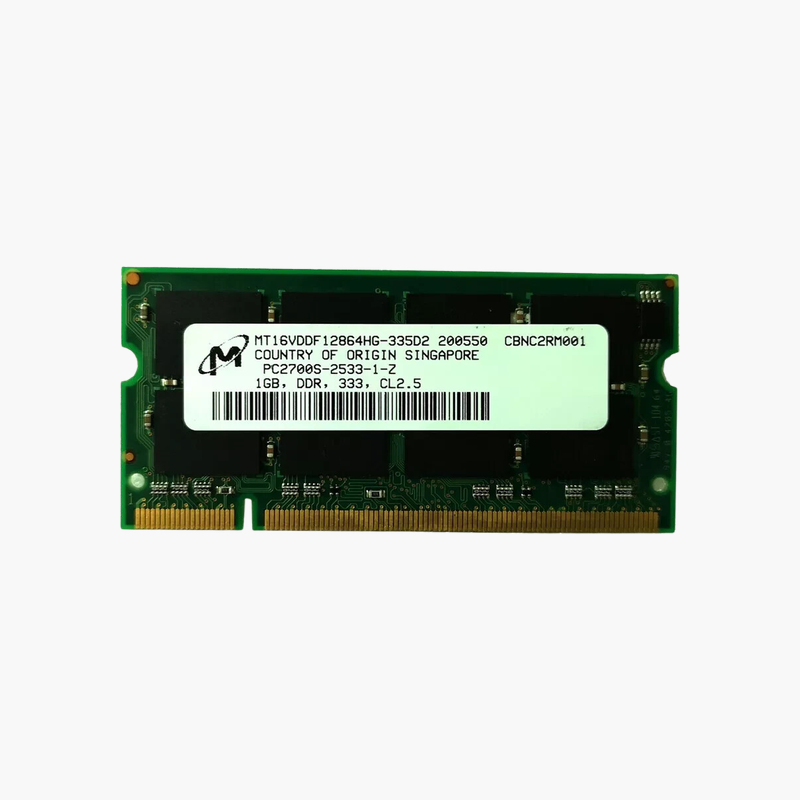
The Micron MT16VDDF12864HG-335D2 is a 1GB DDR-333 (PC2700) SODIMM for laptops and embedded systems from the early 2000s. It serves IT technicians, collectors, and industrial users who need to repair or maximize legacy notebooks, medical or test equipment, and point-of-sale systems that still depend on DDR memory.
Why Legacy Systems Still Need Original DDR Memory
Many industrial controllers, lab instruments, and retro computing setups still run on hardware designed around first-generation DDR. Newer memory types such as DDR2, DDR3, and DDR4 are physically and electrically incompatible, so these systems need the original standard.
This Micron module provides 1GB at 333 MT/s (PC2700) with a 200-pin SODIMM form factor and 2.5V operation, matching the specification of many notebooks from that era.
For laptops that originally shipped with 256MB or 512MB, moving to 1GB per slot is often the largest upgrade the chipset supports, making older operating systems and software far more usable.
Keep Critical Legacy Equipment Running
Replacing a failed module with a correct-spec part avoids costly replacements of specialized equipment that depends on older hardware.
Backward Compatible With PC2100 Systems
DDR-333 modules generally run at 266 MT/s in systems designed for PC2100 memory.
How to Install DDR SODIMM Memory in a Legacy Laptop
- Shut down the laptop, unplug it, and remove the battery.
- Open the memory compartment, usually on the underside, and release the existing module by pressing the side clips outward.
- Insert the 200-pin DDR module at an angle with the notch aligned, then press it down until it locks.
- Close the panel, reinstall the battery, and check that the BIOS or operating system recognizes the new capacity.