
Networking
Shop all 595 products
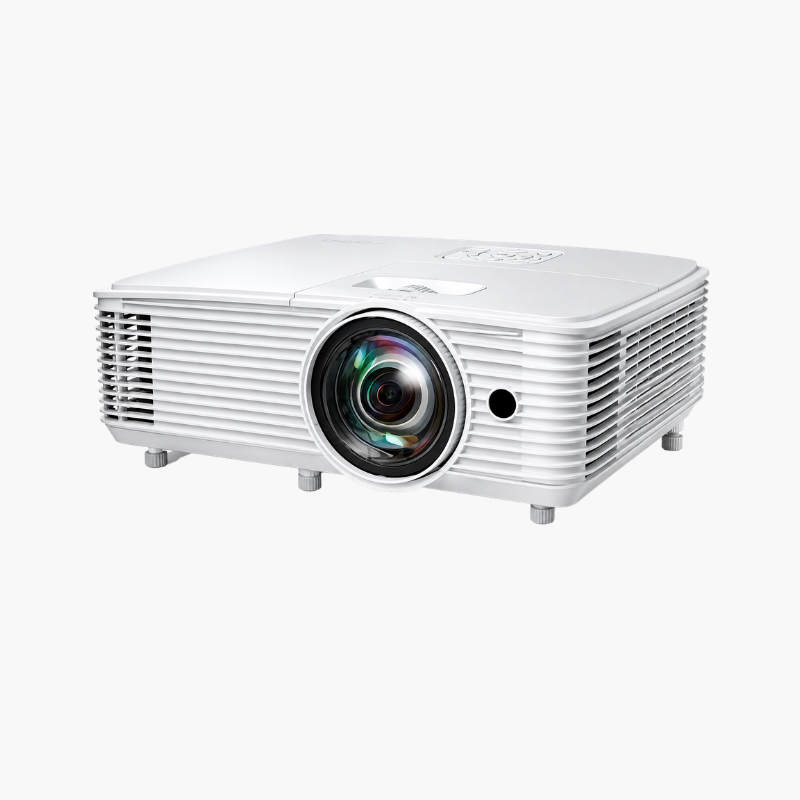
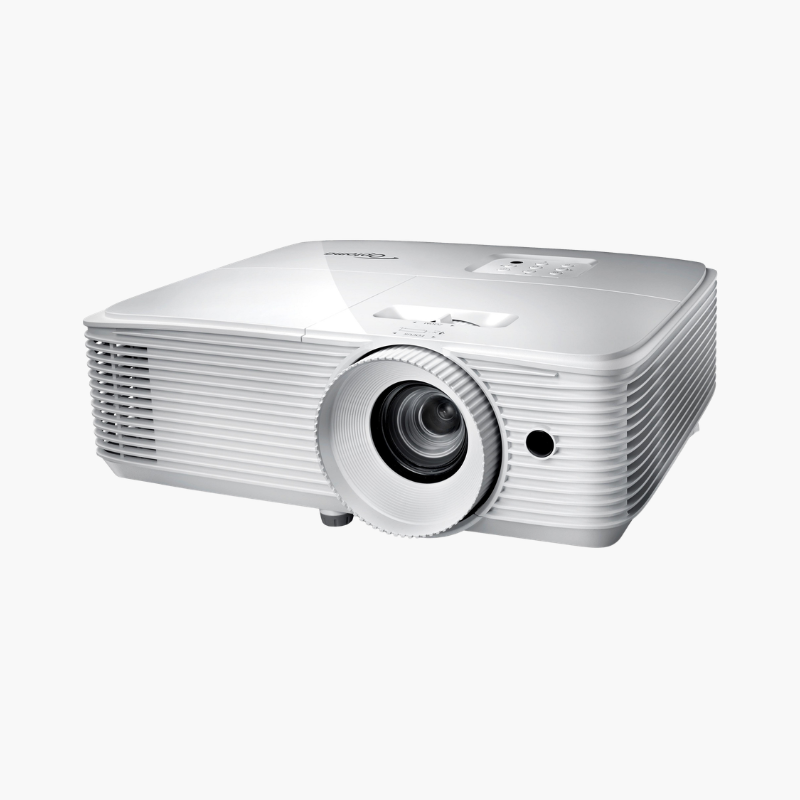
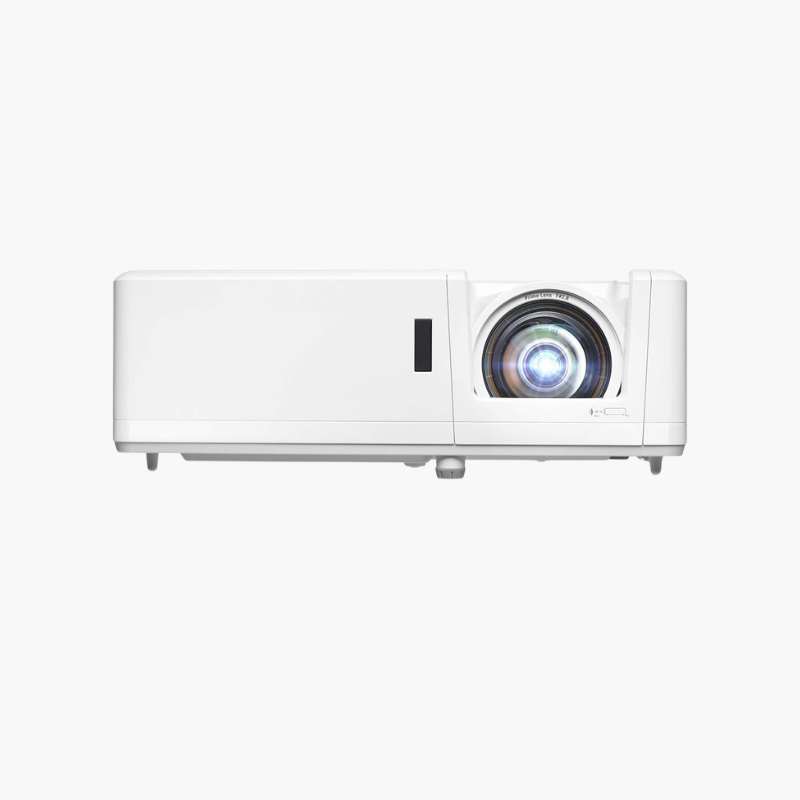
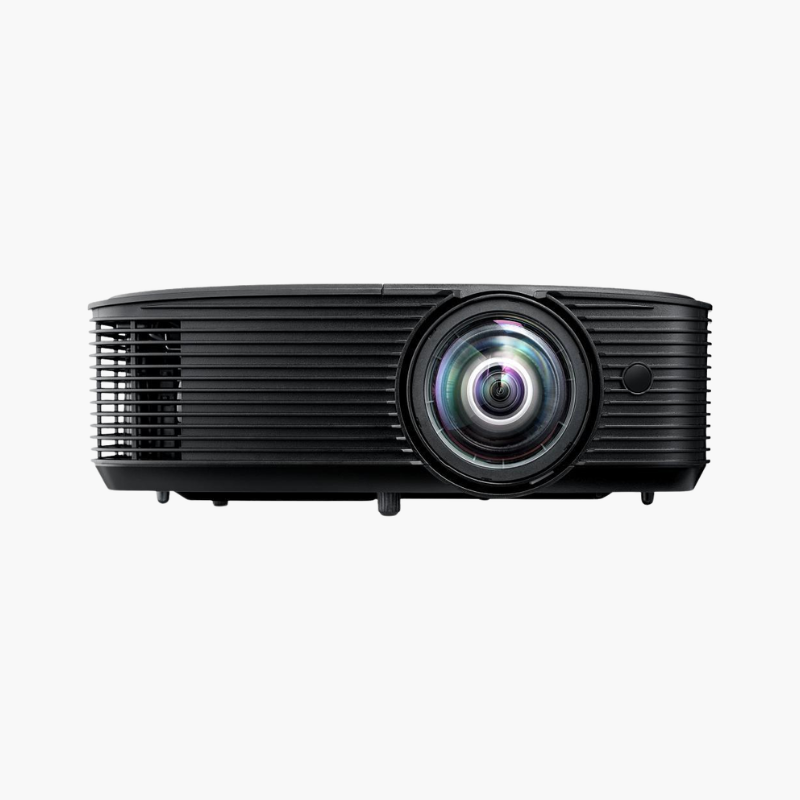
The Optoma GT1080HDR is a short throw 1080p DLP projector that produces a 120-inch picture from just over four feet. Rated at 3,800 lumens with an 8.4ms, 120Hz gaming mode and HDR10 input, it is aimed at gamers and movie watchers who lack the room depth a standard-throw projector needs.
Deep-Dive Story & Problem/Solution
Big-Screen Gaming Usually Needs a Bigger Room Than You Have
A standard-throw projector needs 10 to 13 feet of clear distance for a 120-inch image. In an apartment or bedroom that means placing it behind the seating, where people walk through the beam and cast shadows, or settling for a smaller picture.
The GT1080HDR uses a fixed 0.50:1 short throw lens. Every foot of distance yields about two feet of image width, so the projector sits on a coffee table in front of the players. Nobody blocks the light, and cable runs to consoles stay short.
Short throw units have traditionally lagged in brightness and speed. This model pairs a 245W lamp with a 0.65-inch DLP chip for 3,800 lumens, and Enhanced Gaming Mode drops input lag to 8.4ms at 120Hz.
120 Inches From About Four Feet
With a 0.50:1 throw ratio, placement is simple: measure your screen width and halve it. Image sizes from 36 to roughly 300 inches are supported, and vertical keystone squares the picture when the projector sits below screen center.
Fast Response and Easy Portability
The 8.4ms response at 1080p/120Hz and 16ms at 60Hz suit fast-paced titles. At 7.7 lbs with a built-in 10W speaker and 15,000-hour Eco lamp life, the projector moves easily between a gaming den, a backyard screen, and a meeting room.
Setup Instructions
How to Set Up the Optoma GT1080HDR
- Place the projector on a low table about 4 to 5 feet from the wall or screen, centered on the image width.
- Connect your console or PC to the HDMI 2.0 port for HDR and 120Hz signals.
- Power on and turn the focus ring until the image is sharp; use vertical keystone only if the picture is trapezoidal.
- Open the display menu and enable Enhanced Gaming Mode, then set your console output to 1080p/120Hz.





Reviews
There are no reviews yet.