
Networking
Shop all 595 products
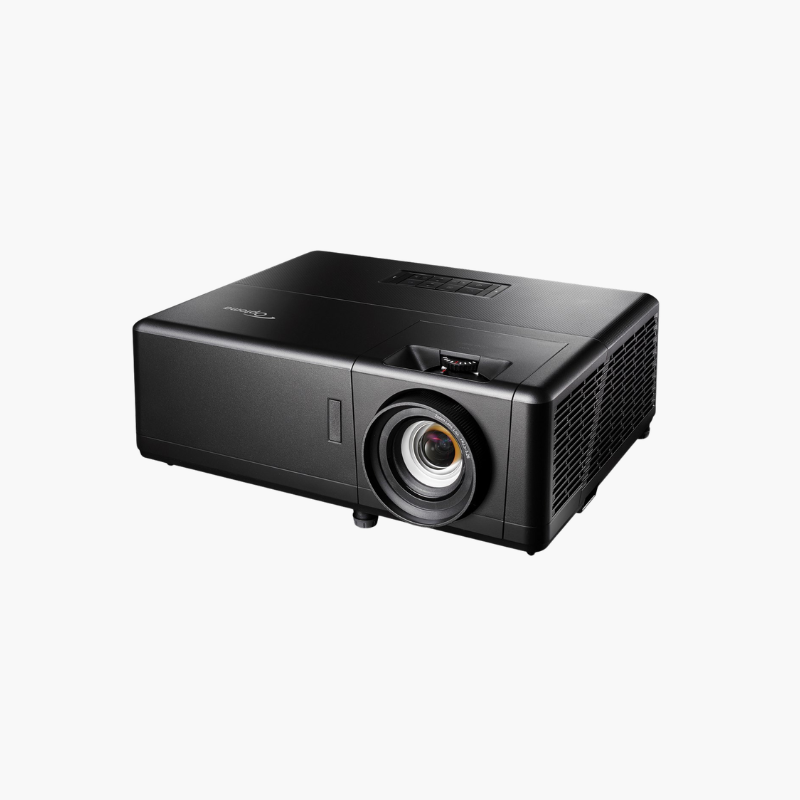
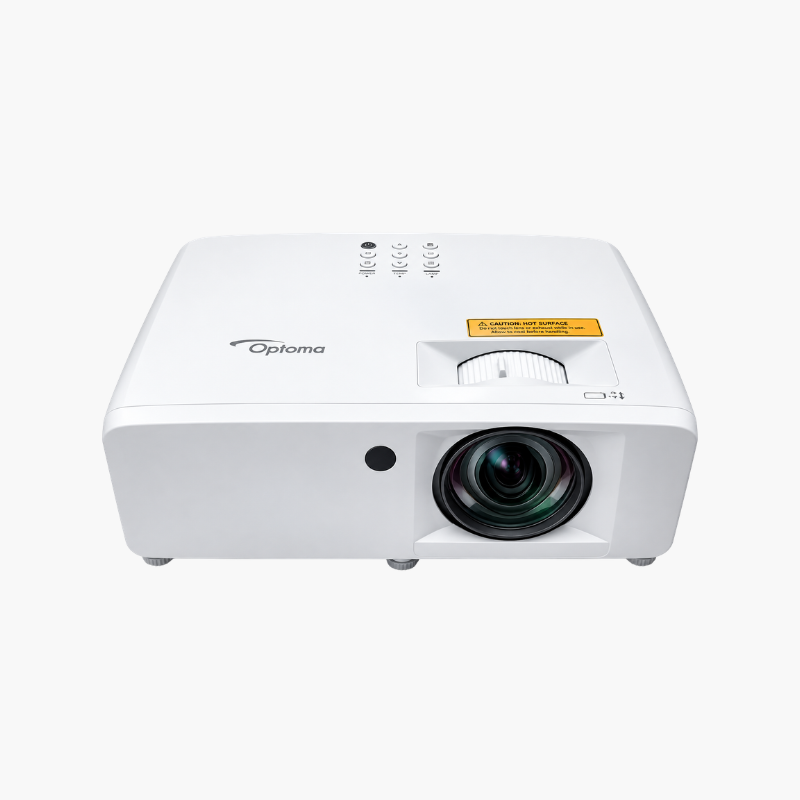
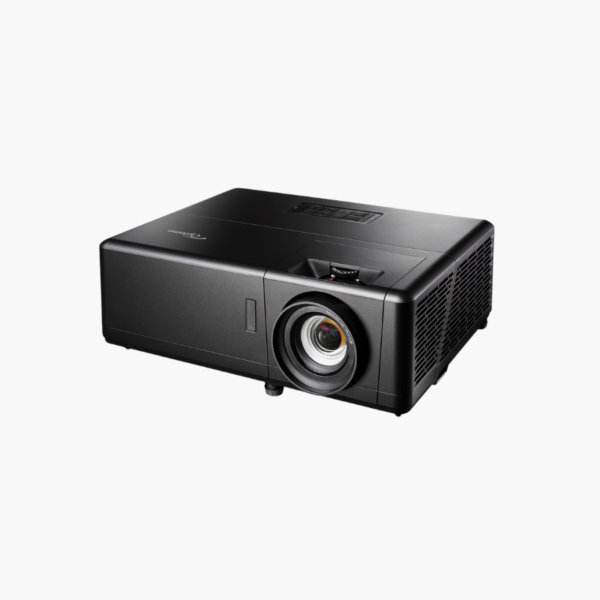
The Optoma UHD55 is a 4K UHD DLP projector delivering 3,600 lumens with HDR10 and HLG support. It suits home cinema owners who also game, combining 8.3-million-pixel detail for films with a 240Hz, 4ms mode for 1080p play, plus lens shift and 1.3x zoom that make ceiling installation far less fussy.
Deep-Dive Story & Problem/Solution
The Trade-Off Between a Cinema Projector and a Gaming Projector
Buyers usually have to choose. Cinema-focused 4K projectors prioritise color and resolution but respond slowly, with 40ms or more of input lag. Gaming projectors respond quickly but often stop at 1080p. Running two displays in one room is rarely practical.
The UHD55 uses a single DLP chip with pixel-shifting to put a full 3840 x 2160 image on screen, and a signal path that can bypass heavy processing. In Enhanced Gaming Mode it handles 1080p at 240Hz with a 4ms response, or 4K at 60Hz with 16.9ms. One projector covers both jobs.
Installation is the other friction point. Without lens shift, the projector must sit at an exact height or you correct with digital keystone and lose resolution. The UHD55 adds vertical lens shift and a 1.21–1.59:1 zoom range, so the image moves optically.
4K Detail With a Wide Color Range
Each frame carries four times the pixels of 1080p. Combined with HDR10 and HLG decoding and a 1,200,000:1 dynamic contrast figure, the UHD55 renders streaming, UHD Blu-ray, and console content with visible gains in texture and highlight detail on large screens.
Lens Shift, Zoom, and Smart-Home Control
Vertical lens shift and 1.3x zoom place a 120-inch image from about 10.5 to 14 feet. Horizontal and vertical keystone handle off-axis rooms. RJ-45, RS-232, and a 12V trigger let installers tie the projector into control systems and motorised screens.
Setup Instructions
How to Install the Optoma UHD55
- Mount or place the projector 10.5 to 14 feet from a 120-inch screen, then use vertical lens shift to align the image before touching keystone.
- Connect consoles, streaming devices, or an AV receiver to either HDMI 2.0 input using Premium High Speed cables.
- Adjust zoom and focus manually until on-screen text is sharp from edge to edge.
- Choose HDR or Cinema mode for films, and enable Enhanced Gaming Mode for low-lag 4K/60Hz or 1080p/240Hz play.







Reviews
There are no reviews yet.