
Networking
Shop all 595 products


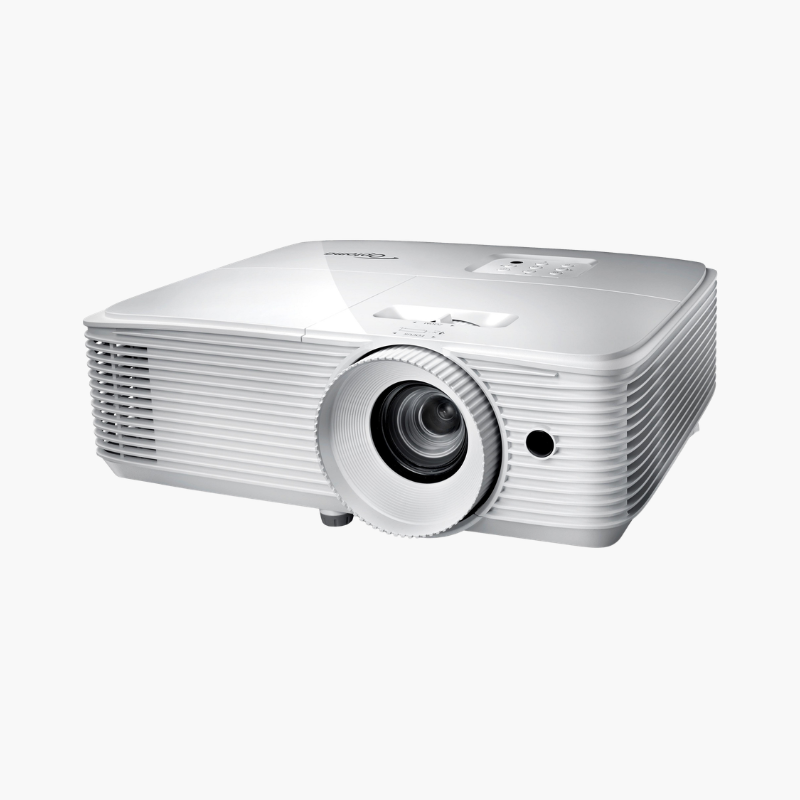
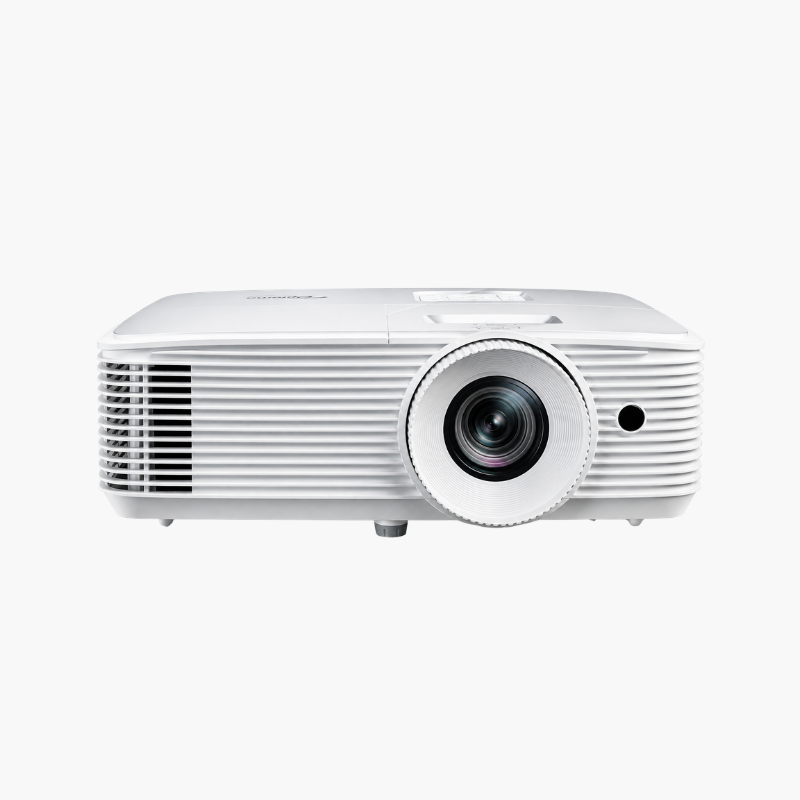
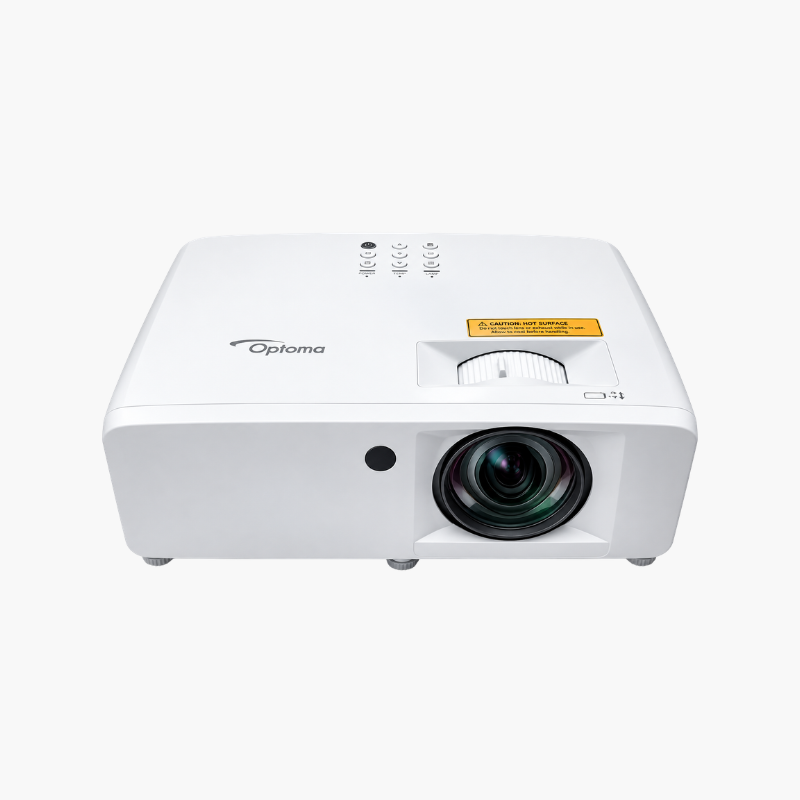
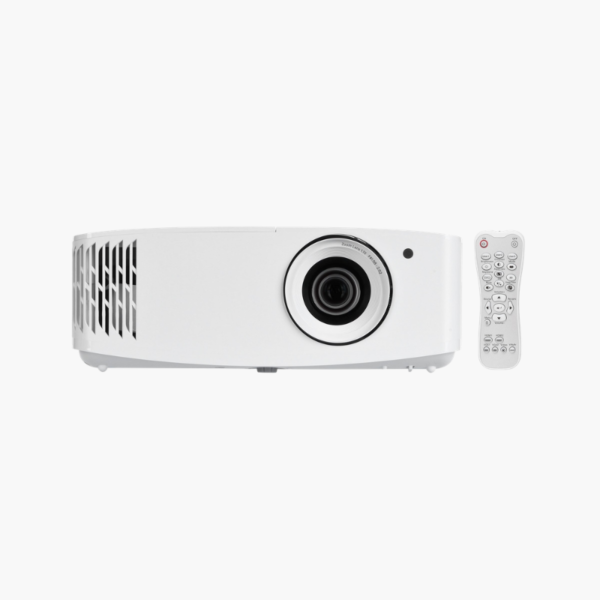
The Optoma UHD35x is a 4K UHD DLP projector delivering 3,600 lumens with a 240Hz gaming mode. It is a practical pick for first-time 4K projector buyers and gamers who want low 4.2ms response, HDR10 and HLG playback, and a 100-inch-plus picture without paying for brightness they do not need.
Deep-Dive Story & Problem/Solution
Paying for 4K Should Not Mean Giving Up Gaming Speed
Entry-level 4K projectors have often cut corners on response time. They show sharp films, then add several frames of delay when a console is connected. Buyers end up keeping a separate monitor or TV for games.
The UHD35x avoids that split. The same 0.47-inch DLP chip that resolves a 3840 x 2160 image can be driven at 1080p/240Hz with 4.2ms response in Enhanced Gaming Mode, or 16.9ms at 4K/60Hz. You change the source resolution, not the display.
Its 3,600-lumen output is matched to typical dens and bedrooms where blinds can be drawn. That keeps power draw at 305W and fan noise at 28dB, or 26dB in Eco mode.
One Projector for Films and Fast Games
4K resolution with HDR10 and HLG gives streaming and disc content strong detail and contrast, while the 240Hz mode serves esports titles. A 1,000,000:1 dynamic contrast ratio helps dark scenes hold shape.
Low-Fuss Ownership
The lamp lasts 4,000 hours in normal mode and 15,000 in Eco. The 8.8 lb body mounts easily, horizontal and vertical keystone correct placement errors, and a 10W speaker provides sound when no audio system is connected.
Setup Instructions
How to Set Up the Optoma UHD35x
- Set the projector 11 to 12 feet from a 100-inch screen, level with the screen’s top or bottom edge.
- Connect sources to the two HDMI 2.0 ports and, if needed, run the optical output to a soundbar or receiver.
- Size and sharpen the image with the 1.1x zoom and focus ring, then correct geometry with keystone.
- Enable Enhanced Gaming Mode for play, and use Eco lamp mode at night to cut noise and extend lamp life.





Reviews
There are no reviews yet.