
Networking
Shop all 595 products
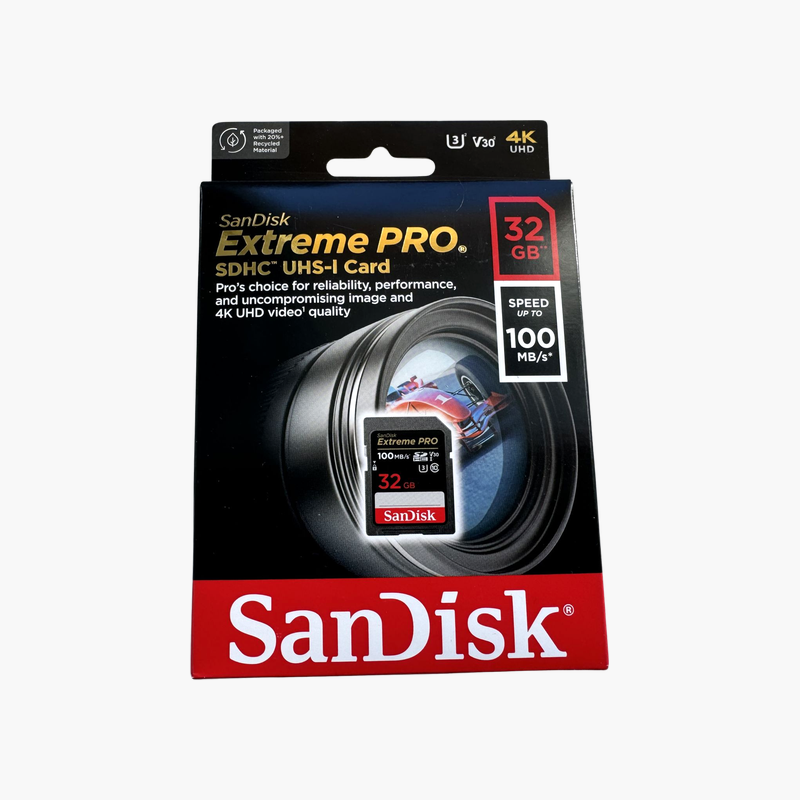
Extreme PRO performance for cameras that require SDHC cards.
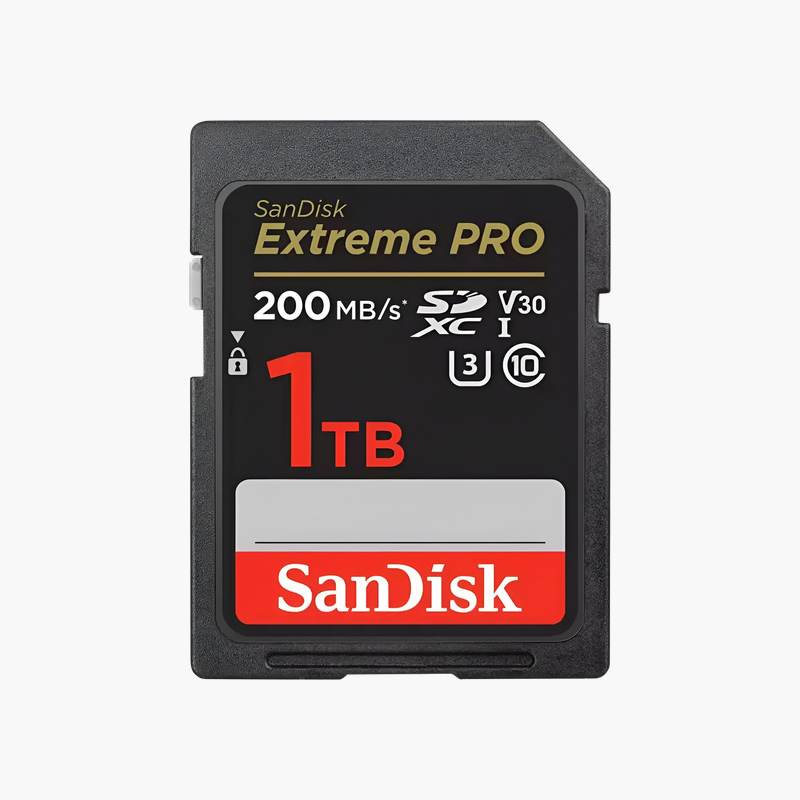
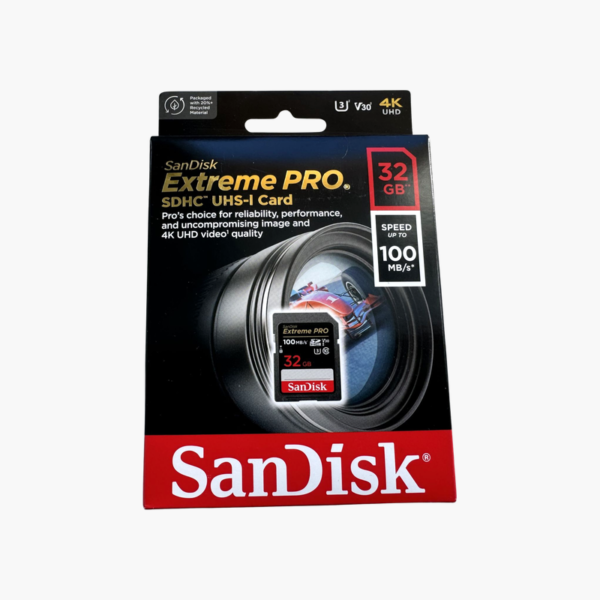
The SanDisk Extreme PRO 32GB SDHC card delivers fast writes and V30 video performance in the SDHC format, which some older cameras and devices require. It suits photographers using legacy DSLRs, 4K hobby cameras, and devices limited to 32GB cards.
Why Write Speed Matters for Burst Shooting and 4K
Burst photography fills a camera’s internal buffer in seconds. The camera then writes those images to the card, and if the card is slow, you wait before you can shoot again. In 4K video, a card that cannot sustain the camera’s bitrate stops recording.
The SanDisk Extreme PRO 32GB writes at up to 90MB/s and carries U3 and V30 ratings, so it sustains at least 30MB/s for 4K recording and clears burst buffers quickly. Reads of up to 100MB/s speed up offloading with a compatible reader.
Some older cameras only accept SDHC cards up to 32GB. This card brings modern write speeds and V30 ratings to those devices, improving burst and video performance.
Quicker Offloads in the Edit Bay
Reaching the top read speed requires a reader that supports SanDisk’s extended UHS-I mode. Standard UHS-I readers run at up to about 104MB/s, still far quicker than older cards.
Compatibility With Older Cameras
SDHC cards use the FAT32 file system, which many older cameras, audio recorders, and lab devices depend on.
Its 90MB/s write speed still helps clear burst buffers on older bodies.
How to Set Up the SanDisk Extreme PRO 32GB SD Card
- Insert the card into your camera’s SD slot with the label facing the direction shown in the camera manual.
- Format the card in-camera to create the correct file system and folder structure.
- Set your image quality or video mode; for 4K, confirm your camera accepts V30 cards for the selected bitrate.
- After shooting, offload files with a UHS-I reader and eject the card safely before removing it.





Reviews
There are no reviews yet.