
Networking
Shop all 595 products
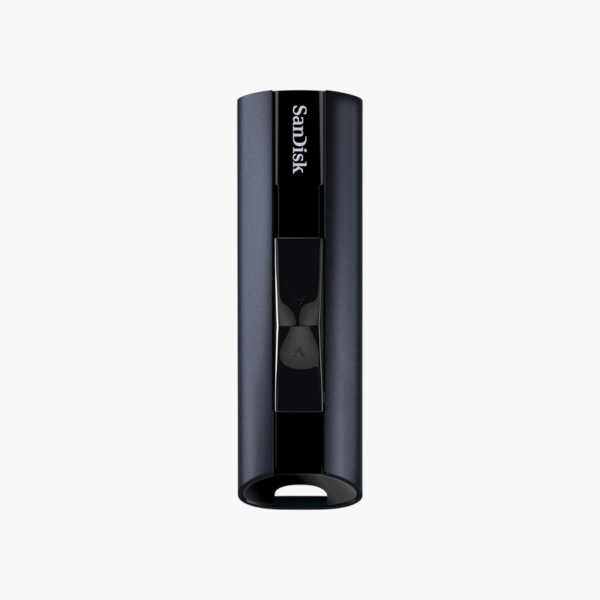
A terabyte of SSD-speed storage in a pocket-sized aluminum drive.
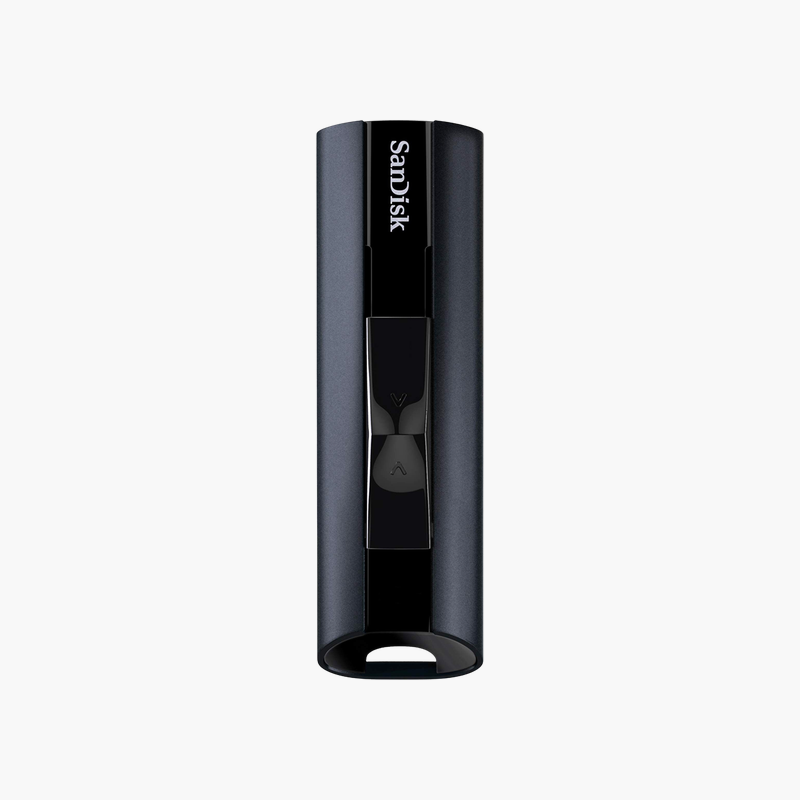
The SanDisk Extreme PRO 1TB USB 3.2 drive packs solid state performance into a flash drive. With reads up to 420MB/s and writes up to 380MB/s, it suits video editors, photographers, and IT professionals who move large projects, system images, and backups between computers every day.
Why Most Flash Drives Slow Down on Large Files
Most USB flash drives advertise fast reads but write slowly, often well under 100MB/s once their small cache fills. Copying a large video project or a backup folder can take far longer than expected.
The SanDisk Extreme PRO USB 3.2 drive uses solid state flash technology similar to an SSD, rated at up to 420MB/s read and 380MB/s write over USB 3.2 Gen 1. Large files move several times faster than on typical flash drives.
1TB holds entire video projects, photo libraries, or multiple OS images and installers, so you can carry a full working set without an external SSD and cable.
Carry Projects Between Workstations
Video editors, photographers, and IT technicians can work directly from the drive or move projects between workstations quickly, without carrying a separate external SSD and cable.
Portable Backup and Imaging Tool
IT technicians can store multiple OS images, drivers, and diagnostic tools on one fast drive, cutting deployment and repair times.
Creators can use it as a portable backup of the current project during travel.
How to Set Up the SanDisk Extreme PRO 1TB USB Drive
- Slide the connector out and plug the drive into a USB 3.x Type-A port for full speed.
- Open the drive in File Explorer or Finder; it is ready to use, and you can reformat to exFAT or NTFS for very large files.
- Optionally run SanDisk SecureAccess to create a password-protected vault for sensitive files.
- When finished, eject the drive in your operating system before unplugging, then retract the connector.



Reviews
There are no reviews yet.