
Networking
Shop all 595 products
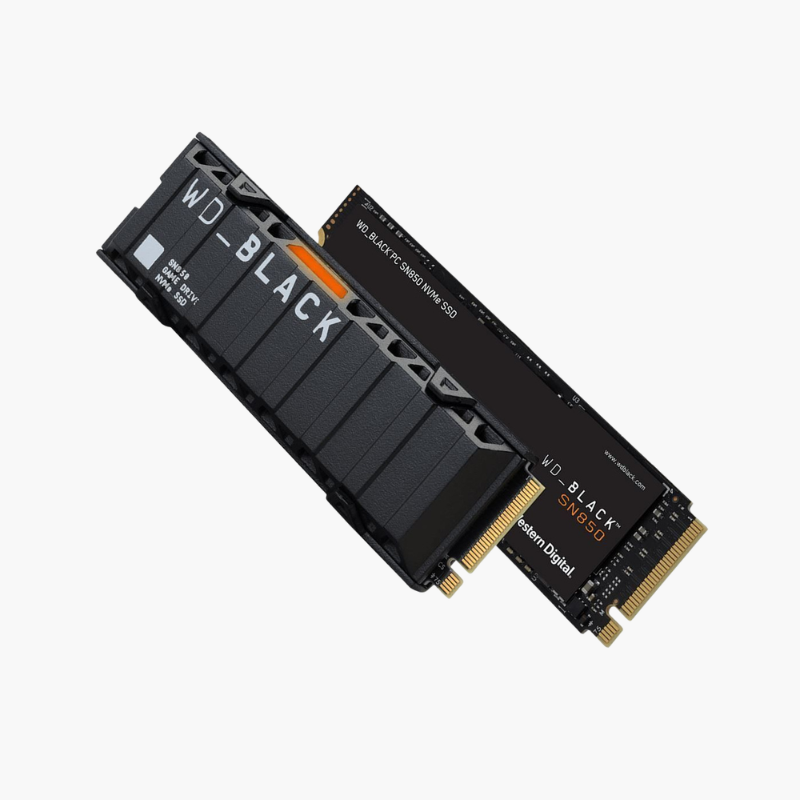
Gen4 gaming speed with a ready-fitted heatsink for PS5 and PC.
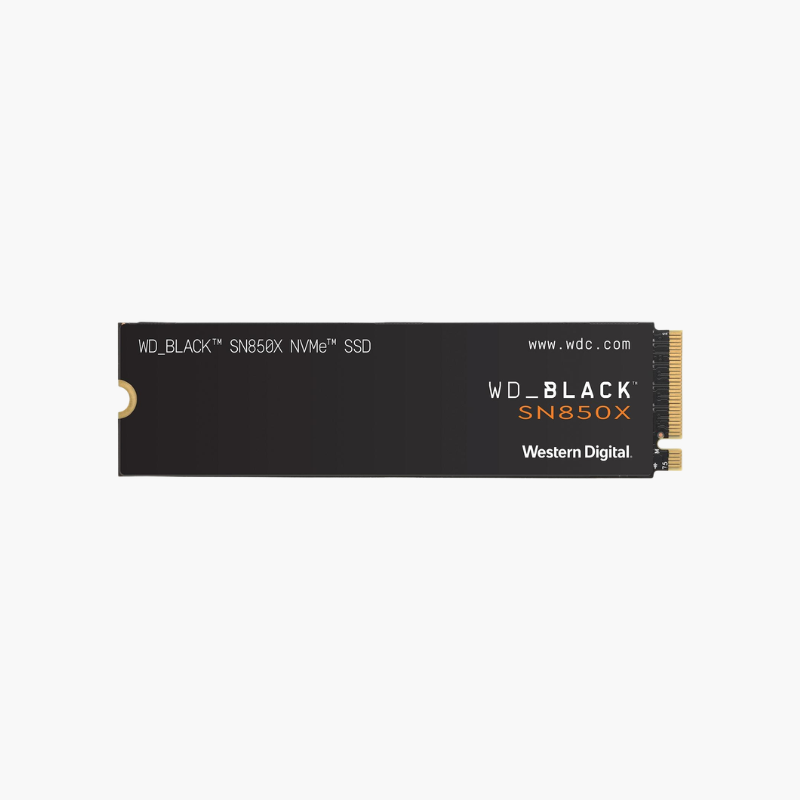
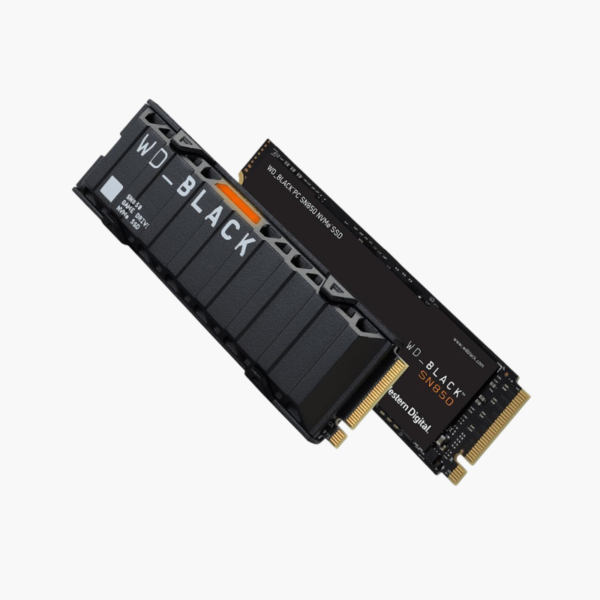
The WD_BLACK SN850 1TB with heatsink is a PCIe Gen4 x4 NVMe M.2 2280 SSD built for gaming PCs and the PlayStation 5. It reads at up to 7,000MB/s and writes at up to 5,300MB/s, and its integrated heatsink with RGB lighting keeps temperatures in check during long sessions.
Why High-Speed SSDs Need Proper Cooling
PCIe Gen4 drives move data so fast that their controllers can heat up during long installs, transfers and gaming sessions. Without adequate cooling, many drives throttle and lose much of their speed, and the PS5 requires a cooling solution for M.2 expansion drives.
The SN850 with heatsink solves that out of the box. The integrated aluminum heatsink spreads heat away from the controller and NAND, so the drive holds its Gen4 performance longer, and it is sized to fit the PS5 expansion bay.
Gen4 Speed for PC and PS5 Gaming
With up to 7,000MB/s reads, the SN850 cuts load screens and supports fast asset streaming in modern games. On PS5 it meets Sony’s performance requirements, letting PS5 titles run directly from the drive.
Game Mode and RGB on PC
On Windows, WD_BLACK Dashboard lets you enable Game Mode to reduce latency, monitor drive health, update firmware and customize the heatsink’s RGB lighting.
Setup Instructions
How to Install the WD_BLACK SN850 with Heatsink
- Power off and unplug your PC, or fully shut down the PS5 and remove the cover.
- Locate the M.2 2280 slot (PS5 expansion slot or a motherboard M.2 slot with enough clearance for the heatsink).
- Insert the SSD at an angle, press it down and secure it with the screw; on PS5 refit the slot cover.
- Power on and format the drive via the PS5 prompt, or initialize it in Windows Disk Management.









Reviews
There are no reviews yet.