
Networking
Shop all 595 products
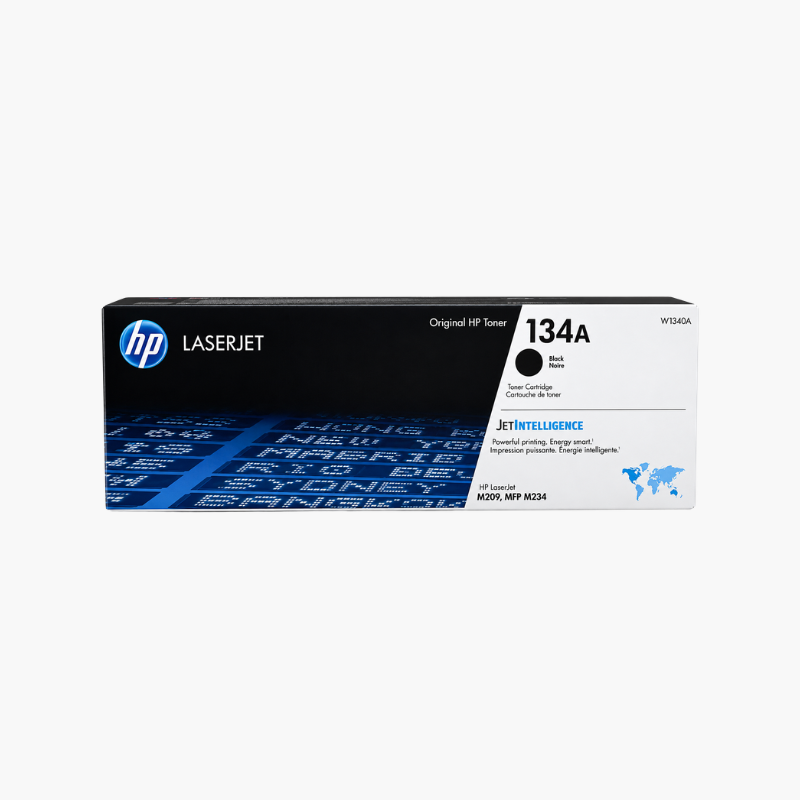
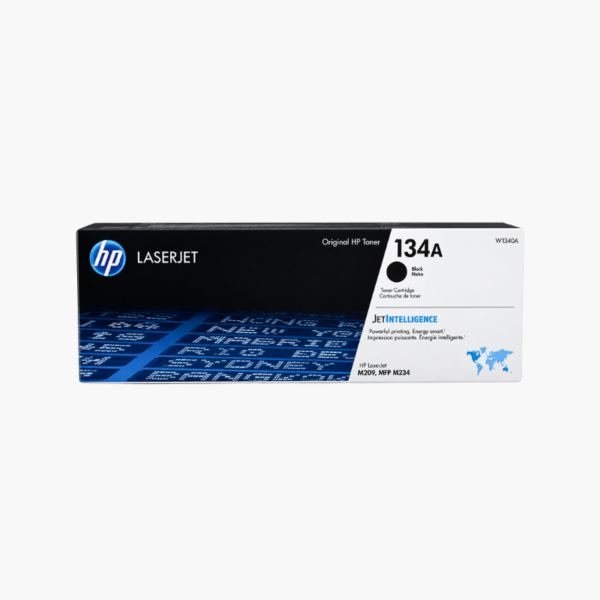
The HP 134A Black Original Toner Cartridge (W1340A) is a standard-yield replacement for HP LaserJet M209 and HP LaserJet MFP M234 series printers. It prints about 1,100 pages of black text and graphics and combines toner and imaging drum in one cartridge that installs in seconds.
Deep-Dive Story & Problem/Solution
Light Print and Gray Streaks Mean the Toner Needs Replacing
As a toner cartridge empties, pages become pale and uneven. Shaking the cartridge buys a few more prints, but important documents start to look unprofessional.
A new HP 134A cartridge restores full density. Because the drum is built into the cartridge, the main wear part of the print system is renewed at the same time.
The printer reads the cartridge chip to show toner level and estimated pages remaining.
Compatible Printers
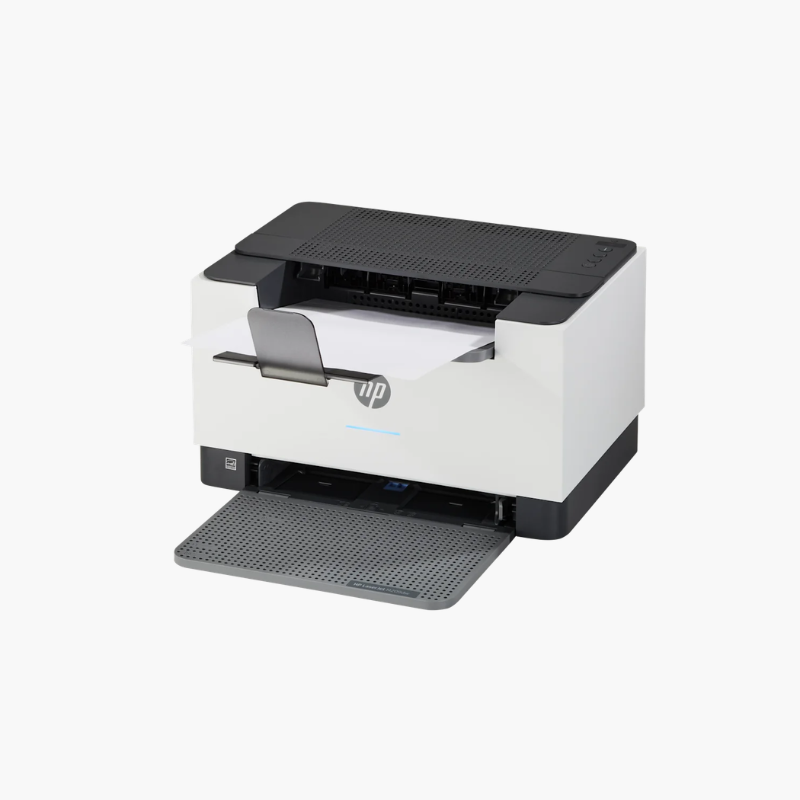
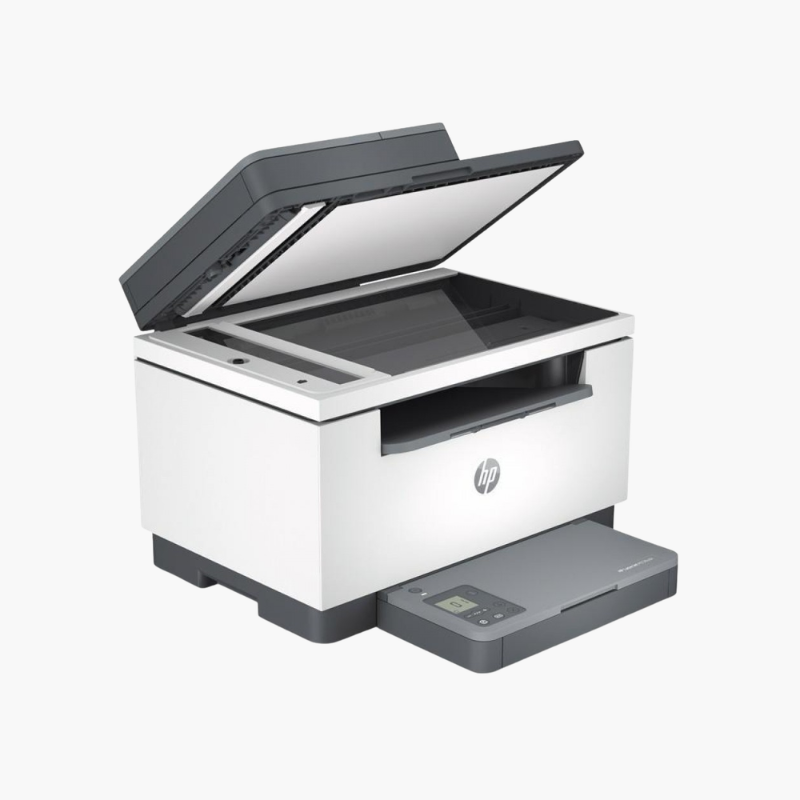
HP LaserJet M209dw and M209dwe; HP LaserJet MFP M234dw, M234dwe, M234sdn, M234sdw, and M234sdwe.
Standard or High Yield
The HP 134X high-yield cartridge prints about 2,400 pages and fits the same printers for offices that print more.
Setup Instructions
How to Install the HP 134A Toner Cartridge
- Open the printer’s cartridge door and pull out the used cartridge.
- Remove the new cartridge from its bag and rock it gently to distribute the toner.
- Remove the orange cover and pull the sealing tape tab straight out.
- Slide the cartridge in along the guides until it seats and close the door.








Reviews
There are no reviews yet.