
Networking
Shop all 595 products


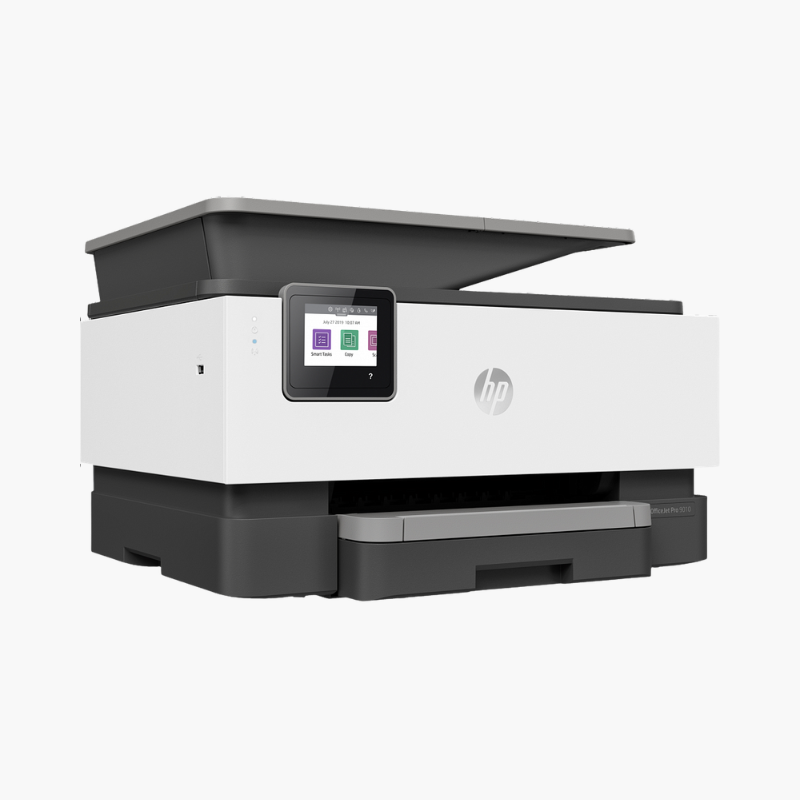
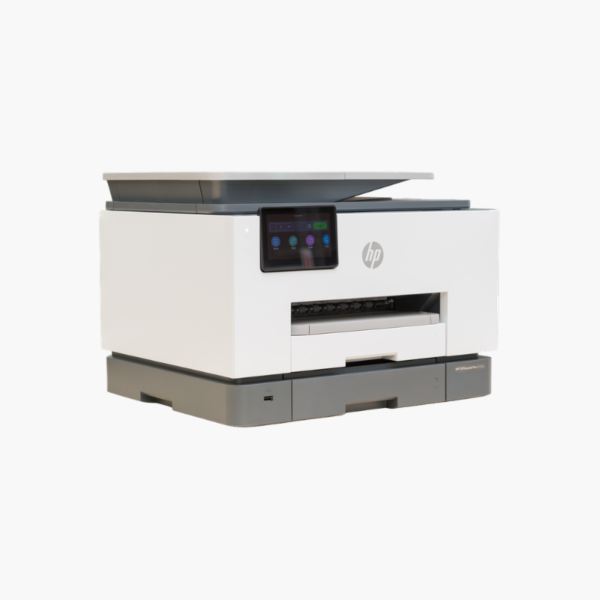
The HP OfficeJet Pro 9135e is a color inkjet all-in-one for small offices and busy home offices that print, copy, scan, and fax every day. It delivers up to 25 ppm in black, holds 500 sheets across two trays, and scans both sides of a page in a single pass.
Deep-Dive Story & Problem/Solution
Small Offices Lose Time to Refills, Slow Scans, and Single-Tray Printers
A printer shared by several people fails in predictable ways. The tray runs empty mid-job, someone has to swap letterhead for plain paper, and two-sided contracts are scanned one face at a time. Each interruption is minor, but together they slow the office down.
The OfficeJet Pro 9135e is specified to remove those stops. Two 250-sheet trays hold 500 sheets and let you keep two media types loaded. The 35-sheet automatic document feeder reads both sides of each page in a single pass, and automatic duplex printing is standard.
HP thermal inkjet technology with four individual cartridges produces up to 25 ppm in black and 20 ppm in color, with a first page out in about 10 seconds. A duty cycle of up to 30,000 pages a month gives headroom for teams printing up to 2,000 pages monthly.
Fast Color Output for Small Workgroups
Laser-like text speed with pigment-quality color makes the 9135e suitable for proposals, invoices, and marketing handouts. Print resolution reaches 1200 x 1200 dpi in black and up to 4800 x 1200 optimized dpi in color.
Built for Shared, Connected Use
Ethernet, dual-band Wi-Fi, Wi-Fi Direct, AirPrint, and Mopria cover every common device. The 4.3-inch touchscreen and slide-off scanner glass simplify walk-up scanning and cleaning.
Setup Instructions
How to Set Up the HP OfficeJet Pro 9135e
- Remove all packing tape, connect the power cord, and switch the printer on.
- Install the four setup ink cartridges and load plain paper into the 250-sheet trays.
- Download the HP Smart app on a phone or computer and follow the prompts to connect the printer to Wi-Fi or Ethernet.
- Print the alignment page, scan it when asked, and run a test print and scan.














Reviews
There are no reviews yet.