
Networking
Shop all 595 products
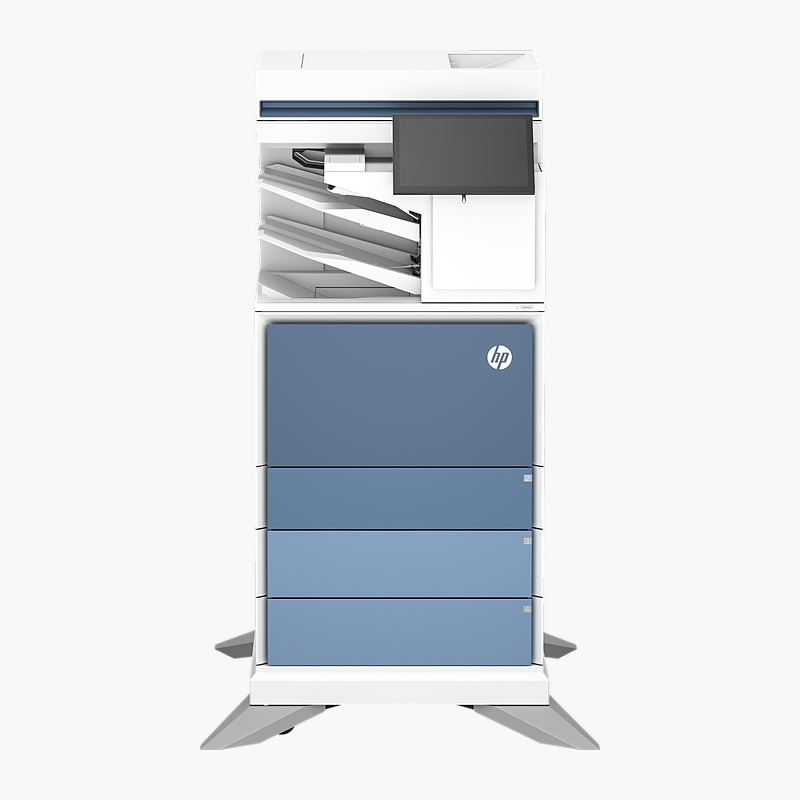
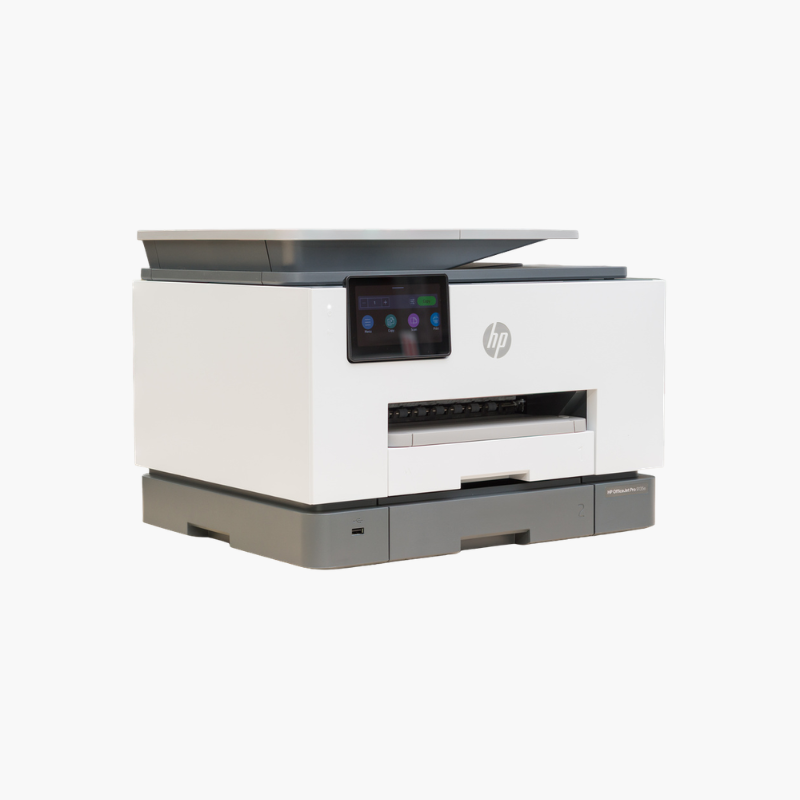
The HP Color LaserJet Enterprise Flow MFP 6800zfsw is a color laser all-in-one printer that handles print, copy, scan, fax at up to 55 ppm with automatic two-sided printing. It is built for high-volume departments that scan, copy and print all day, delivering sharp colour documents with enterprise-grade security and fleet management.
Print more, wait less.
Keep Busy Workgroups Printing Without Bottlenecks
Shared office printers often become a bottleneck: slow first pages, frequent paper refills and jams interrupt work, while unmanaged devices on the network create security gaps.
The HP Color LaserJet Enterprise Flow MFP 6800zfsw prints at up to 55 ppm, holds 1,750 sheets of paper and is rated for up to 100,000 pages/month, so long jobs from many users finish without constant attention. HP Enterprise firmware adds security features and remote fleet management through HP management tools.
Print, Copy, Scan and Fax in One Device
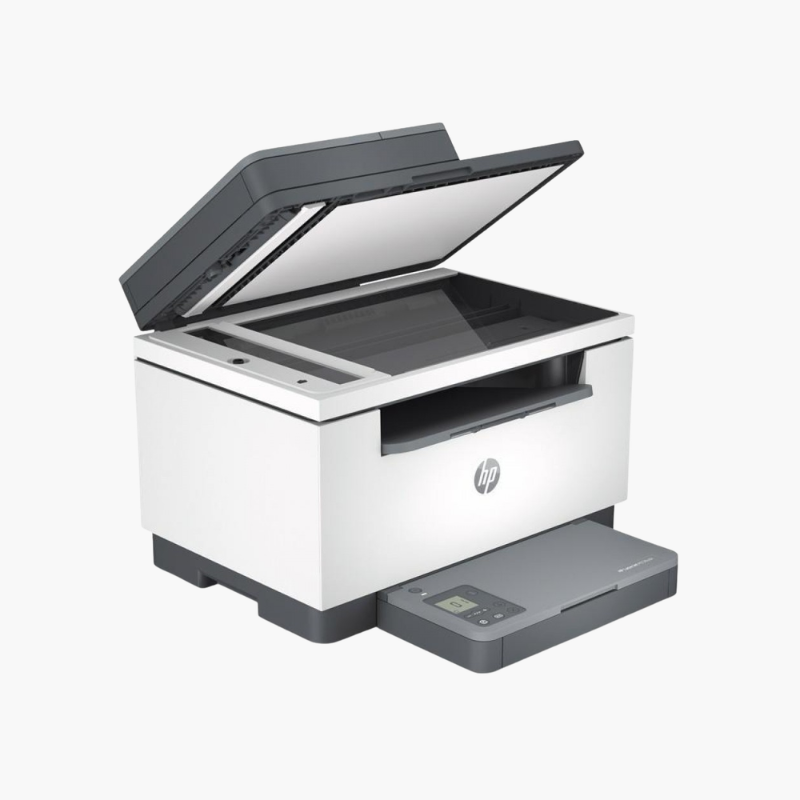
The 150-sheet ADF feeds multi-page documents for copying and scanning, while the flatbed handles books, IDs and single pages. Built-in fax sends and receives documents without a separate machine.
Easy to Connect and Manage
Gigabit Ethernet, Wi-Fi, USB connectivity and the 10.1″ color touchscreen make setup and daily use straightforward. Toner uses HP 213A / 213X / 213Y cartridges.
Setup Instructions
How to Set Up the HP Color LaserJet Enterprise Flow MFP 6800zfsw
- Unpack the printer, remove all orange packing tape and install the included toner cartridge(s).
- Load paper into the main tray and connect the power cable.
- Connect to your network with an Ethernet cable or Wi-Fi using the control panel or HP Smart app, or connect directly by USB.
- Install the HP Universal Print Driver on each computer (or deploy through your print server), then print a configuration page.








Reviews
There are no reviews yet.