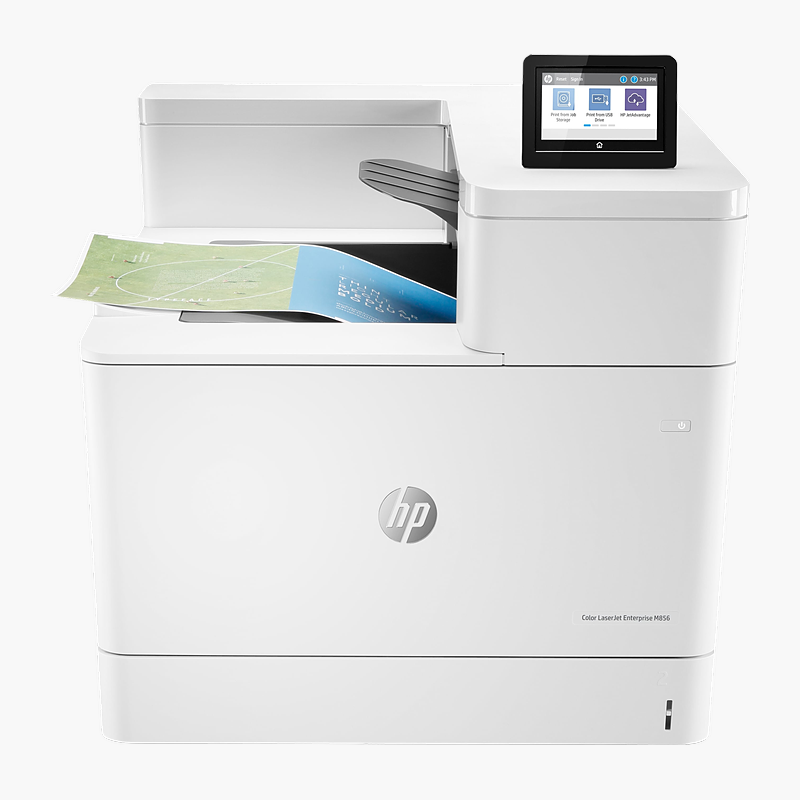
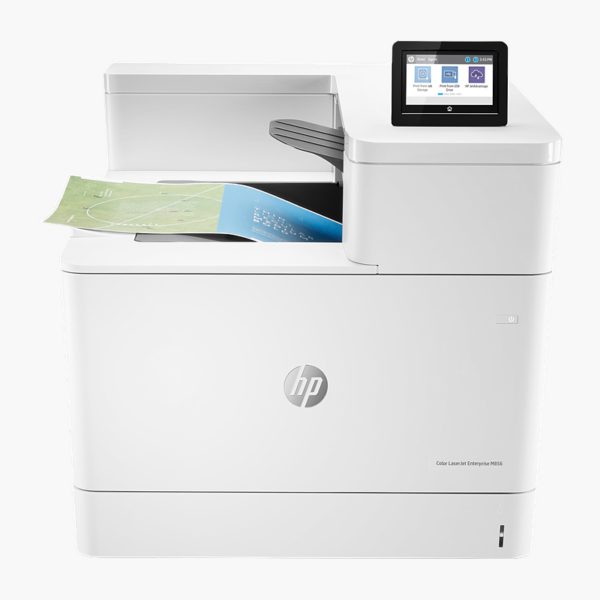
HP Color LaserJet Enterprise M856dn Color Laser Printer (T3U51A) – 55 ppm, Auto Duplex, Ethernet, A3/Tabloid

SKU: T3U51A
  • 30-Day Hassle Free Returns
  • Secure Payment Options

Price on RequestRequest a quote for volume pricing, availability and lead time.

Key Value Highlights

  • 55 ppm (black and color) color printing – Large jobs finish quickly, so shared queues don’t back up during the working day.
  • Automatic two-sided printing – Cuts paper use by printing on both sides without reloading pages.
  • Up to 11.7 x 17 in (A3) – Prints tabloid/A3 drawings, spreadsheets and posters without outsourcing.
  • Gigabit Ethernet, USB 2.0 – Connects to the office network for shared printing from every desk.
  • 650 sheets input capacity – Fewer paper refills for the volume it is built to handle.

Description

The HP Color LaserJet Enterprise M856dn is a color laser printer at up to 55 ppm with automatic two-sided printing. It is built for offices that print large-format A3 or tabloid documents, delivering sharp colour documents with low running costs and simple setup.

Print more, wait less.

Print Large-Format Documents In-House

Standard A4/Letter printers can’t output tabloid spreadsheets, CAD drawings or A3 posters, so offices send those jobs out or shrink them until they are hard to read.

The HP Color LaserJet Enterprise M856dn handles paper up to 11.7 x 17 in (a3) and prints at up to 55 ppm, so large-format jobs stay in the office and print alongside everyday documents.

Fast Output for Every Job

Printing at up to 55 ppm at 1200 x 1200 dpi, it produces crisp text and vivid colour graphics for reports, invoices and forms.

Easy to Connect and Manage

Gigabit Ethernet, USB 2.0 connectivity and the 4.3″ color touchscreen make setup and daily use straightforward. Toner uses HP 659A / 659X cartridges.

Setup Instructions

How to Set Up the HP Color LaserJet Enterprise M856dn

  1. Unpack the printer, remove all orange packing tape and install the included toner cartridge(s).
  2. Load paper into the main tray and connect the power cable.
  3. Connect to your network with an Ethernet cable, or connect directly by USB.
  4. Install the HP Universal Print Driver on each computer (or deploy through your print server), then print a configuration page.


Overview

BrandHP
Model NumberT3U51A
Product LineHP Color LaserJet Enterprise
Printer TypeColor Laser Printer
FunctionsPrint
Print Speed55 ppm (black and color)
Print Resolution1200 x 1200 dpi
Duplex PrintingAutomatic
ConnectivityGigabit Ethernet, USB 2.0
Paper Input650 sheets (550-sheet tray + 100-sheet MP tray)
Max Paper SizeUp to 11.7 x 17 in (A3)
Paper Output500 sheets
Monthly Duty CycleUp to 250, 000 pages/month
ConditionBrand New
In the BoxPrinter, introductory toner cartridge(s), power cord, setup documentation

Frequently Asked Questions

Find answers to common questions about this product.

Customer Reviews

Reviews

There are no reviews yet.

Be the first to review “HP Color LaserJet Enterprise M856dn Color Laser Printer (T3U51A) – 55 ppm, Auto Duplex, Ethernet, A3/Tabloid”

Your email address will not be published. Required fields are marked *