
Networking
Shop all 595 products


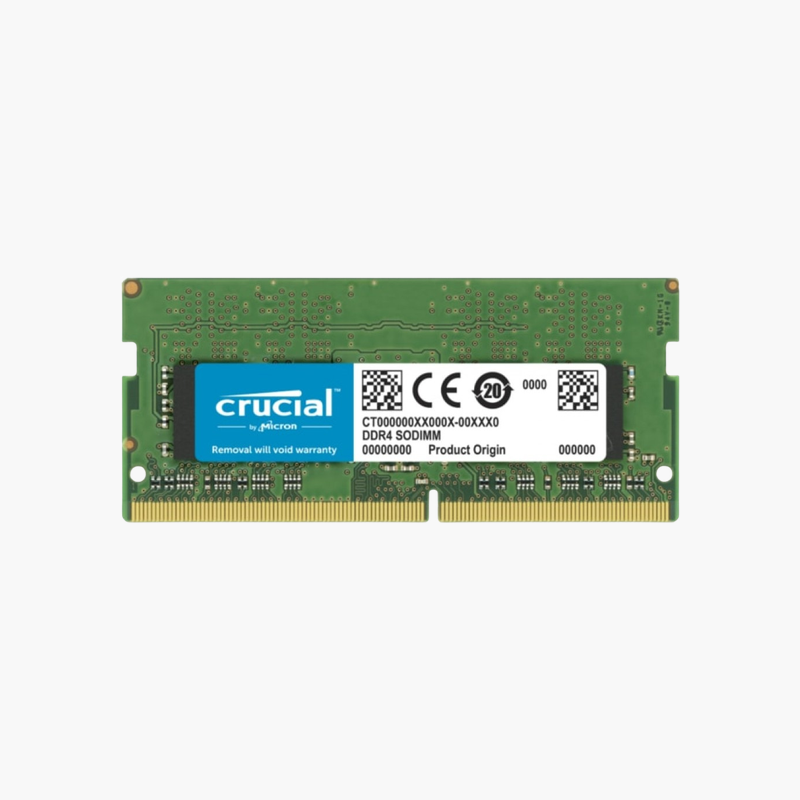
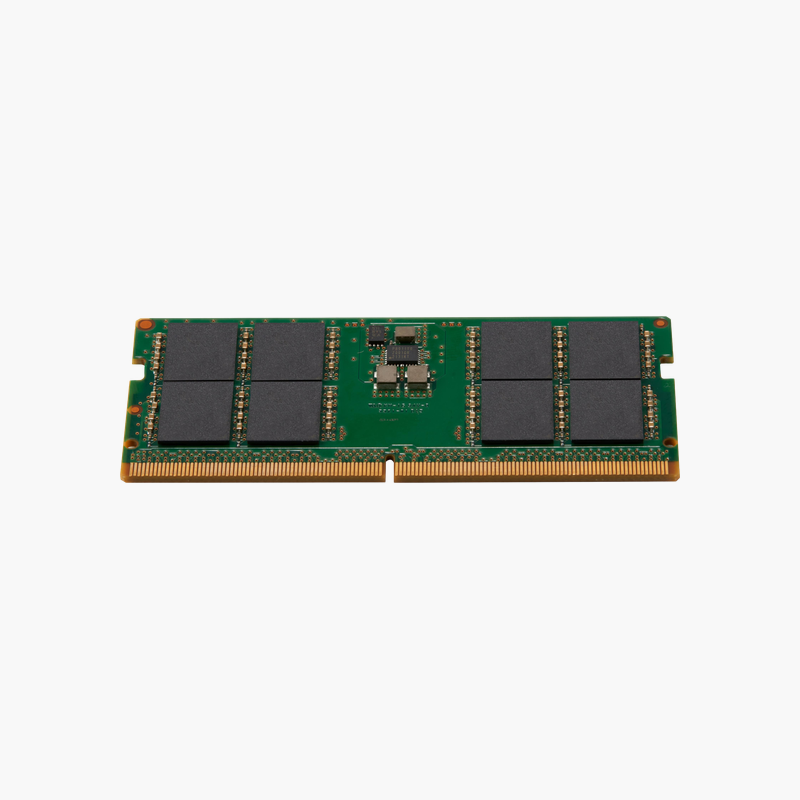
The thin-laptop OEM module, ready to replace or add memory.
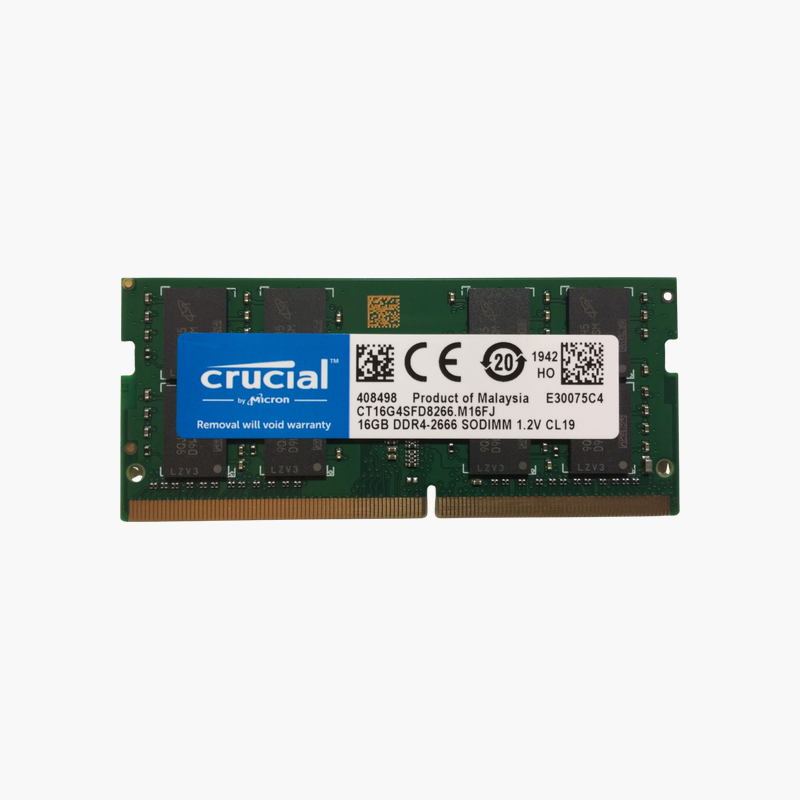
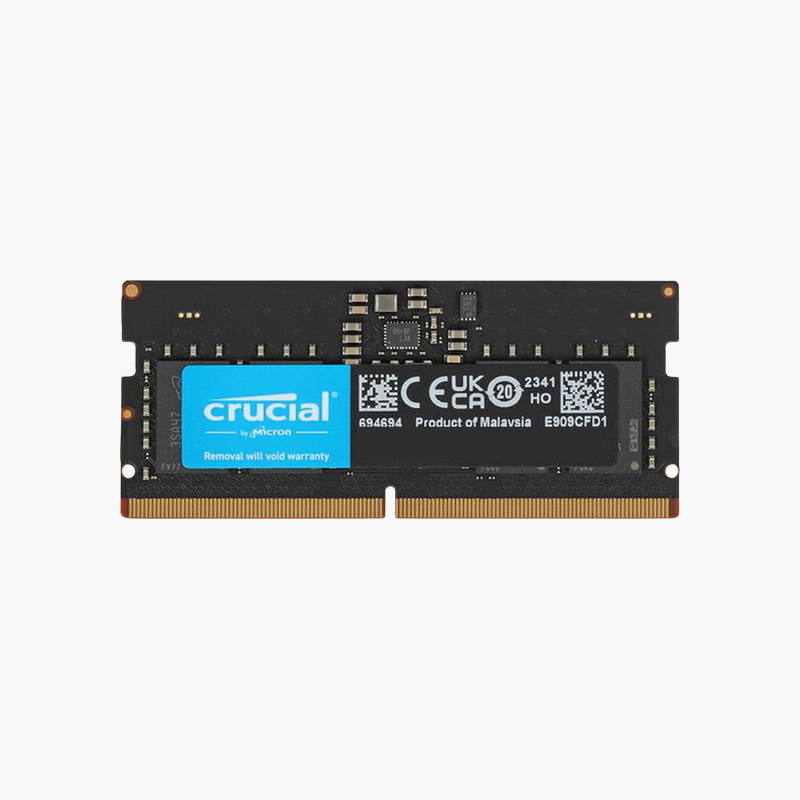
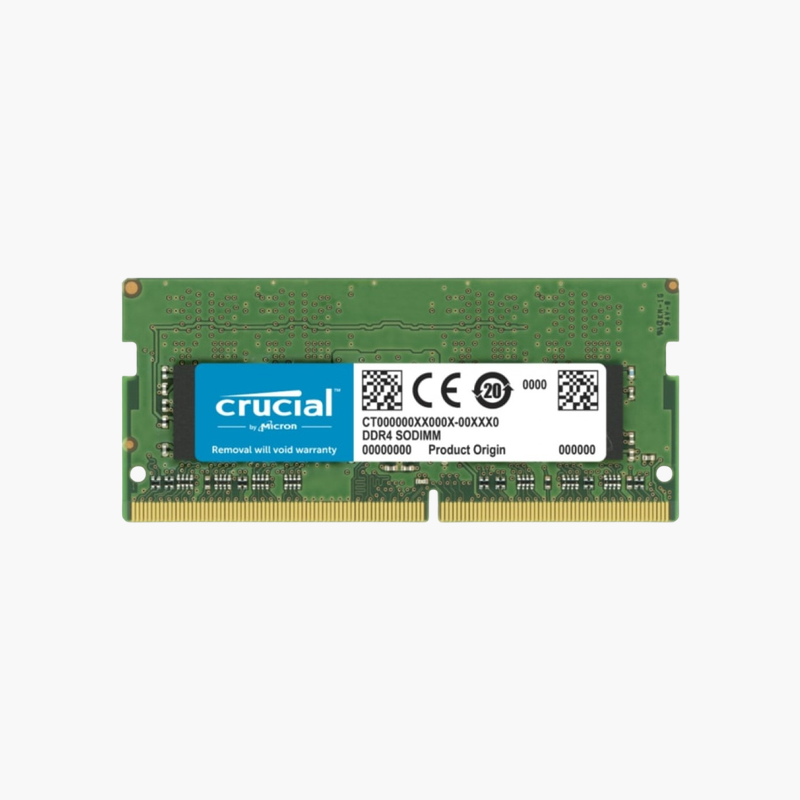
The SK hynix HMAA1GS6CJR6N-XN is an 8GB DDR4-3200 SODIMM built on high-density 16Gb chips in a 1Rx16 layout. It matches memory factory-installed in many Dell, HP, and Lenovo laptops and suits repairs, second-slot upgrades, and refurbished units that need a compatible 8GB module.
Why OEM Memory Is a Safe Laptop Upgrade
Thin laptops often ship with 1Rx16 modules because they use fewer, higher-density chips. When adding a second module or replacing one, matching the original organization can help avoid compatibility issues on some platforms.
This module runs at 3200 MT/s with CL22 timings at 1.2V, and falls back to 2933, 2666, or 2400 MT/s automatically on older systems.
Pairing it with an existing 8GB module gives 16GB in dual channel, which improves responsiveness and integrated graphics.
Matched to Factory Configurations
Refurbishers and repair shops can match the original module type to keep laptops consistent with their factory configuration.
Efficient for Thin Laptops
Fewer chips mean slightly lower power draw, which suits thin notebooks where battery life and heat matter.
How to Install the SK hynix 8GB SODIMM
- Shut down the laptop, unplug the charger, and remove or disconnect the battery if the service manual says to.
- Remove the memory access panel or bottom cover and release any existing module by spreading the side clips.
- Insert the new module at about 30 degrees with the notch aligned, then press it flat until the clips lock.
- Close the panel, power on, and confirm the new memory total in BIOS or your operating system.









Reviews
There are no reviews yet.