
Networking
Shop all 595 products
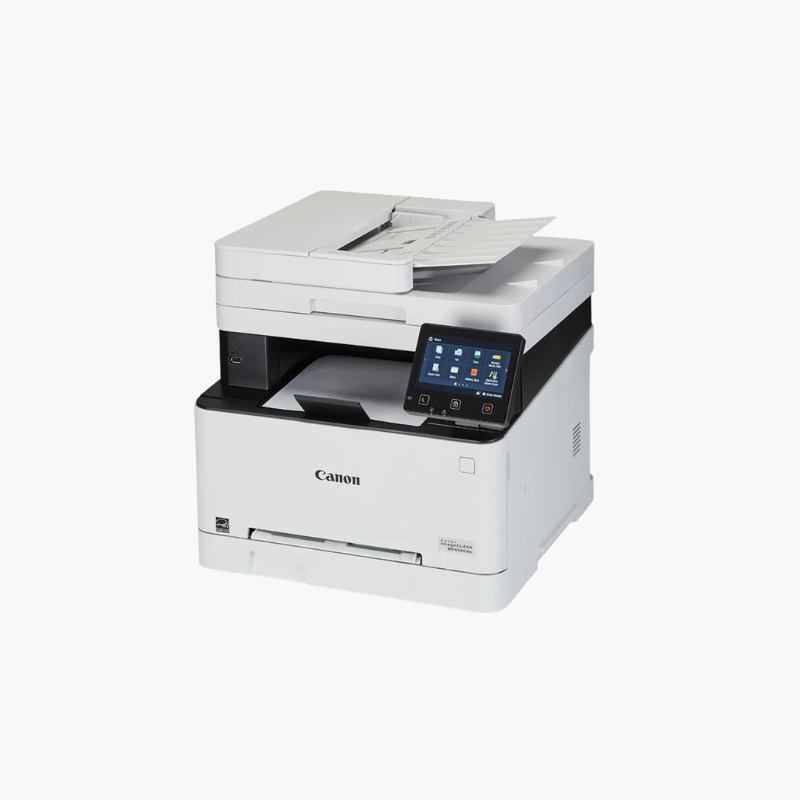
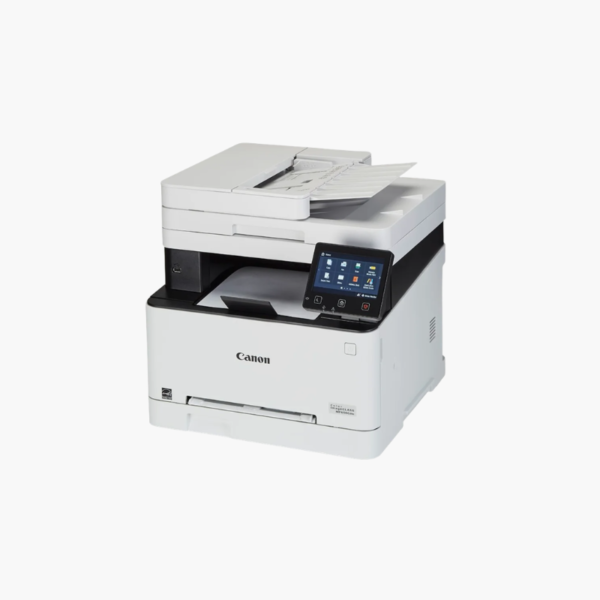
The Canon Color imageCLASS MF656Cdw is a wireless color laser all-in-one for small offices and workgroups. It prints at up to 22 pages per minute in color and black, adds scan, copy, and fax, and includes a 50-sheet single-pass duplex document feeder with a 5-inch color touchscreen for simple daily operation.
Deep-Dive Story & Problem/Solution
Small Offices Lose Time Juggling Separate Print, Scan, and Fax Devices
Many small teams still rely on an old mono laser for printing, a flatbed scanner for contracts, and a separate fax line. Each device needs its own supplies and space, and two-sided originals have to be flipped by hand.
The MF656Cdw combines the four functions in one unit. The single-pass duplex ADF reads both sides of up to 50 sheets in one run, and automatic two-sided printing cuts paper use on long documents.
Canon 067 toner cartridges are available in standard and high-capacity versions, so the cost per page can be matched to how much the office actually prints.
Color Laser Output at 1200 dpi
Sharp text and solid color graphics come out at up to 22 ppm, with a 250-sheet cassette and a one-sheet manual slot for envelopes and labels.
Network and Mobile Ready
Gigabit Ethernet, Wi-Fi, and USB are built in. Apple AirPrint, Mopria, and the Canon PRINT app allow printing and scanning from phones and tablets.
Setup Instructions
How to Set Up the Canon MF656Cdw
- Remove packing materials and confirm the four 067 toner cartridges are seated.
- Load paper in the 250-sheet cassette and power on the printer.
- Follow the touchscreen guide to set language, date, and network connection.
- Install the Canon driver on each computer and connect the fax line if needed.













Reviews
There are no reviews yet.