
Networking
Shop all 595 products
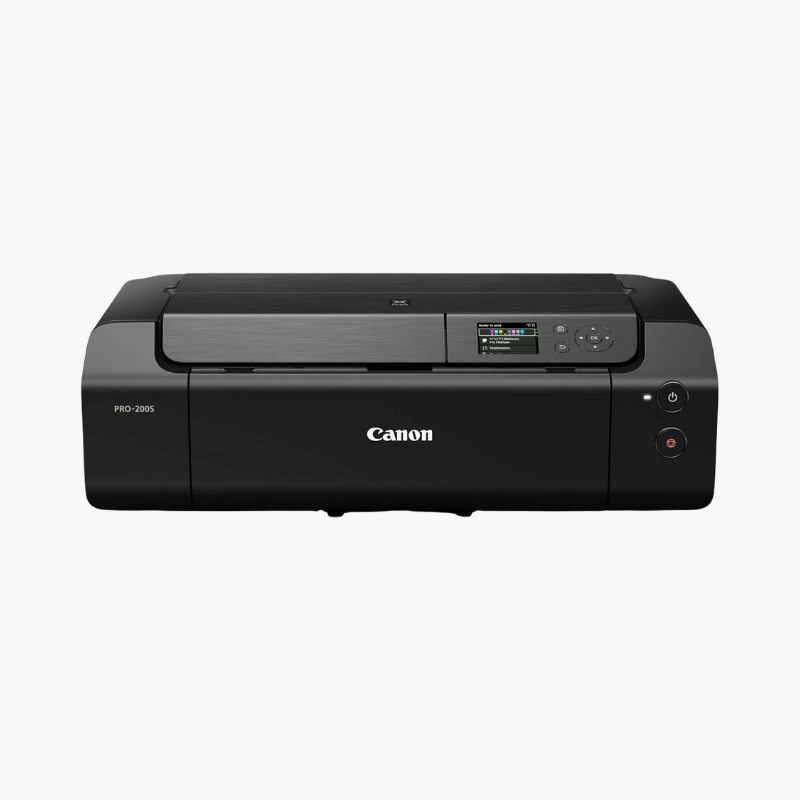
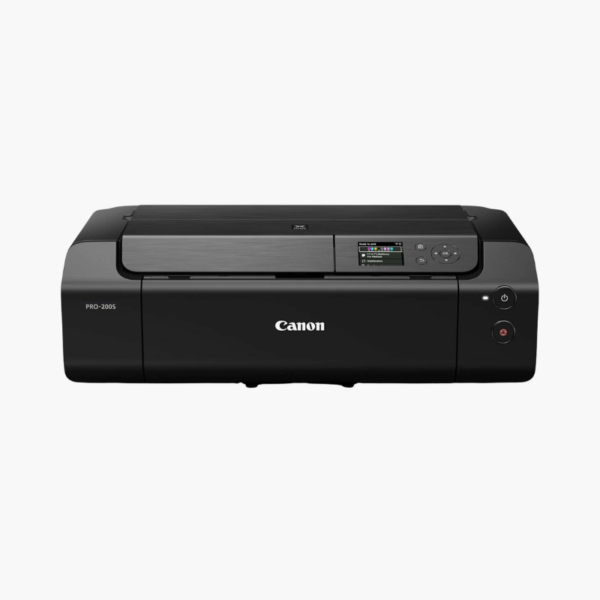
The Canon PIXMA PRO-200S is a 13-inch professional inkjet photo printer for photographers, designers, and studios. It uses an 8-color dye-based ink system to print borderless photos up to 13 x 19 inches, completes a bordered A3+ print in about 90 seconds, and connects through Wi-Fi, Ethernet, or USB.
Deep-Dive Story & Problem/Solution
Outsourced Photo Prints Slow Down Proofing and Color Control
Sending files to a lab adds days to each proof cycle and leaves color decisions to someone else. Standard office printers cannot reproduce the color range or paper sizes that portfolio and gallery work need.
The PRO-200S brings large-format photo output in-house. Eight individual ChromaLife 100+ dye inks, including photo cyan, photo magenta, gray, and light gray, give vivid color and neutral black-and-white prints on glossy and luster papers.
Canon Professional Print & Layout software handles layout, soft proofing, and ICC profiles directly from common editing applications.
Media Handling for Studio Work
A top feeder takes photo papers and a rear manual feed accepts fine art and thicker media. Panoramic prints with a custom length are also supported.
Compact for a 13-Inch Printer
At roughly 14.1 kg, the PRO-200S fits on a desk or shelf, making it practical for home studios and small print businesses.
Setup Instructions
How to Set Up the Canon PIXMA PRO-200S
- Place the printer on a level surface with space behind for the rear feed.
- Install the print head and the eight CLI-65 ink tanks, then let initialization finish.
- Connect over Wi-Fi, Ethernet, or USB and install the Canon driver and Professional Print & Layout.
- Load photo paper, select the matching media type, and print a nozzle check.















Reviews
There are no reviews yet.