
Networking
Shop all 595 products
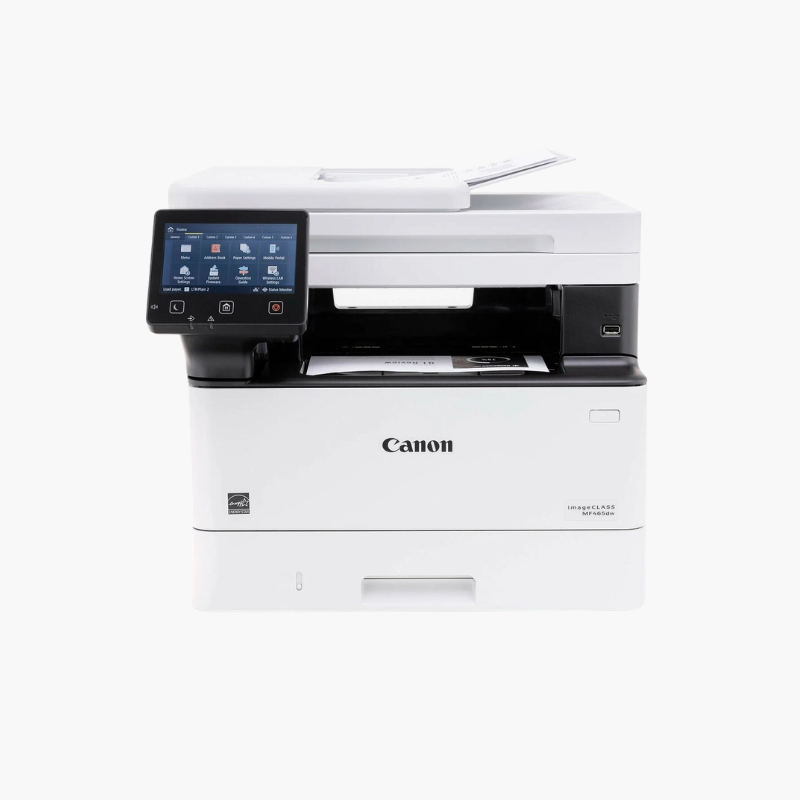
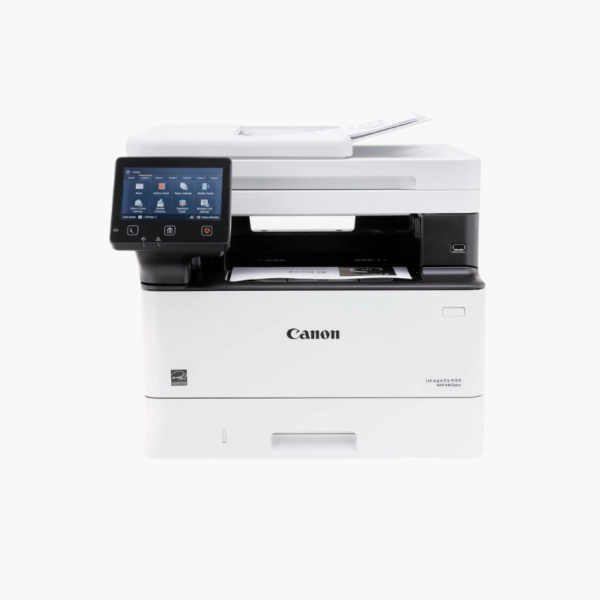
The Canon imageCLASS MF465dw is a wireless monochrome laser all-in-one for small and medium offices. It prints at up to 42 pages per minute, scans, copies, and faxes, and includes a 50-sheet single-pass duplex document feeder, a 5-inch color touchscreen, and 350 sheets of standard paper capacity.
Deep-Dive Story & Problem/Solution
Document-Heavy Offices Need Speed Without a Large Copier
Law firms, clinics, and accounting practices print and scan large volumes of black-and-white pages. A floor-standing copier is costly, while entry-level printers slow down under that workload.
The MF465dw prints 42 pages per minute at up to 1200 x 1200 dpi from a desktop footprint. Its single-pass duplex feeder scans two-sided documents quickly for archiving or email.
Canon 070 toner is available in standard and high-capacity versions, so busy offices can extend the time between replacements.
Paper Handling
A 250-sheet cassette and 100-sheet multipurpose tray are standard. An optional 550-sheet cassette raises total capacity to 900 sheets.
Touchscreen Workflows
The 5-inch color touchscreen stores common scan and copy jobs. AirPrint, Mopria, and the Canon PRINT app handle mobile printing.
Setup Instructions
How to Set Up the Canon MF465dw
- Remove packing materials and install the toner cartridge.
- Load paper in the cassette and power on the printer.
- Complete the touchscreen setup and connect to Wi-Fi or Ethernet.
- Install drivers on each computer and connect the phone line for fax.















Reviews
There are no reviews yet.