
Networking
Shop all 595 products
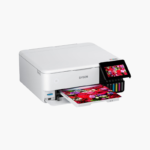
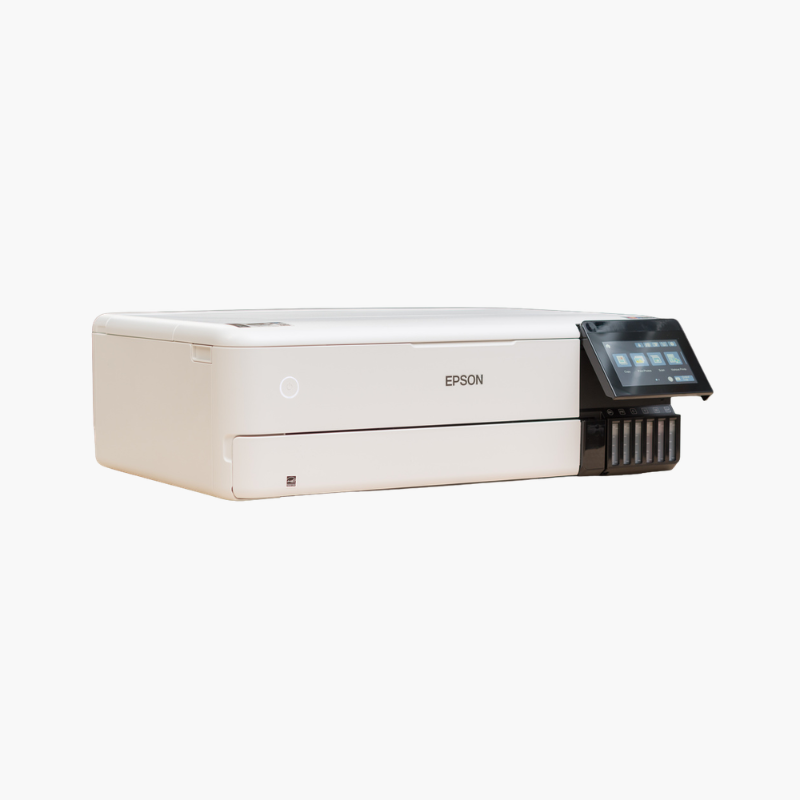
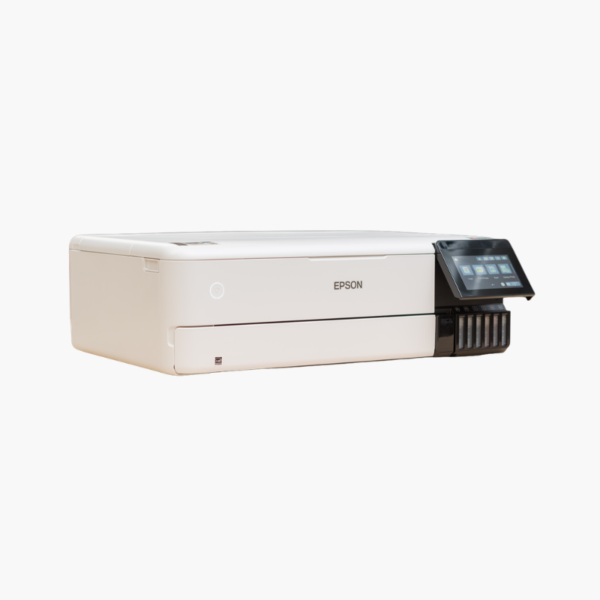
The Epson EcoTank Photo ET-8550 is a wireless wide-format all-in-one supertank printer for photographers, artists, and creative businesses. It uses six Claria ET Premium inks to print borderless photos up to 13 x 19 inches, and adds scanning and copying.
Deep-Dive Story & Problem/Solution
High-Quality Photo Printing Has Always Meant High Ink Costs
Enthusiast photo printers use small cartridges, and a single 13 x 19 print can consume a noticeable share of a set. That cost discourages experimentation and makes selling prints less profitable.
The ET-8550 pairs a six-color photo ink set with refillable EcoTank reservoirs. Epson T552 bottles hold far more ink than cartridges, and each replacement set is equivalent to roughly 100 individual cartridges.
Photo black and gray inks improve shadow detail and neutral monochrome output. Resolution reaches 5760 x 1440 dpi, with borderless printing up to 13 x 19 inches.
Wide-Format Photo Quality
Three paper paths handle photo sizes up to 13 x 19 inches, plus thick media through a straight-through feed. Automatic two-sided printing is available for documents.
Creative Studio All-in-One
A 1200 x 4800 dpi flatbed scanner, a 4.3-inch touchscreen, SD card slot, Wi-Fi 5, Ethernet, and USB support a full creative workflow.
Setup Instructions
How to Set Up the Epson EcoTank Photo ET-8550
- Place the 24.5 lb printer on a stable surface and remove protective materials.
- Fill the six tanks from the T552 bottles and begin ink charging.
- Load photo paper in the appropriate tray or rear feed.
- Connect to Wi-Fi or Ethernet and print a nozzle check.















Reviews
There are no reviews yet.