
Networking
Shop all 595 products
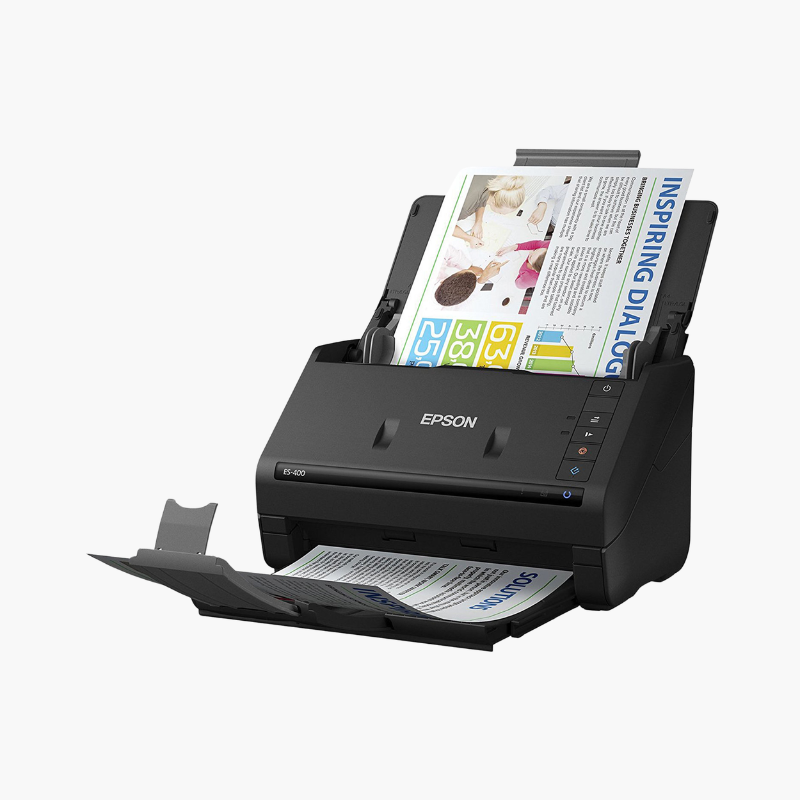
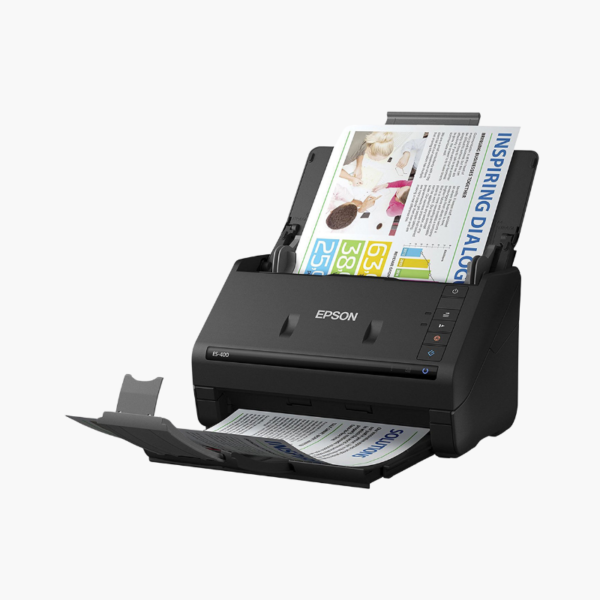
The Epson WorkForce ES-500W II is a wireless color duplex desktop document scanner for home offices and small teams. It scans up to 35 pages or 70 images per minute from a 50-sheet feeder and connects through Wi-Fi or USB 3.0 to computers, smartphones, tablets, and cloud storage services.
Deep-Dive Story & Problem/Solution
Cabled Scanners Keep Documents Stuck at One Desk
A USB-only scanner works for one person. In a shared office or a home with several devices, everyone else has to move files around manually or wait for access to that computer.
The ES-500W II joins the wireless network, so any authorized computer or mobile device can receive scans. The Epson Smart Panel app starts and saves scans from a phone.
ScanSmart software handles file naming, OCR, and delivery to email or online storage, and automatic image clean-up keeps pages legible.
Batch Scanning
The 50-sheet feeder accepts receipts, business cards, and plastic cards alongside standard pages, with a peak rating of 4,000 sheets per day.
Desk-Friendly Size
The scanner weighs about 8.1 lbs and folds closed between uses to keep dust out of the feed path.
Setup Instructions
How to Set Up the Epson ES-500W II
- Connect power and switch the scanner on.
- Install Epson ScanSmart and follow the prompts to join Wi-Fi or connect by USB.
- Install the Epson Smart Panel app for phone and tablet scanning.
- Load documents face down and press the scan button.















Reviews
There are no reviews yet.