
Networking
Shop all 595 products
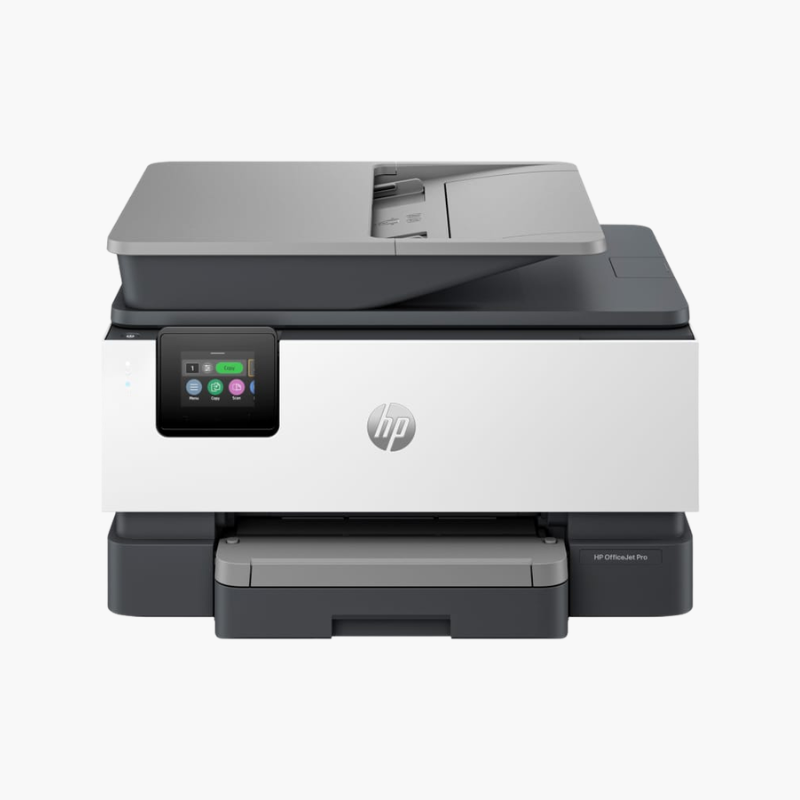
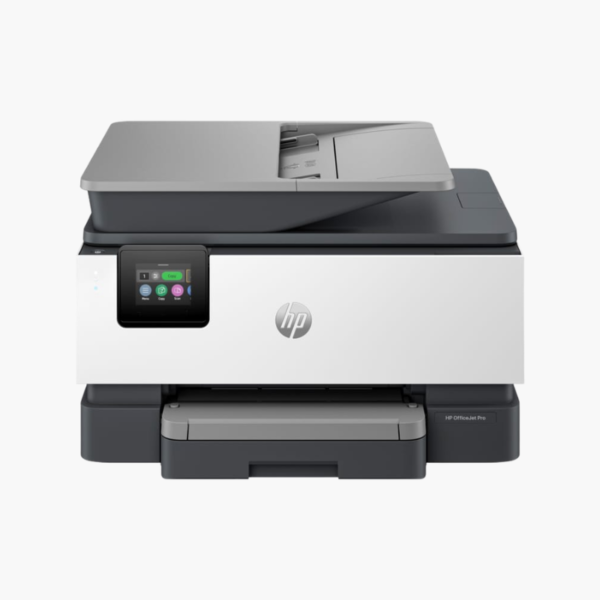
The HP OfficeJet Pro 8139e is a wireless color inkjet all-in-one for home offices and small teams. It prints, scans, copies, and faxes, with a 35-sheet ADF, automatic duplex printing, a 225-sheet tray, a 2.7-inch touchscreen, and Ethernet plus dual-band Wi-Fi.
Deep-Dive Story & Problem/Solution
A Home Office Printer Must Be Ready for Business Paperwork Every Day
Running a business from home means printing, signing, scanning, and returning documents on short notice. Missing features cause delays that clients notice.
The OfficeJet Pro 8139e provides the complete set: print, scan, copy, and fax, a 35-sheet ADF, and automatic two-sided printing. Scan resolution reaches 1200 x 1200 dpi and scans can be saved as PDF, JPG, and other formats.
Print speeds are up to 20 ppm in black and 10 ppm in color (ISO). It is designed for up to 800 pages a month, with a duty cycle of up to 20,000 pages.
Everything a Small Office Needs
A 225-sheet tray and 60-sheet output tray handle daily volumes. Print on media up to 8.5 x 14 inches.
Flexible Connectivity
Ethernet, dual-band Wi-Fi, USB, and fax ports are fitted. AirPrint, Wi-Fi Direct, and Mopria support mobile devices, and the 2.7-inch touchscreen simplifies operation.
Setup Instructions
How to Set Up the HP OfficeJet Pro 8139e
- Remove packaging and install the four setup cartridges.
- Load paper and connect the phone line for fax.
- Connect via Ethernet or the HP Smart app.
- Run alignment and test each function.














Reviews
There are no reviews yet.