
Networking
Shop all 595 products

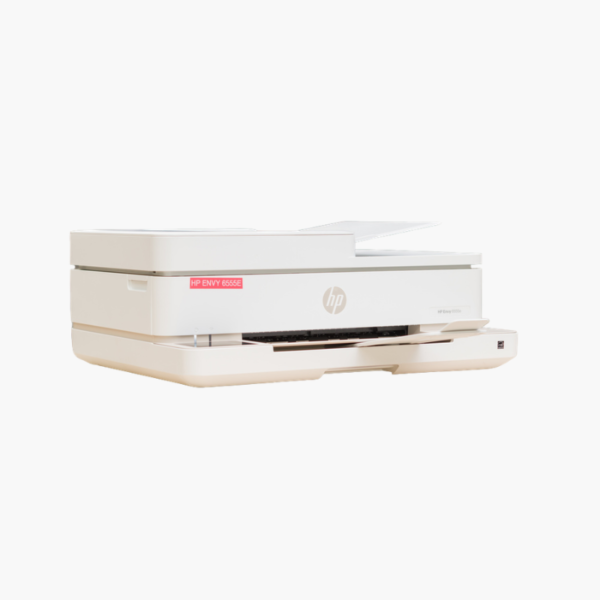
The HP ENVY 6555e is a wireless color inkjet all-in-one built for home use. It prints, scans, and copies, offers automatic two-sided printing, and is set up and operated through the HP Smart app for straightforward family printing from phones and laptops.
Deep-Dive Story & Problem/Solution
The Family Printer Has to Work for Everyone in the House
One home printer serves parents, students, and guests using different phones, tablets, and laptops. If printing requires installing drivers or standing next to the device, it does not get used.
The ENVY 6555e connects over Wi-Fi and works with the HP Smart app, AirPrint, and Mopria. Anyone on the home network can print or scan without cables.
Thermal inkjet printing with two cartridges handles text and color photos, and automatic duplex reduces paper use on longer documents.
Easy Printing for the Whole Household
Scan documents and photos from the flatbed, make copies, and print borderless photos for projects and albums.
Simple Setup and Upkeep
The app guides installation and reports ink levels. Mobile fax is available through the app for occasional needs.
Setup Instructions
How to Set Up the HP ENVY 6555e
- Unpack the printer and remove tape.
- Install the two ink cartridges and load paper.
- Add the printer in the HP Smart app and connect to Wi-Fi.
- Complete alignment and print a test page.















Reviews
There are no reviews yet.