
Networking
Shop all 590 products
Add a matching 8GB stick and run your laptop in dual channel.
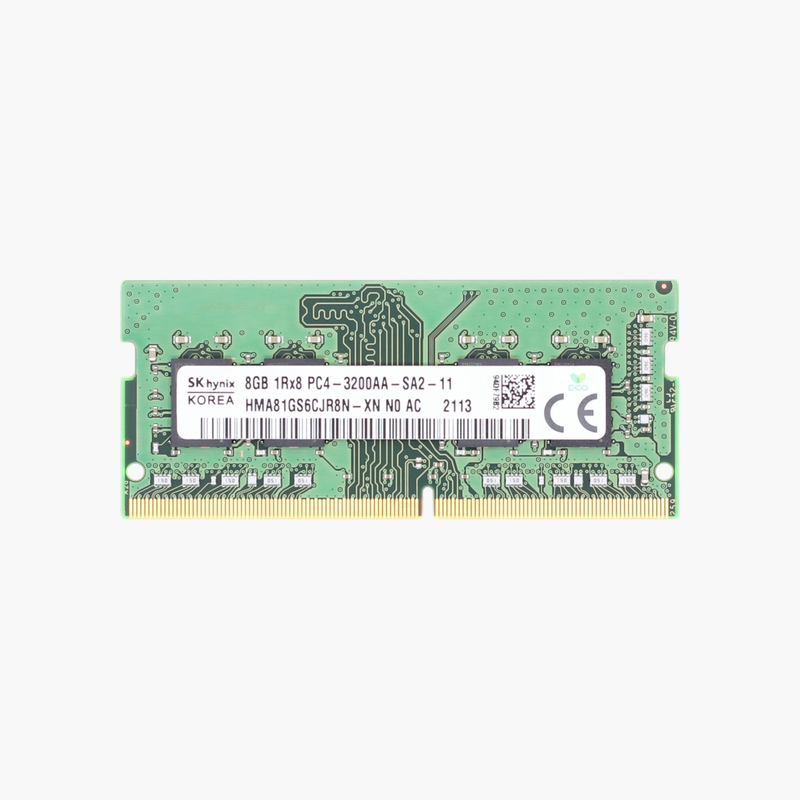
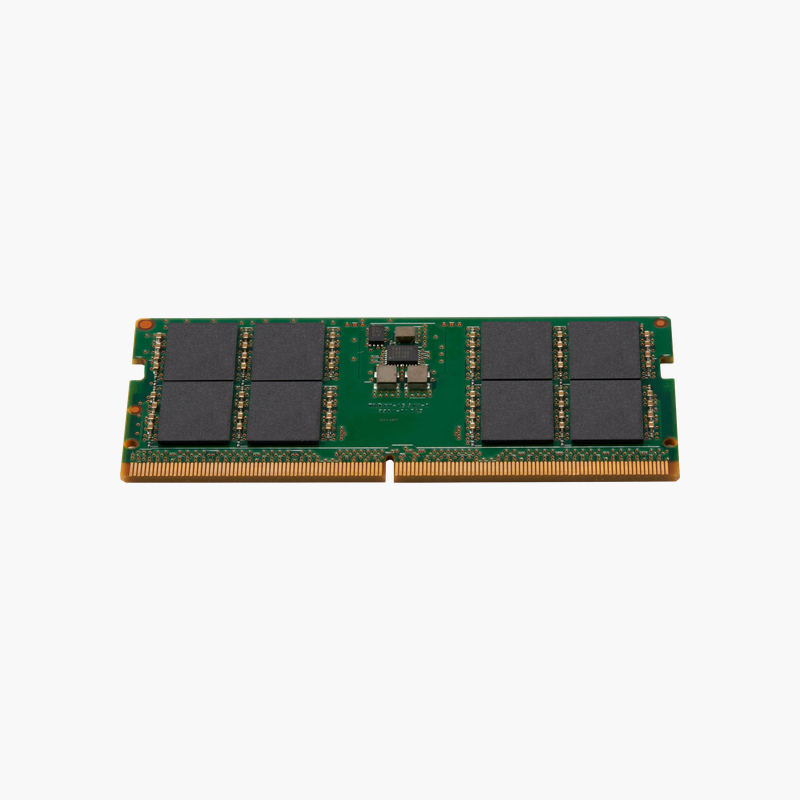
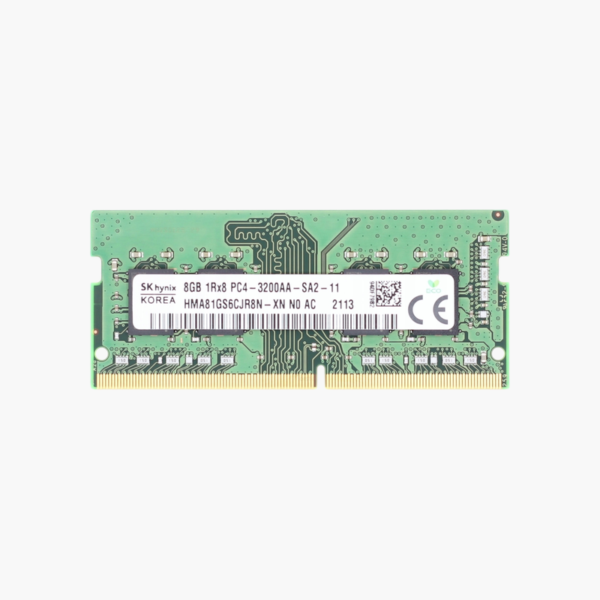
The SK hynix HMA81GS6CJR8N-XN is an 8GB DDR4-3200 SODIMM with a single-rank 1Rx8 layout. It is a common OEM module in Dell, HP, and Lenovo laptops, making it a reliable choice for adding a second module, replacing a failed one, or standardizing refurbished fleets at 16GB.
Why OEM Memory Is a Safe Laptop Upgrade
Many laptops ship with one 8GB module, leaving one memory channel empty. Adding this module brings total memory to 16GB and enables dual-channel bandwidth.
The PC4-3200AA rating means 3200 MT/s with CL22 JEDEC timings, the top standard DDR4 laptop speed. In older systems, the module runs at the platform’s supported speed automatically.
Its 1Rx8 layout uses eight memory chips on one side, a configuration that is broadly compatible and commonly paired with factory-installed modules.
Dual Channel for Integrated Graphics
Intel Iris Xe and AMD Radeon integrated graphics rely on system memory bandwidth, so a second module noticeably improves graphics and multi-monitor performance.
Standard Spare for Fleets
IT departments can keep one 8GB DDR4-3200 part number on hand for repairs across many recent laptop models.
How to Install the SK hynix 8GB SODIMM
- Shut down the laptop, unplug the charger, and remove or disconnect the battery if the service manual says to.
- Remove the memory access panel or bottom cover and release any existing module by spreading the side clips.
- Insert the new module at about 30 degrees with the notch aligned, then press it flat until the clips lock.
- Close the panel, power on, and confirm the new memory total in BIOS or your operating system.








Reviews
There are no reviews yet.