
Networking
Shop all 595 products

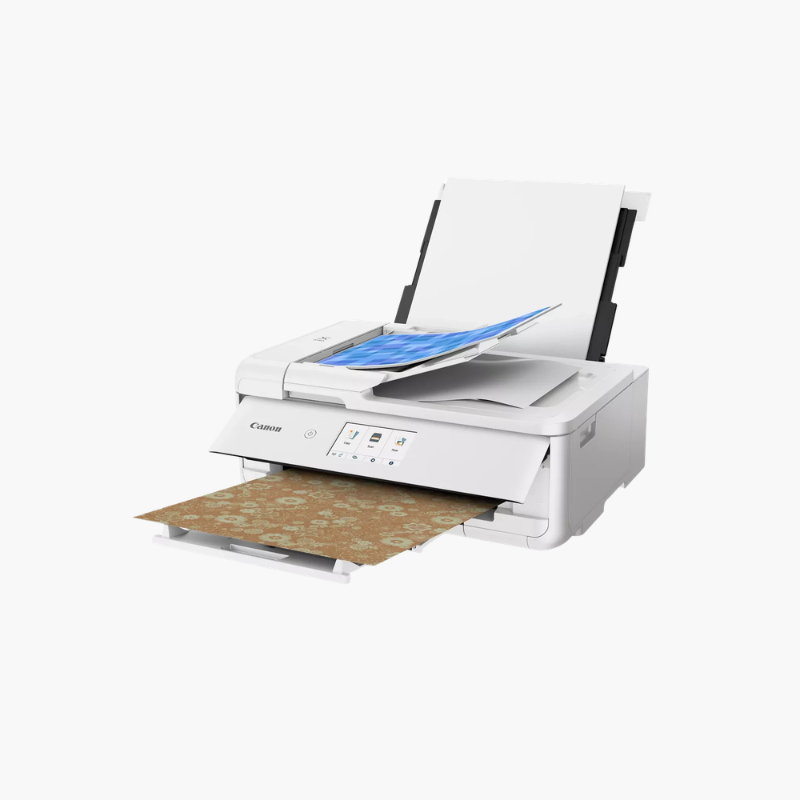
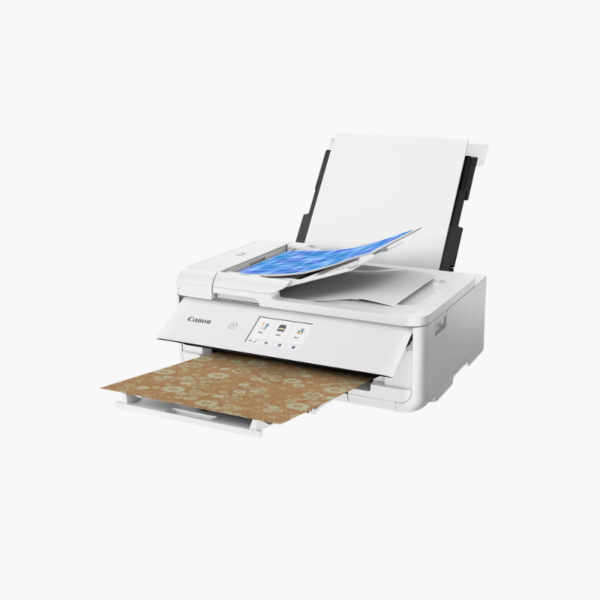
The Canon PIXMA TS9521Ca is a wireless crafting all-in-one inkjet printer for scrapbookers, card makers, and home offices. It prints borderless pages up to 12 x 12 inches and documents up to 11 x 17 inches, and adds an automatic document feeder, automatic two-sided printing, and a 4.3-inch touchscreen.
Deep-Dive Story & Problem/Solution
Craft Projects Need Paper Sizes That Ordinary Printers Cannot Feed
Scrapbook layouts are built on 12 x 12-inch pages, and cards, stickers, and cutting-machine designs need accurate color on specialty media. Letter-size printers force crafters to tile pages or pay for outside printing.
The TS9521Ca feeds 12 x 12-inch and 11 x 17-inch paper through its rear tray and prints edge to edge. Five individual inks deliver sharp text and color photos at up to 4800 x 1200 dpi.
Built-in pattern papers can be printed from the touchscreen, and booklet layout copy helps produce folded handouts without a computer.
Everyday Office Functions
A front cassette holds letter paper for daily printing, while the document feeder and flatbed handle copies and scans. Automatic duplex printing saves paper.
Wireless and Direct Printing
Wi-Fi, Bluetooth, and USB connect computers and phones. An SD card slot, AirPrint, and Mopria support direct printing of photos and designs.
Setup Instructions
How to Set Up the Canon PIXMA TS9521Ca
- Remove packing tape and power on the printer.
- Install the five ink tanks and wait for initialization.
- Load paper and follow the touchscreen steps to join Wi-Fi.
- Install the Canon driver or Canon PRINT app and print a test page.















Reviews
There are no reviews yet.