
Networking
Shop all 595 products
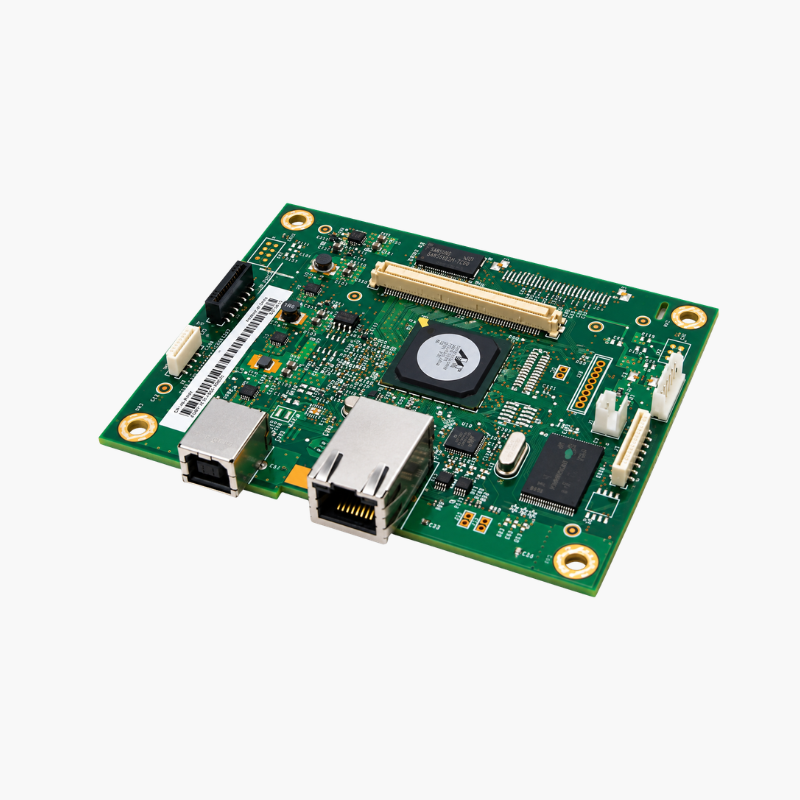
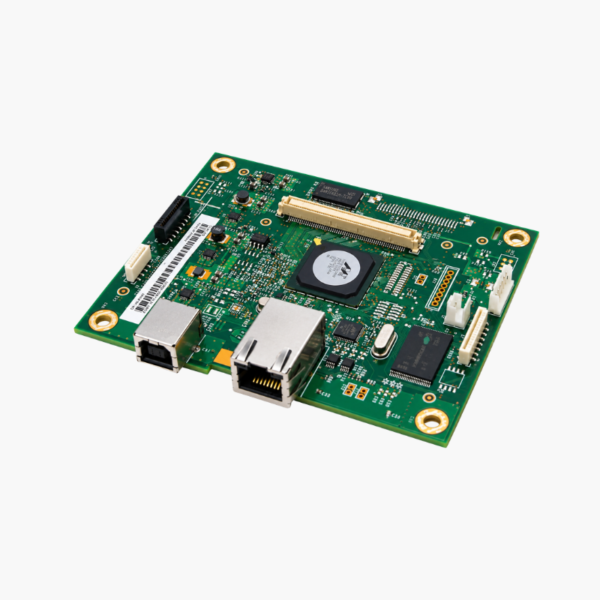
The HP CF149-60001 Formatter Board is the replacement main logic board for the HP LaserJet Pro 400 M401n printer. The formatter processes print data and manages USB and Ethernet connections, so replacing a failed board resolves faults such as failure to boot, a frozen control panel, or dropped network communication.
Deep-Dive Story & Problem/Solution
A Failed Formatter Leaves a Working Print Engine Unusable
When a LaserJet Pro 400 M401n stops at the HP logo, shows a blank or frozen display, or disappears from the network, the mechanical parts are often fine. The fault lies in the formatter, which handles all data processing.
Replacing the printer for an electronic fault wastes a serviceable engine, fuser, and trays. A new formatter board restores normal operation at a fraction of the cost of a new printer.
CF149-60001 is the board for the M401n network model. The M401dn and M401dw use a different formatter, part CF150-60001.
What the Formatter Does
It receives print jobs, converts them into page images, stores settings and firmware, and provides the Hi-Speed USB and Ethernet ports.
Before You Order
Confirm the exact model on the printer’s front label and rule out a faulty power supply or cable, since these can cause similar symptoms.
Setup Instructions
How to Replace the Formatter Board on a LaserJet Pro 400 M401n
- Turn off the printer, unplug the power cord, and disconnect all cables.
- Remove the left-side cover to expose the formatter and note each cable position.
- Disconnect the cables, remove the mounting screws, and lift out the old board.
- Fit the new board, reconnect cables, refit the cover, and print a configuration page.















Reviews
There are no reviews yet.