Networking
Shop all 595 products
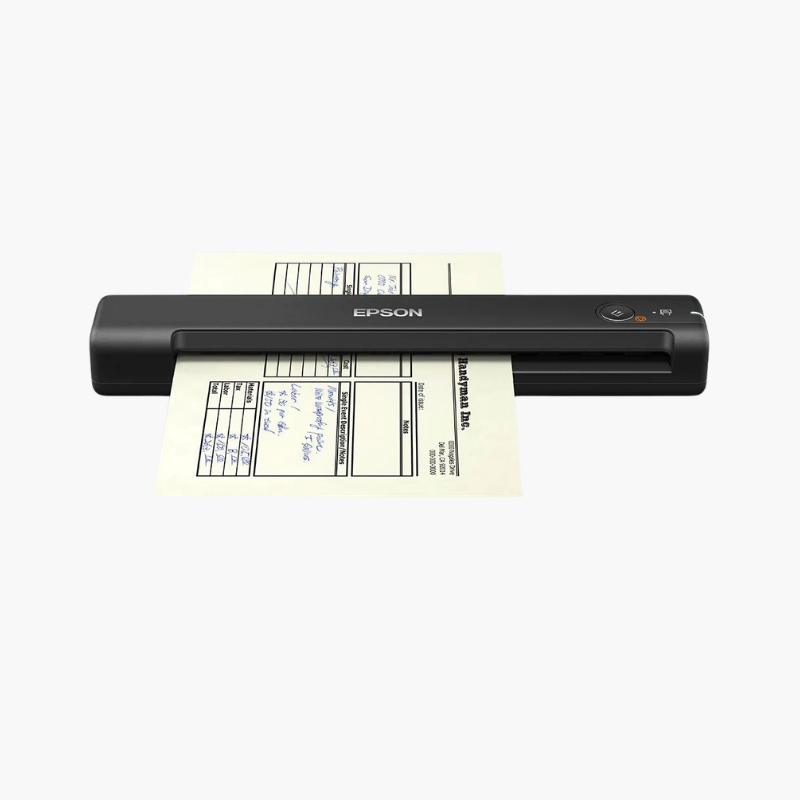
The Fujitsu fi-7180 is a duplex desktop document scanner for high-volume offices, records departments, and service bureaus. It scans up to 80 pages or 160 images per minute at 300 dpi, holds 80 sheets in its feeder, connects over USB 3.0, and includes PaperStream IP and PaperStream Capture software.
Deep-Dive Story & Problem/Solution
Scanning Backlogs Grow When the Scanner Is the Slowest Step
Mailrooms, claims teams, and records offices handle thousands of pages daily. A slower scanner or frequent jams turn digitization into a queue and delay everything downstream.
The fi-7180 scans at 80 ppm in color, grayscale, or black and white. Paper protection listens for the sound of a misfeed and stops before a document is damaged, and the skew reducer keeps each sheet aligned.
PaperStream IP cleans up images automatically for accurate OCR, and PaperStream Capture manages batch profiles, barcodes, and export to business systems.
Mixed Batch Handling
The feeder accepts thin paper, thick stock, embossed plastic cards, and long documents up to 5,588 mm, with ultrasonic multi-feed detection.
Compact for Its Speed
At about 300 x 170 x 163 mm and 4.2 kg, it fits on a desk while delivering departmental throughput.
Setup Instructions
How to Set Up the Fujitsu fi-7180
- Connect the power adapter and USB 3.0 cable to the computer.
- Install the PaperStream IP driver and PaperStream Capture software.
- Extend the trays, set the side guides, and load documents face down.
- Select a scan profile and press the Scan button.